

![]() |
|
|||||||
| Post Processing and Image Editing Help and advice on your post processing, and all image manipulation in the digital darkroom, whether you use Adobe Photoshop Elements, CS3 / CS4, or Corel Paint Shop Pro, or even the GIMP. Here is the place to discuss techniques such as levels, curves, layers, masks, channels, brushes and various tools. Also includes discussions about workflow. |
![]() |
|
|
Thread Tools |
|
|
#1 |
|
Been here a while
|
HDR/Photoshop Tutorial
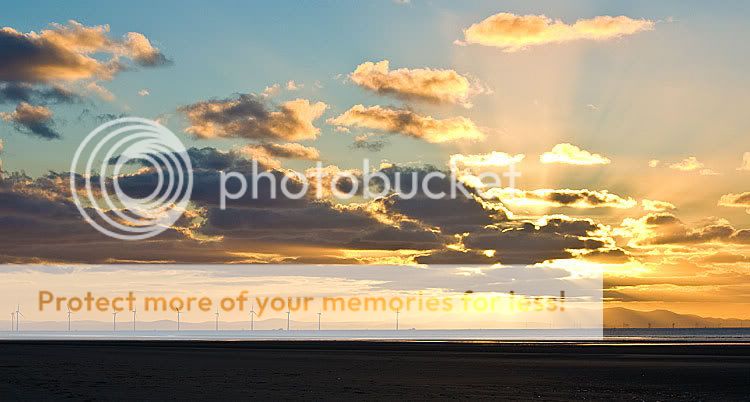
I was looking for a way to learn how to make an HDR image in photoshop and found this tutorial http://www.photoshopsupport.com/phot...nge/index.html
Although it is not for the faint hearted I finally got this still not sure I like the effect though. ![]() If anyone has any easier to follow tutorials for HDR in PS CS3 I would be interested in trying them out. |
|
|
|
|
|
#2 |
|
Negative Nancy
|
Re: HDR/Photoshop Tutorial
|
|
|
|
|
|
#5 |
|
Quite Chatty
|
Re: HDR/Photoshop Tutorial
Hi guys. I'm new to TP, so apologies for this being my first post.
I'm starting to look at HDR amd have read a fair deal about it, but not yet put it into proper practice. One thing that confuses me about the guide at http://www.vanilladays.com/hdr-guide is the 3 exposure method (the one in mainly looking into. It says that 'you will notice the shutter speed and aperture changes too...' why would you want the aperture to change for each exposure? surely you would need the same depth of focus for each exposure? cheers Karf |
|
|
|
|
|
#7 | |
|
Feet under the table
|
Quote:
|
|
|
|
|
![]() |
| Bookmarks |
| Thread Tools | |
|
|