Difficulties with correcting WB

Messages
2,390
Name
Nick
Edit My Images
Yes
Morning all,

I have been out playing this weekend with my Pro Stopper (10 stops) and am having real difficulty correcting the White Balance.
It seems to give off a colour cast, but this changes depending on the shot!

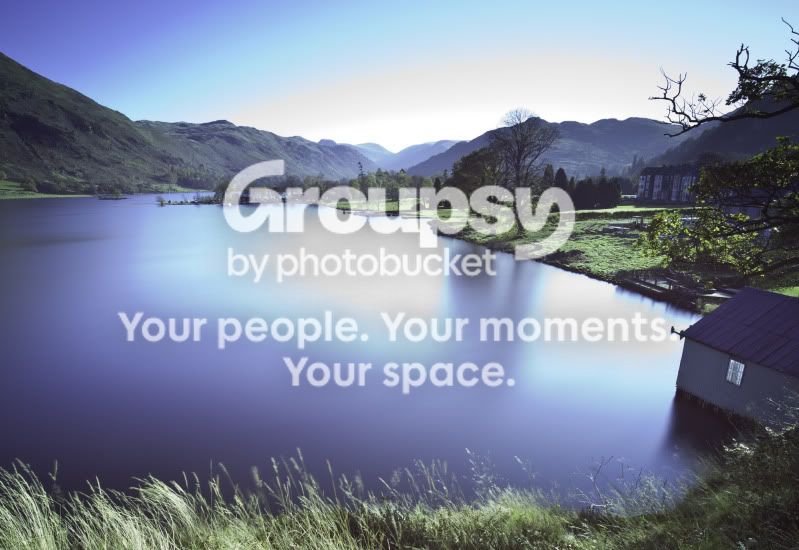
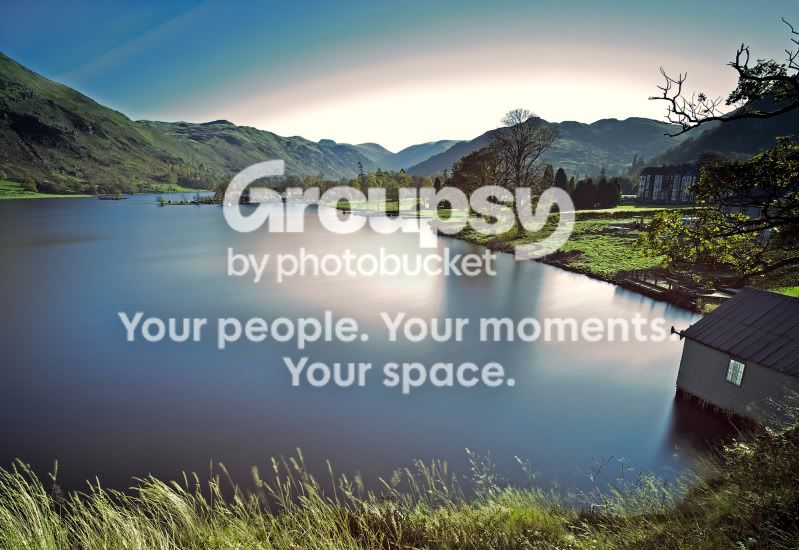
I have posted an example below of the original and then my edited version. Nerither look exactly right, but I cant get it to look how it looked to my eyes on the day either.

Can you give me any hints?

I know the original exposure isnt wonderful - but I should still be able to get it to look like it really did, right?

TIA for any help :)


Original
origRAW.jpg


Processed
edited.jpg
 
Last edited:
Nick, have you got the raw image to work with? and how have you tried to correct the WB so far?

Just looking at the image the boat shed appears to have a white painted wall, that would be the first place I would try with the WB eyedropper to get a reference in the image. And then manually tweak around that.
 
Hi Alastair,

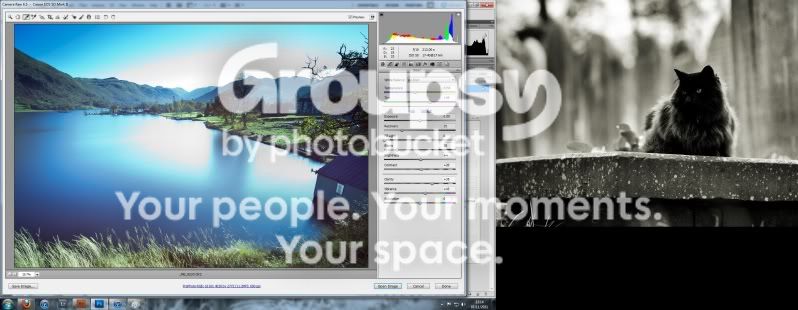
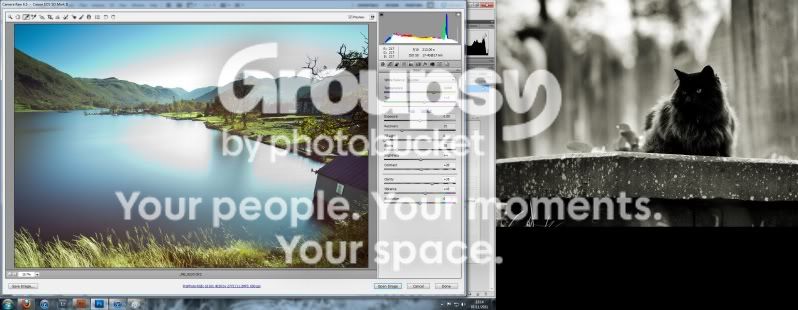
Thanks for the reply. I have tried as you suggested and have uploaded another two photos below (original for reference and WB taken from the boat shed)

Still doesnt look quite right to me.. but its better!

See how much it has changed the colour temperature values from standard? Is that normal?

White Balance As Shot
WBasshot.jpg


White Balance from Boat Shed
WBoffshed.jpg
 
I read somewhere that long exposures can give a colour cast from the sensor itself, and just to make matters worse it isn't uniform across the image.

Hopefully someone with more knowledge can confirm or deny.
 
Have you left the WB in auto or set to a specific one?

If left in auto it might be the reason why (i.e its slightly different every time).
 
Without personally knowin the scene, and looking at a low res screen grab (it's not really possible to make out much from those screeshots - the cat may be pretty, but it's not helping display the image we're talking about).. the white balance doesn't look to bad sampled from the boat shed.

Some of the contrast, vibrancy and saturation looks to have been killed by the filter, so they could do with bringing up a touch. Is there any detail to bring back from the Recovery slider in the three large blown areas?

I work with a welding glass filters, so to me the original looks like a pretty reasonable starting point for a RAW file SOOC for further post-processing..
 
Back
Top