


Lynton
awkward customer
- Messages
- 10,606
- Name
- Lynton (yes really!)
- Edit My Images
- No
The background...
Grew up with dad and his Pentax ME Super (which when you were a kid in the 70's really was super) and for some reason, he always had films processed as slides.
30+ years on
I thought would be a cool birthday present to buy the old man a digital picture frame and preload it with various snaps from his extensive slide collection that now sit unloved and unseen in a wardrobe......... so after a thread on here, had a most kind offer from a member on here "spuff" who sent me a loan of a "panador" slide duplicator.
Had a go today and whilst ok-ish seem to be slightly oof and a bit soft......
Almost as if couldn't get the slide quite close enough to the sensor......... anyone have any experience of transforming slide to digital? I realise I could take somewhere and have done, but that would lose the personal touch for me.
Anyway here are a few very embarressing pictures of me (much younger) to emphasise my point.
Have a laugh at least, at my expense.
Dib dib dib
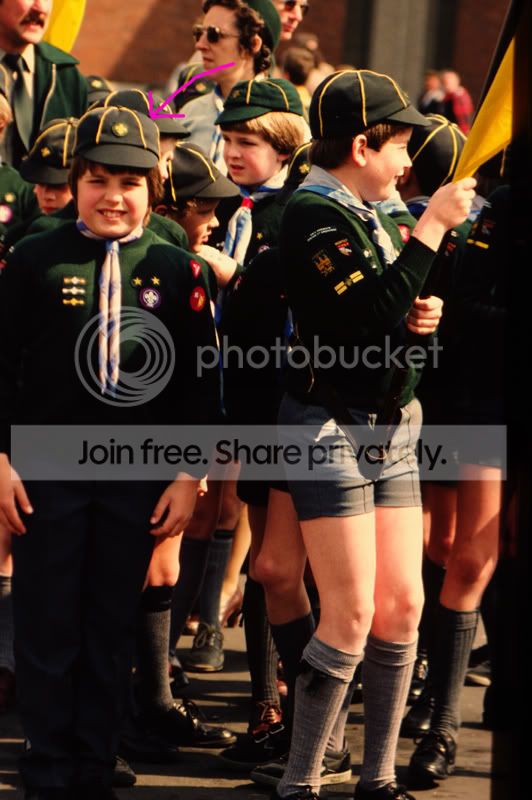
Shorts & socks - how cool?
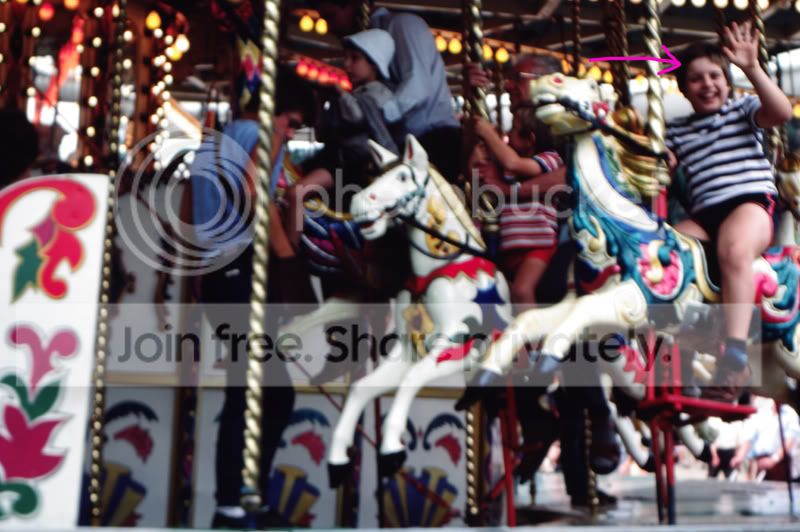
Nice hair! (wish i had some of it left!)
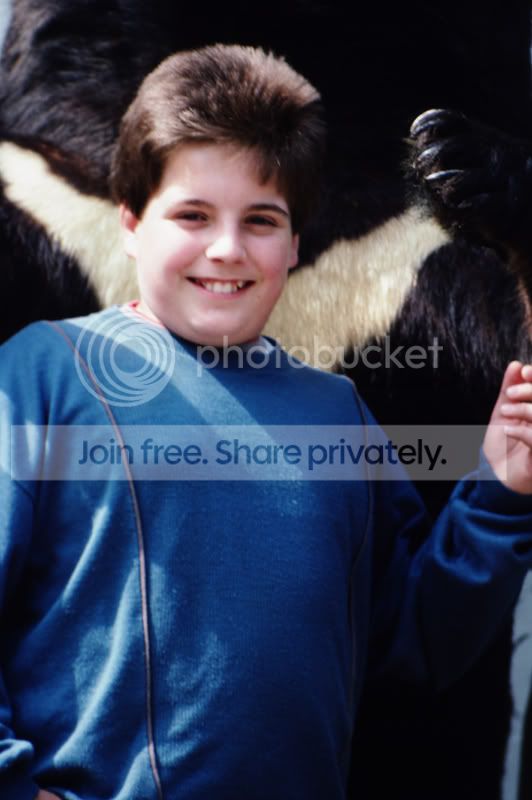
I remember this one so well
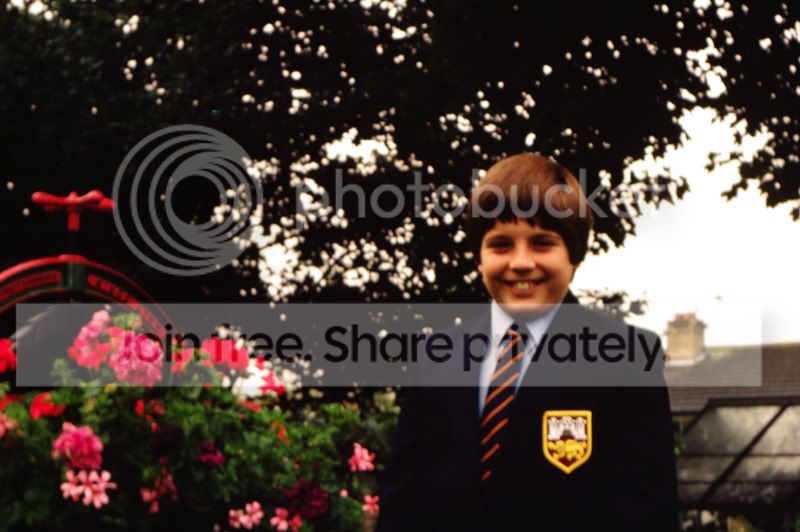
Not after C&C as such on the photos (though feel free to take the pee!) just for any help / tips n getting the slides a bit sharper!
thanks
Lynton
Grew up with dad and his Pentax ME Super (which when you were a kid in the 70's really was super) and for some reason, he always had films processed as slides.
30+ years on
I thought would be a cool birthday present to buy the old man a digital picture frame and preload it with various snaps from his extensive slide collection that now sit unloved and unseen in a wardrobe......... so after a thread on here, had a most kind offer from a member on here "spuff" who sent me a loan of a "panador" slide duplicator.
Had a go today and whilst ok-ish seem to be slightly oof and a bit soft......
Almost as if couldn't get the slide quite close enough to the sensor......... anyone have any experience of transforming slide to digital? I realise I could take somewhere and have done, but that would lose the personal touch for me.
Anyway here are a few very embarressing pictures of me (much younger) to emphasise my point.
Have a laugh at least, at my expense.
Dib dib dib
Shorts & socks - how cool?
Nice hair! (wish i had some of it left!)
I remember this one so well
Not after C&C as such on the photos (though feel free to take the pee!) just for any help / tips n getting the slides a bit sharper!
thanks
Lynton


