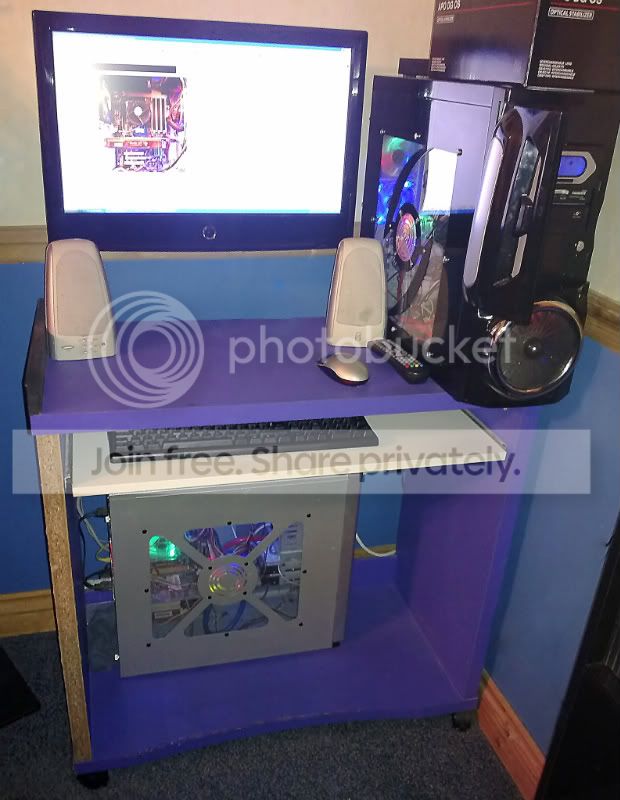
when your editing rig fails..

Messages
30,364
Name
Neil
Edit My Images
No
when backups dont help, when your main machine goes down with a hardware issue..

so ive just gone to use the eSATA port on my motherboard for the first time and found out that its borked. luckily its a week inside the years warranty. unluckily it means i may be without my lightroom editing rig for a week or so.

so, what do you do when your main machine goes down?
 
Laptop and monitor, not ideal but gets me out of a pickle, if that isnt good for me ive got my eldest lads old Mesh Matrix Athlon 1800 system to fall back on, if that fails i can use the desktop at work
 
It's never happened fortunately, but if it did, laptop and monitor.
 
I have three other machines in the house and another two in the cupboard.

Was it a Raid?

How embarrassing for you, Neil!
 
I've got a 5 year old vaio laptop I could plug into my monitor but the video driver on my laptop only supports 1920x1200 and not 1920x1080 (native res of my monitor) so I have to use a lower resolution setting which looks awful.

The laptop itself only has a low quality 1280x800 screen which is way too low res & quality for editing really.
 
A wee comment on your numerous comments on Raid not being a backup, Neil.

Hope you get sorted soon.

However, if your post relates to the number of PC's in my household, the total number is FIVE!
 
I go to my server.. which is more powerful than my desktop.................
 
A wee comment on your numerous comments on Raid not being a backup, Neil.

whats that got to do with a dead eSATA port? and for the record my NAS storage is unaffected.

my original question was regarding what you do in the event of your main computer going down while still having access to your files.

and as for being embarassed, i dont see why i should be. if anything im feeling lucky i found the fault before my warranty expired.

anyway back on topic.. those of you using lightroom that say you switch to a 2nd machine do you just move the database/catalogue/preview files over and then move them back again when the other machine is working?
 
my original question was regarding what you do in the event of your main computer going down while still having access to your files.

I would still cry as that would mean I have no access to my games ;D

and my laptops would be useless to PP photos ;D
 
............anyway back on topic.. those of you using lightroom that say you switch to a 2nd machine do you just move the database/catalogue/preview files over and then move them back again when the other machine is working?

Not sure that would work, Neil, without copying across the actual photos too.

I have copied all the Lightroom stuff across to a second PC and it works fine, however all my photos are already there as part of my backups.

Oops, I see you still have access to your photos, so if you point Lightroom at their location, all should be well.
 
Last edited:
Either use a laptop hooked up to my monitor with my Lr catalogue and photos running off my external backup or take the drive to work and use my workstation there.

Either option is slower than my workstation but they'd get the job done.
 
Laptop and monitor, with external KB and Mouse, 1TB External HDD
 
had mine pack up the other day(big thanks avg) lucky i have a 2nd tower running a dual core 2, and also have my laptop, new year i will be getting my dad to build 2 quad cores, identical as mine are now.
14022010127.jpg
 
Back
Top