

You are using an out of date browser. It may not display this or other websites correctly.
You should upgrade or use an alternative browser.
You should upgrade or use an alternative browser.
The Fabulous Fuji X owners thread
- Thread starter mart77
- Start date

- Messages
- 3,999
- Name
- Alan
- Edit My Images
- Yes
Some snaps for my project...

Sanders Food & Wine by Ander Dingus, on Flickr

Golden House by Ander Dingus, on Flickr
Sanders Food & Wine by Ander Dingus, on Flickr
Golden House by Ander Dingus, on Flickr
Last edited:


- Messages
- 26,971
- Name
- Toby
- Edit My Images
- No
A few from Barlow Carnival yesterday.
1.

X1003721 by Toby Gunnee, on Flickr
2.

X1003735 by Toby Gunnee, on Flickr
3.

X1003740 by Toby Gunnee, on Flickr
4.

X1003743 by Toby Gunnee, on Flickr
5.

X1003746 by Toby Gunnee, on Flickr
6.

X1003749 by Toby Gunnee, on Flickr
7.

X1003757 by Toby Gunnee, on Flickr
8.

X1003761 by Toby Gunnee, on Flickr
1.
X1003721 by Toby Gunnee, on Flickr
2.
X1003735 by Toby Gunnee, on Flickr
3.
X1003740 by Toby Gunnee, on Flickr
4.
X1003743 by Toby Gunnee, on Flickr
5.
X1003746 by Toby Gunnee, on Flickr
6.
X1003749 by Toby Gunnee, on Flickr
7.
X1003757 by Toby Gunnee, on Flickr
8.
X1003761 by Toby Gunnee, on Flickr
- Messages
- 26,971
- Name
- Toby
- Edit My Images
- No


- Messages
- 7,761
- Name
- Lee
- Edit My Images
- Yes
A few from Barlow Carnival yesterday.
1.
X1003721 by Toby Gunnee, on Flickr
2.
X1003735 by Toby Gunnee, on Flickr
3.
X1003740 by Toby Gunnee, on Flickr
4.
X1003743 by Toby Gunnee, on Flickr
5.
X1003746 by Toby Gunnee, on Flickr
6.
X1003749 by Toby Gunnee, on Flickr
7.
X1003757 by Toby Gunnee, on Flickr
8.
X1003761 by Toby Gunnee, on Flickr
Nice Toby. I think days out and events like this are perfect for the camera

- Messages
- 26,971
- Name
- Toby
- Edit My Images
- No
Thanks. It's certainly nice not having to lug heavy gear aroundNice Toby. I think days out and events like this are perfect for the camera


- Messages
- 9,800
- Name
- David
- Edit My Images
- Yes
X100VI just had a price increase - will be £1,749 from 1st September, some other cameras going up as well (X-E5, X-T50, GFX 100 II and X-S20)
- Messages
- 26,971
- Name
- Toby
- Edit My Images
- No
I read that Fuji were putting their prices up, I expect other manufacturers to do the same as they said it's something to do with a large increase in memory components so I can't see why all manufacturers won't be affectedX100VI just had a price increase - will be £1,749 from 1st September, some other cameras going up as well (X-E5, X-T50, GFX 100 II and X-S20)
 I assume this won't include lenses though
- Messages
- 45,399
- Name
- 'Gramps'
- Edit My Images
- No
Already showing that price at WEXwill be £1,749 from 1st September
- Messages
- 26,971
- Name
- Toby
- Edit My Images
- No
Not good, although it should help the resale value of mine. Every cloud and all thatAlready showing that price at WEX
Last edited:
- Messages
- 45,399
- Name
- 'Gramps'
- Edit My Images
- No
Every cloud has a green lining?Every tree and all that
- Messages
- 26,971
- Name
- Toby
- Edit My Images
- No
Lol, I was watching an advert about a tree cutter at the time of typingEvery cloud has a green lining?

- Messages
- 7,761
- Name
- Lee
- Edit My Images
- Yes


- Messages
- 9,315
- Name
- Paul
- Edit My Images
- Yes
I don`t usually take many street ish shots at all. But quite liked downtown vegas.
T5 35mm
 Downtown Vegas by Paulie-W, on Flickr
T5 35mm
Downtown Vegas by Paulie-W, on Flickr

- Messages
- 2,319
- Name
- Kerry
- Edit My Images
- Yes
Do you mean the X-T5, or the X100?My boomerang may not be coming back
- Messages
- 3,999
- Name
- Alan
- Edit My Images
- Yes
Do you mean the X-T5, or the X100?
Just got an iPhone 17 Pro, and whilst the camera is never going to be as good as a dedicated device, PRORAW is pretty impressive. For the type of pictures I take, it may be the only camera I need and the workflow/GPS tagging is also slightly easier too..
Last edited:

- Messages
- 35,018
- Name
- George.
- Edit My Images
- No
Just got an iPhone 17 Pro, and whilst the camera is never going to be as good as a dedicated device, PRORAW is pretty impressive. For the type of pictures I take, it may be the only camera I need and the workflow/GPS tagging is also slightly easier too..
That sounds like a positive result Alan, at the moment for health reasons I am forced to use my "iPhone 17 Pro Max" for pretty much all of my photography, and I've never been disappointed with the output from the ProRaw files.
- Messages
- 3,999
- Name
- Alan
- Edit My Images
- Yes
That sounds like a positive result Alan, at the moment for health reasons I am forced to use my "iPhone 17 Pro Max" for pretty much all of my photography, and I've never been disappointed with the output from the ProRaw files.
Sorry to hear about health struggles George.
- Messages
- 9,800
- Name
- David
- Edit My Images
- Yes
Just got an iPhone 17 Pro, and whilst the camera is never going to be as good as a dedicated device, PRORAW is pretty impressive. For the type of pictures I take, it may be the only camera I need and the workflow/GPS tagging is also slightly easier too..
Tell me how is the view through the EVF and the Fuji Film Simulations……
Of course you are only a small upgrade away from
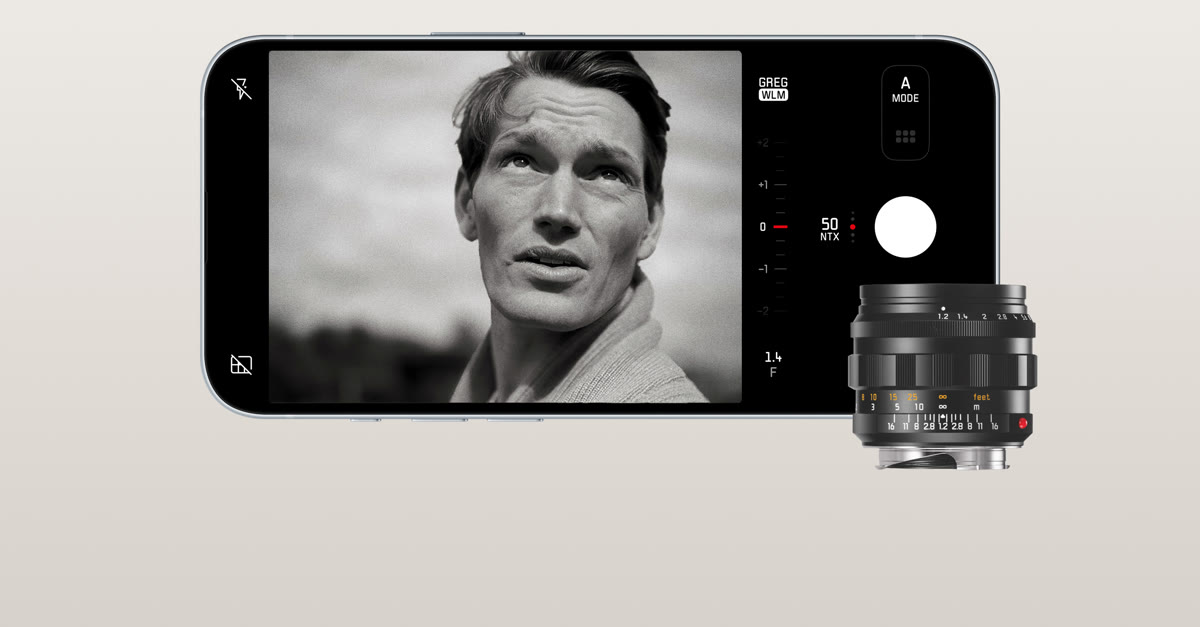
Leica LUX – iPhone App delivers iconic Leica Look | Leica Camera UK
The iPhone App that lets you take pictures emulating that iconic Leica Look.
And
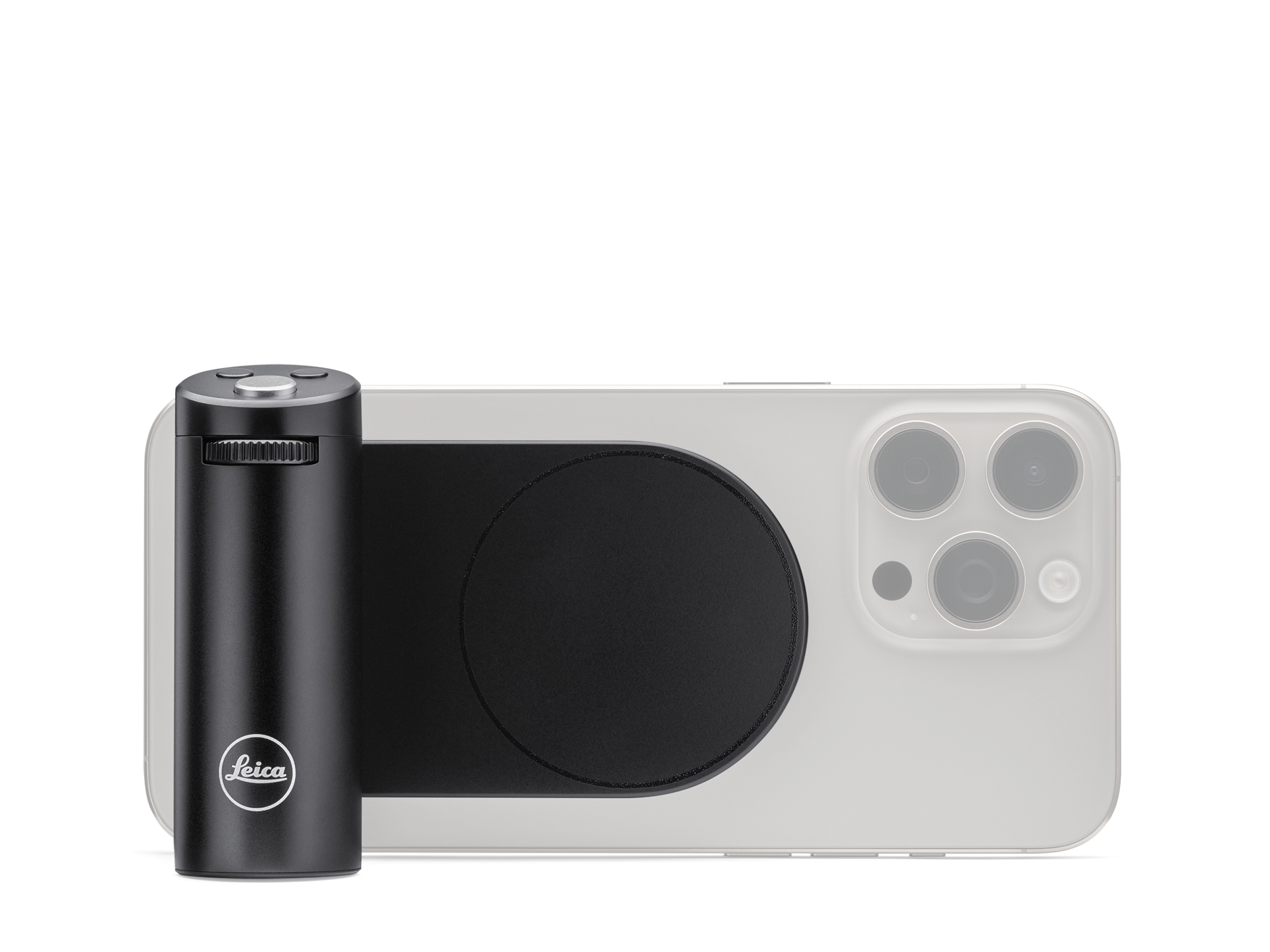
Leica LUX Grip | Leica Camera AG
The grip takes photography using your iPhone to the next level, putting full control of creative image composition back in your hands.
- Messages
- 26,971
- Name
- Toby
- Edit My Images
- No
Sorry to hear that George, hope you make a speedy recovery.That sounds like a positive result Alan, at the moment for health reasons I am forced to use my "iPhone 17 Pro Max" for pretty much all of my photography, and I've never been disappointed with the output from the ProRaw files.
- Messages
- 3,999
- Name
- Alan
- Edit My Images
- Yes
Tell me how is the view through the EVF and the Fuji Film Simulations……
Of course you are only a small upgrade away from
Leica LUX – iPhone App delivers iconic Leica Look | Leica Camera UK
The iPhone App that lets you take pictures emulating that iconic Leica Look.leica-camera.com
And
Leica LUX Grip | Leica Camera AG
The grip takes photography using your iPhone to the next level, putting full control of creative image composition back in your hands.
Interesting, thanks. I didn’t know this app even existed - £6.99 pm or £69.99 pa
The grip though

- Messages
- 35,018
- Name
- George.
- Edit My Images
- No
Sorry to hear that George, hope you make a speedy recovery.
Many thanks Toby, much appreciated.

- Messages
- 35,018
- Name
- George.
- Edit My Images
- No
Sorry to hear about health struggles George.
Many thanks Alan, much appreciated.

- Messages
- 4,182
- Edit My Images
- No
Until you try and shoot in low light and it says "hold the camera still for at least 2 seconds" then raise the shadows in post and gaze in awe at the kaleidoscope of colours, sorry meant noiseJust got an iPhone 17 Pro, and whilst the camera is never going to be as good as a dedicated device, PRORAW is pretty impressive. For the type of pictures I take, it may be the only camera I need and the workflow/GPS tagging is also slightly easier too..
In all seriousness in daylight they are pretty good, amazes me how accurate the exposure is, camera manufacturers should be talking to Apple engineers about this.
- Messages
- 3,999
- Name
- Alan
- Edit My Images
- Yes
You’re right of course - no camera phone will beat a much larger sensor.Until you try and shoot in low light and it says "hold the camera still for at least 2 seconds" then raise the shadows in post and gaze in awe at the kaleidoscope of colours, sorry meant noise
However, I try not to go out after dusk/dark

- Messages
- 980
- Name
- Sean
- Edit My Images
- Yes
Wishing you get well soon, George.That sounds like a positive result Alan, at the moment for health reasons I am forced to use my "iPhone 17 Pro Max" for pretty much all of my photography, and I've never been disappointed with the output from the ProRaw files.
- Messages
- 35,018
- Name
- George.
- Edit My Images
- No
Wishing you get well soon, George.
Many thanks Sean, much appreciated.

- Messages
- 10,036
- Name
- Steve
- Edit My Images
- Yes
That’s why I will wait for the 6. Maybe a big big change (which I doubt) But if no significant change I will switch. Not sure canon or Sony yet. I like the menu on the canon but lens wise it’s better to have a Sony (but those menus ) I think that they are both good on auto focus. Color wise i will miss Fuji
With the Fuji range, a lot depends on the lens you're using at the time. The older 35 f1.4 was awful, but the newer 33 1.4 is much quicker. The 50-140 is no slouch either. I don't have vast experience across the range of lenses, but it would be worth knowing what your actual set up is. I had an X-T3, skipped the 4, and now run a 5, which is much better than the 3.

woof woof
I like a nice Chianti
- Messages
- 44,086
- Name
- Alan
- Edit My Images
- No
That’s why I will wait for the 6. Maybe a big big change (which I doubt) But if no significant change I will switch. Not sure canon or Sony yet. I like the menu on the canon but lens wise it’s better to have a Sony (but those menus ) I think that they are both good on auto focus. Color wise i will miss Fuji
Every time I read this I wonder if I'm on another planet as I just don't see the problem. Sony menus are complex because there's a lot of customisation you can do, would you rather have a camera you can't set up as you want?
Once you've set the custom buttons and dials and the custom menu up how you want how often will you be diving into those intimidating Sony menus? I change the time twice a year in the UK and sometimes when I go on holiday and I have to use the menu for that but other than that the only thing I used to have to go into the menu for was formatting the card but even that's in a custom menu now. I just don't see a problem with Sony menus or anyone elses for that matter. After you've had the camera an hour and set it up the menus are very probably going to be a complete non issue.

- Messages
- 1,983
- Name
- Jamie
- Edit My Images
- Yes
Every time I read this I wonder if I'm on another planet as I just don't see the problem. Sony menus are complex because there's a lot of customisation you can do, would you rather have a camera you can't set up as you want?
Once you've set the custom buttons and dials and the custom menu up how you want how often will you be diving into those intimidating Sony menus? I change the time twice a year in the UK and sometimes when I go on holiday and I have to use the menu for that but other than that the only thing I used to have to go into the menu for was formatting the card but even that's in a custom menu now. I just don't see a problem with Sony menus or anyone elses for that matter. After you've had the camera an hour and set it up the menus are very probably going to be a complete non issue.
Same here. I've found the menus fine tbh, especially as each entry has help text to explain what it does.
It's all in the initial setup for Sony. Once you've set it up how you want it you rarely have to open a menu again.
I can imagine people who aren't too tech savvy struggling with them - but ultimately it's the cameras that are complex, the menus are exactly what they need to be to enable you to use the features of the camera.
- Messages
- 26,971
- Name
- Toby
- Edit My Images
- No
I'm with you, Sony menus aren't confusing there's just a lot of options. Canon on the other hand, I was at a studio shoot last year and someone had an R7 (maybe and R6) and they couldn't figure out how to turn off the setting that shows you the exposure setting in the LCD/EVF so I thought I'd have a look as I'm usually pretty good with these things. Couldn't find it so we had to resort to google, and even google was no use. I just started going through the settings and changing them to see what they did, in the end I found the one we needed. I can't remember what it was called now but it was something really obscure. With Sony it's Live View Display ON/OFF, pretty simpleEvery time I read this I wonder if I'm on another planet as I just don't see the problem. Sony menus are complex because there's a lot of customisation you can do, would you rather have a camera you can't set up as you want?
Once you've set the custom buttons and dials and the custom menu up how you want how often will you be diving into those intimidating Sony menus? I change the time twice a year in the UK and sometimes when I go on holiday and I have to use the menu for that but other than that the only thing I used to have to go into the menu for was formatting the card but even that's in a custom menu now. I just don't see a problem with Sony menus or anyone elses for that matter. After you've had the camera an hour and set it up the menus are very probably going to be a complete non issue.
- Messages
- 7,761
- Name
- Lee
- Edit My Images
- Yes
I'm with you, Sony menus aren't confusing there's just a lot of options. Canon on the other hand, I was at a studio shoot last year and someone had an R7 (maybe and R6) and they couldn't figure out how to turn off the setting that shows you the exposure setting in the LCD/EVF so I thought I'd have a look as I'm usually pretty good with these things. Couldn't find it so we had to resort to google, and even google was no use. I just started going through the settings and changing them to see what they did, in the end I found the one we needed. I can't remember what it was called now but it was something really obscure. With Sony it's Live View Display ON/OFF, pretty simple
Sony are the best


- Messages
- 9,800
- Name
- David
- Edit My Images
- Yes
Sony are the best
There is no 'best', its just what suits you, both in terms of camera and handling (inc menus). Most people set the cameras up as they want, and then just use a handful of functions, it's the old 10% rule, your only use 10% of the features 90% of the time, in any given 'computer' product whether that be a mirrorless camera or Microsoft Word (or even Lightroom!)
Menu navigation can be a pain though, and this applies to all Camera Manufacturers, stuff gets hidden in unexpected menu's buried deep in the menu structure, but again thats no different from most computer software. I spend a lot of time writing software and I'm as good as anyone as burying stuff in user interfaces

- Messages
- 606
- Name
- Jonathan (JK)
- Edit My Images
- No
I will need to lend you my Nikons.Sony are the best
- Messages
- 7,761
- Name
- Lee
- Edit My Images
- Yes
I will need to lend you my Nikons.
Oh ..... That made me shiver.....
- Messages
- 9,800
- Name
- David
- Edit My Images
- Yes
I will need to lend you my Nikons.
Oh ..... That made me shiver.....
Mainly because you need to be born in the Southern Hemisphere and be Left Handed, as lens mounts and lens controls all work backwards.........