I just got my 5D off eBay and I'm afraid to say it
looks like I have a problem, I'm posting in here to
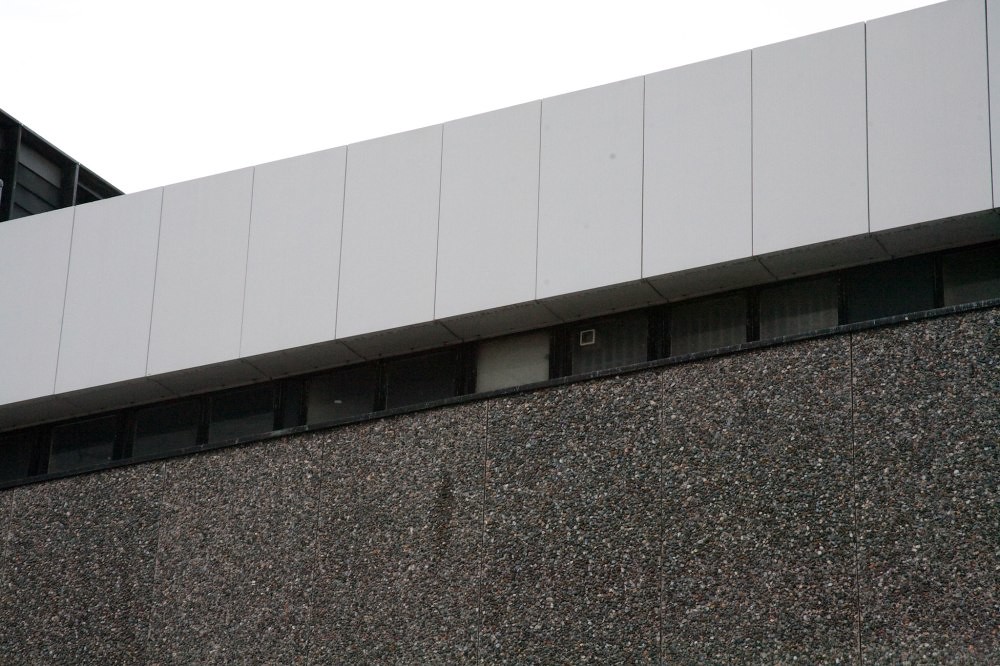
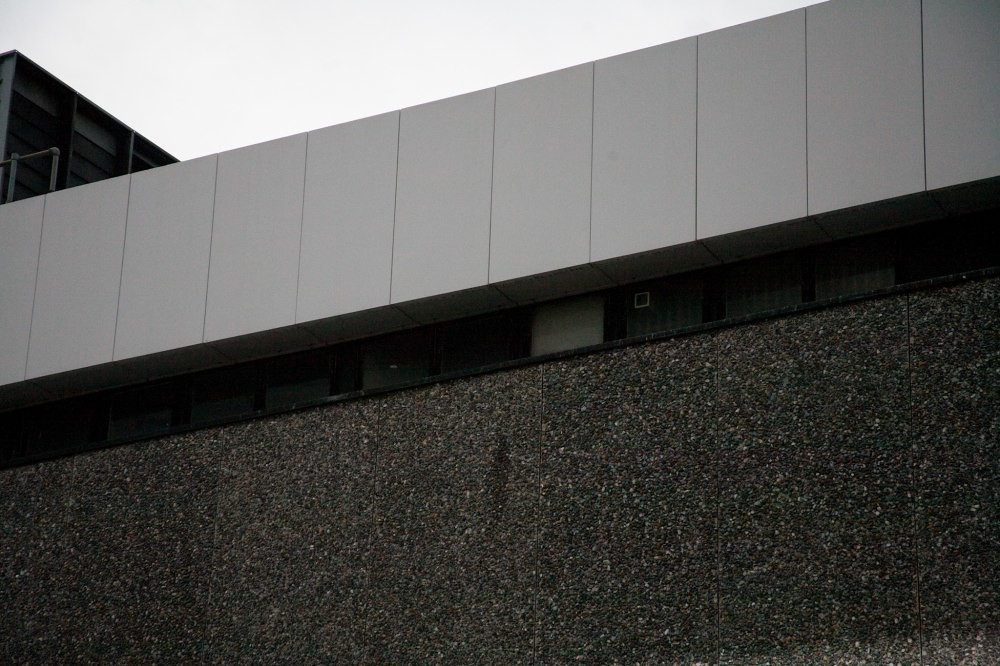
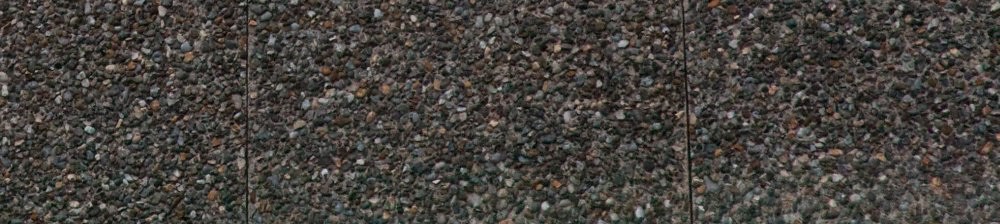
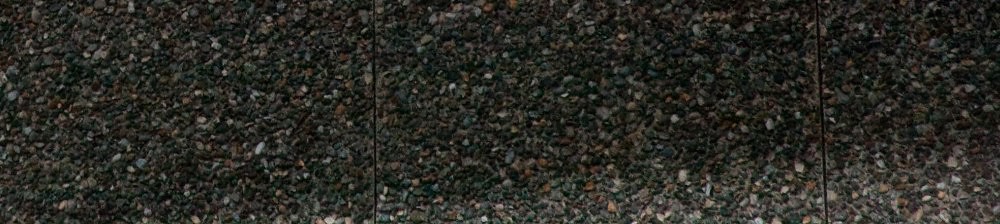
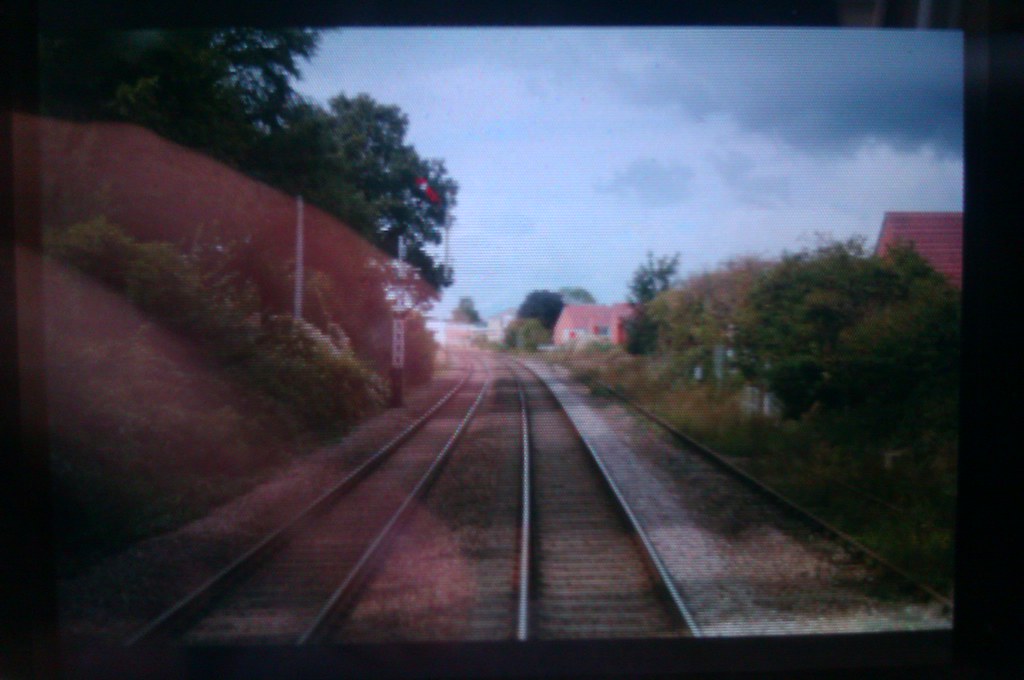
clarify the fault is what I suspect, and if so how I should go about raising this with the seller. In the bottom right hand corner, starting about 5% up on the side until it disappears below the centre, I get a patch of the image that is a lot brighter and also appears heavily blurred below the diagonal line.
I've tested this with two different lenses, and also with mirror lock up enabled to eliminate it from enquiries. The problem is magnified at higher shutter speeds, so I think it is a problem with the shutter itself. I'm currently at work (on a moving train) so I could only shoot the LCD screen with my phone for an example. Nothing other than cosmetic wear listed in the auction as an issue.
I guess I'm after some constructive advice to see
through my slightly red mist, please. Oh, when I got the camera when pressing the 'info' button it said file no 4792 and folder number 111, so assuming that it's 9999 shots per folder, this has done quite a few shots then!
looks like I have a problem, I'm posting in here to
clarify the fault is what I suspect, and if so how I should go about raising this with the seller. In the bottom right hand corner, starting about 5% up on the side until it disappears below the centre, I get a patch of the image that is a lot brighter and also appears heavily blurred below the diagonal line.
I've tested this with two different lenses, and also with mirror lock up enabled to eliminate it from enquiries. The problem is magnified at higher shutter speeds, so I think it is a problem with the shutter itself. I'm currently at work (on a moving train) so I could only shoot the LCD screen with my phone for an example. Nothing other than cosmetic wear listed in the auction as an issue.
I guess I'm after some constructive advice to see
through my slightly red mist, please. Oh, when I got the camera when pressing the 'info' button it said file no 4792 and folder number 111, so assuming that it's 9999 shots per folder, this has done quite a few shots then!
Last edited: