Cant get full size photos

Messages
187
Name
ian
Edit My Images
Yes
I may just be having one of those days but i cant seem to download a full size photo from my canon 350d on to the laptop ..


I am using photobucket account and then im copying the IMG image onto here.

what am i doing wrong

Cheers


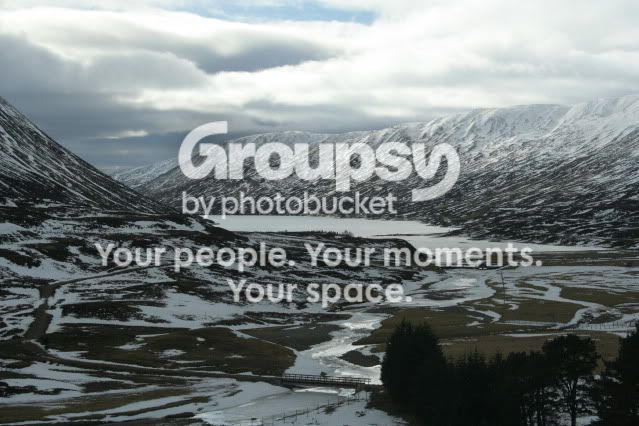
Picture158-1.jpg


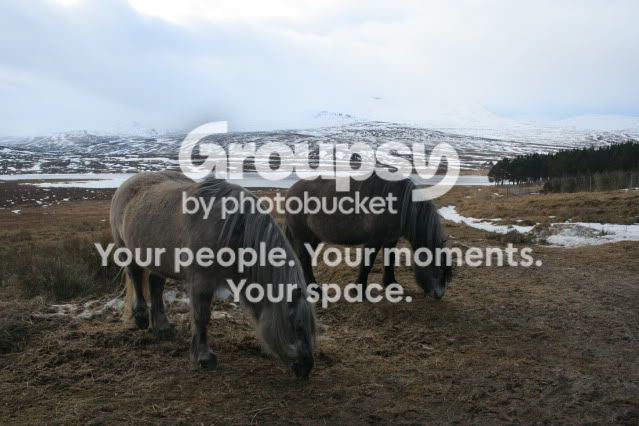
Picture198-2.jpg


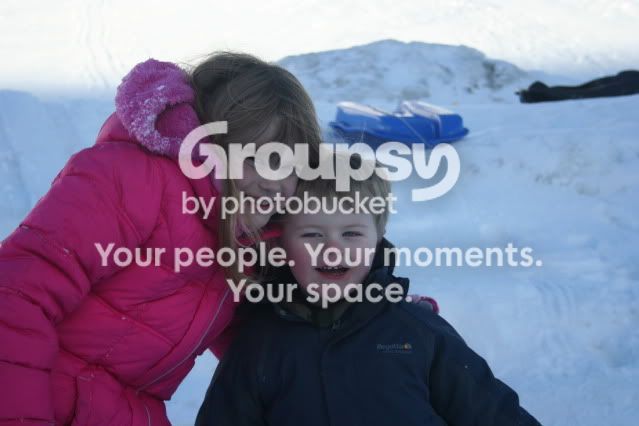
Picture619.jpg


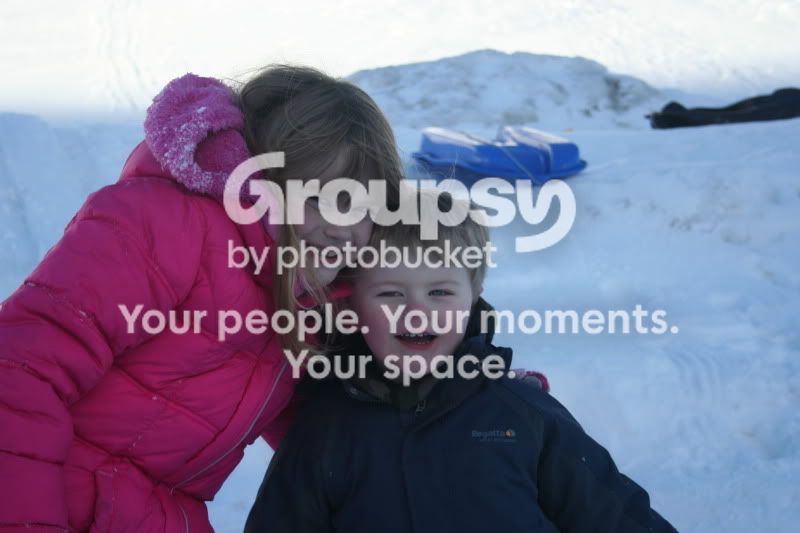
Picture619-1.jpg
 
Last edited:
Is that the size the picture is from the camera when you upload it??
 
well they seem to come out as jpeg thumbnail images on to the laptop...
 
hmmmm, are you transfering firect from camera or memory card?

have you checked all your settings etc?
 
memory card, but i cant seem to find anything in the handbook ref size of photos when copying, i just plug the usb cable in, and off it goes
 
What are the setting on your camera?
The files will download the same size as you have set up in camera, if you only have them set too small, they will download as small. Check you have the camera set to take large fine JPG and try then
 
i just took another with the settings set to Large and posted it under test, looks the same me to be honest
 
Have you set Photobucket to auto resize images?

What size do they open in windows picture viewer? Click on the icon with the rectangle and 4 arrows on each side.
 
pics are opening in office picture manager plus i can not see any size settings in my photobucket account
 
Thanks Guys it was Photobucket account, settings were set to Medium but i couldnt scroll down to save, so after a few wild key presses i managed to save it to Large 640x480

Thanks again
 
In photobucket, when you uplaod, click more options and you can change the size of the image. I have mine set to 800x600 as thats the standard on here, but you can go up to 1024x768

*too late**
 
Last edited:
Back
Top