

You are using an out of date browser. It may not display this or other websites correctly.
You should upgrade or use an alternative browser.
You should upgrade or use an alternative browser.
Correcting exposure
- Thread starter sirkuk
- Start date

TCR4x4
Wishes he had a couple more Inches
- Messages
- 8,852
- Name
- Tom
- Edit My Images
- Yes
The sky is pretty much always brighter than the foreground, and the camera can only cover so much difference between bright and dark.
If you pointed the camera to the sky, it would think "wow thats bright" and raise the shutter speed to expose it correctly, and in turn render the forground dark.
If you pointed at the ground, it would think "wow thats dark" and lower the shutter to correctly expose it and in turn the sky will be too bright.
The only ways to counteract this is to use graduated filters on the camera, or shoot 2 or more shots from a tripod. One exposed for the sky and one for the foreground and merge them in software.
If you pointed the camera to the sky, it would think "wow thats bright" and raise the shutter speed to expose it correctly, and in turn render the forground dark.
If you pointed at the ground, it would think "wow thats dark" and lower the shutter to correctly expose it and in turn the sky will be too bright.
The only ways to counteract this is to use graduated filters on the camera, or shoot 2 or more shots from a tripod. One exposed for the sky and one for the foreground and merge them in software.

- Messages
- 3,661
- Name
- Richard King
- Edit My Images
- No
The sky is pretty much always brighter than the foreground, and the camera can only cover so much difference between bright and dark.
If you pointed the camera to the sky, it would think "wow thats bright" and raise the shutter speed to expose it correctly, and in turn render the forground dark.
If you pointed at the ground, it would think "wow thats dark" and lower the shutter to correctly expose it and in turn the sky will be too bright.
The only ways to counteract this is to use graduated filters on the camera, or shoot 2 or more shots from a tripod. One exposed for the sky and one for the foreground and merge them in software.
Spot on

- Messages
- 544
- Name
- paul
- Edit My Images
- Yes
Not prefect but you could try making two copies of the raw file, adjust one for the over and one for the under then combine to two
OP

- Messages
- 100
- Name
- Kris
- Edit My Images
- No
Thank you. Did give that a go and made some improvement by cutting and layering with photoshop. The only detail that was entirely lost was the sky, which I'm sure I could correct if I spent long enough in photoshop but that'll be a job for a rainy day! I'll post the results tomorrow as I am away from my machine right now.
Thank you people.
Thank you people.

- Messages
- 1,069
- Name
- Scott
- Edit My Images
- No
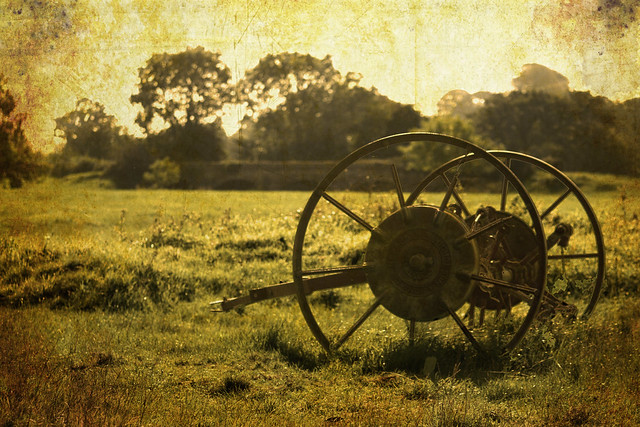
I was taking some landscape shots outdoors today with several different settings in RAW but some came out with an overexposed background and underexposed foreground. What's the best way to correct this in Photoshop?
What Tom said. Aside from buying grad filters the best way to do this in Ps is to take 2 exposures (one for the sky and one for the f/g) and then blend them together using a layer mask. trying this with one RAW can be problematic as the dynamic range will be too great.
Rgds