- Messages
- 9,438
- Name
- Andy
- Edit My Images
- Yes
EDIT: This was originally posted on Lumix Lifestyle as the images were from a member there (yes, I do have permission to post them)....
Firstly, let me say I don't have a GH3 - I am living life vicariously at the moment My thanks go to Davidwa from Lumix Lifestyle forums for providing me some raw images to play with to test the dynamic range of the two cameras. I asked him to take pictures of some areas that were both bright and close to or actually overexposed and dark and close to black and I got some images of his garden together with the sky. A set of raw files appeared and I've had a play with them.
Why did I want these? Well, I am interested in the GH3 if it is a better camera than the G5 (which I already have) but don't want to spend a shedload if there is only a little in it (I have a computer habit to feed too!) So... on with the show.
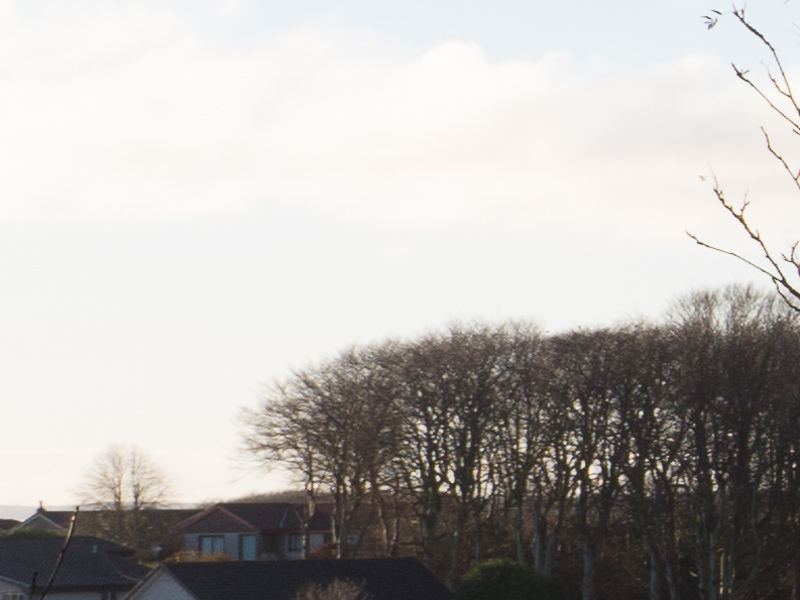
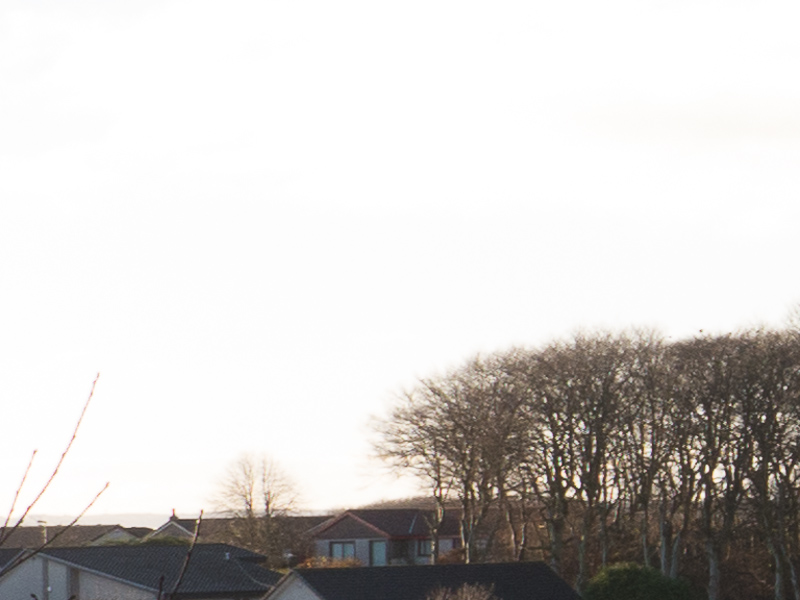
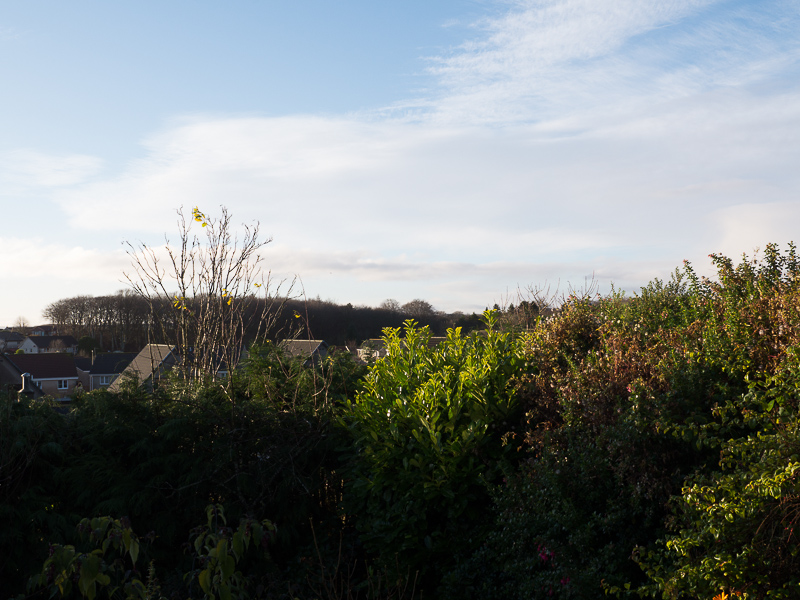
All images have been imported to Lightroom 4.3RC, and the only processing applied as described and then written to a JPEG. Default screen sharpening has been used and the full images have been resized. The crops are 1:1 - that is, the crops are smaller than 800 pixels, so they have not been resized. I have obfuscated the cameras by calling them Camera A and Camera B. I think the EXIF is still intact, so anyone who wants to cheat can look before the answer is revealed. The cameras both have the excellent 12-35 on the front of them too. Firstly, lets have a look at the scenes (all the images are at ISO200 although David did send me 3 scenes at ISO 200, 800 and 3200 for comparison):
Camera A:
Camera B:
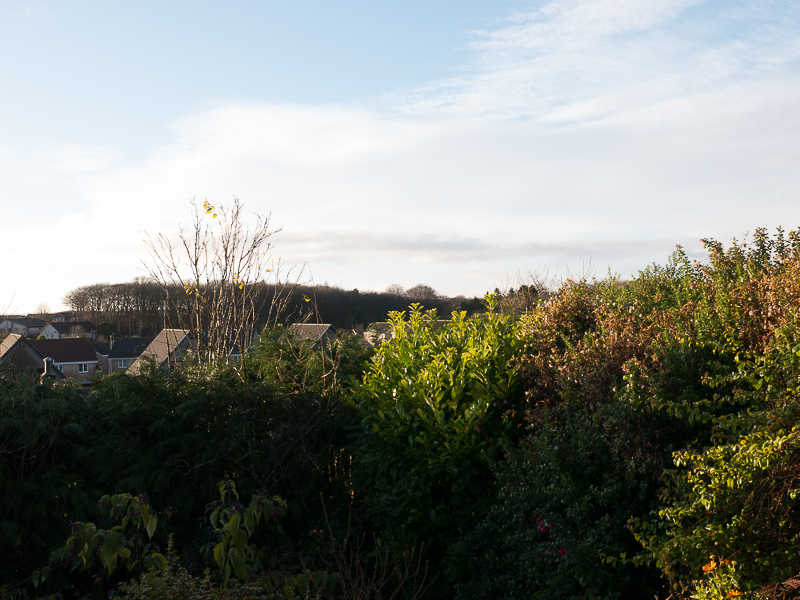
To me, straight out of the camera and processed by ACR, camera A has chosen a better white balance (it is about 400k cooler with a slightly better tint looking at the raw) and it has exposed the scene about 1/3 of a stop less (using 1/200th rather than 1/160th). This means that the very slight blowout (we'll look at that later) to the left edge of the image, is not blown out on camera A, but is slightly blown on camera B. +1 for camera A.
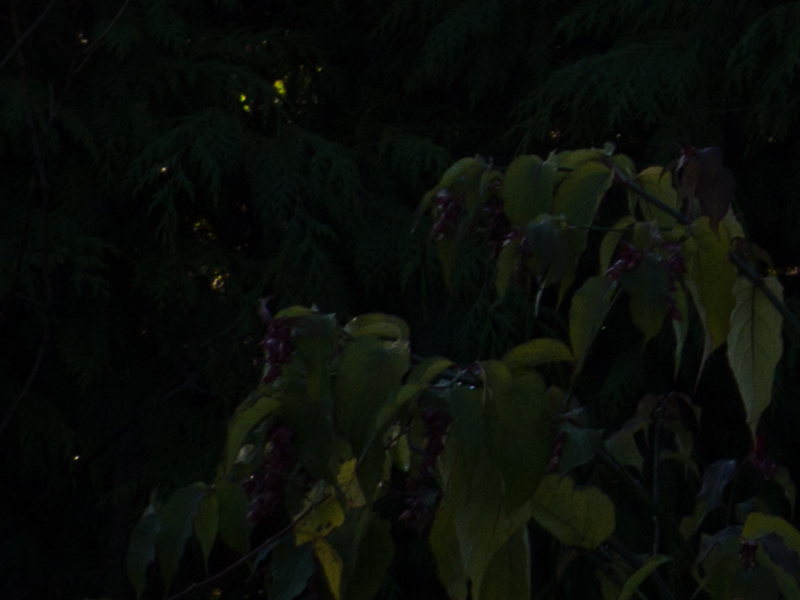
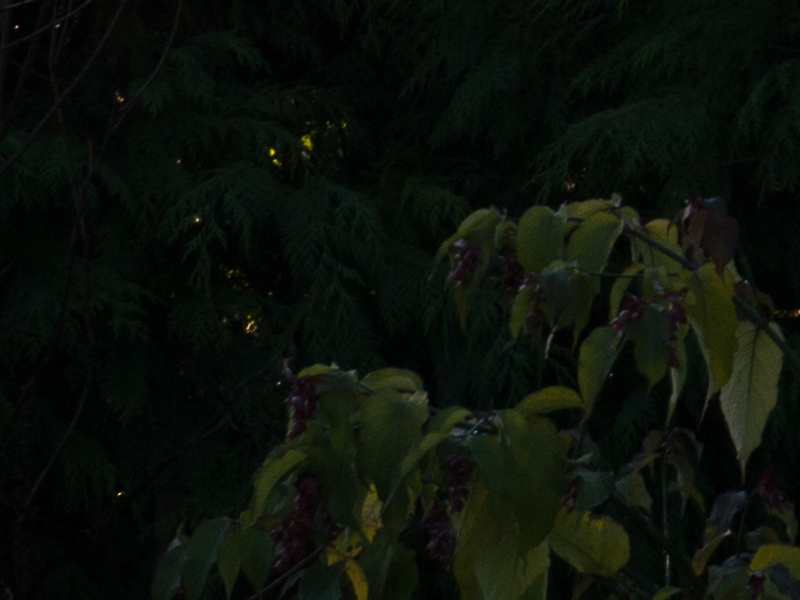
Now, let's look at the shadow area in the bottom left corner. Here is the original capture from A and B
Camera A:
Camera B:
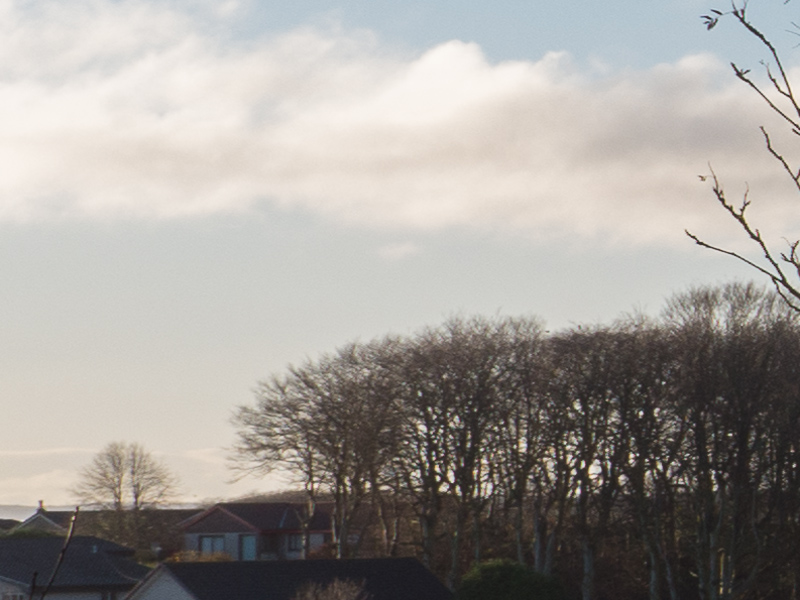
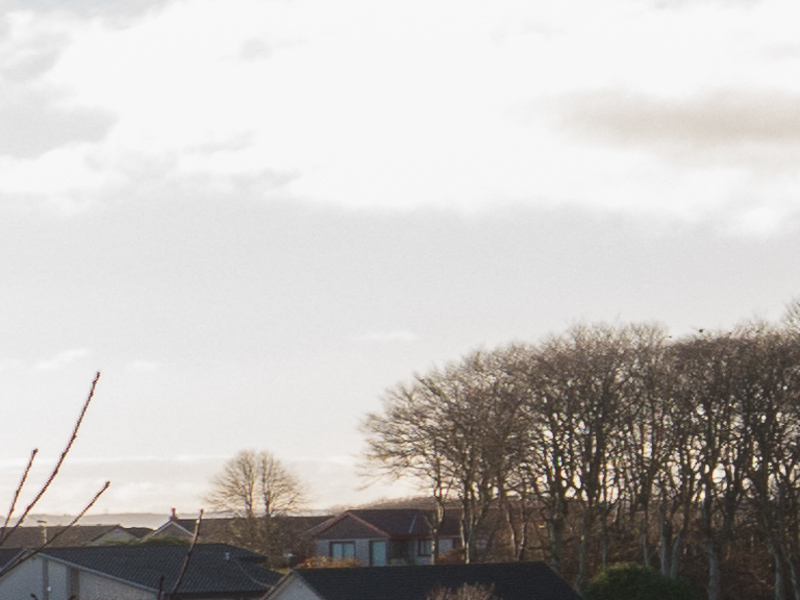
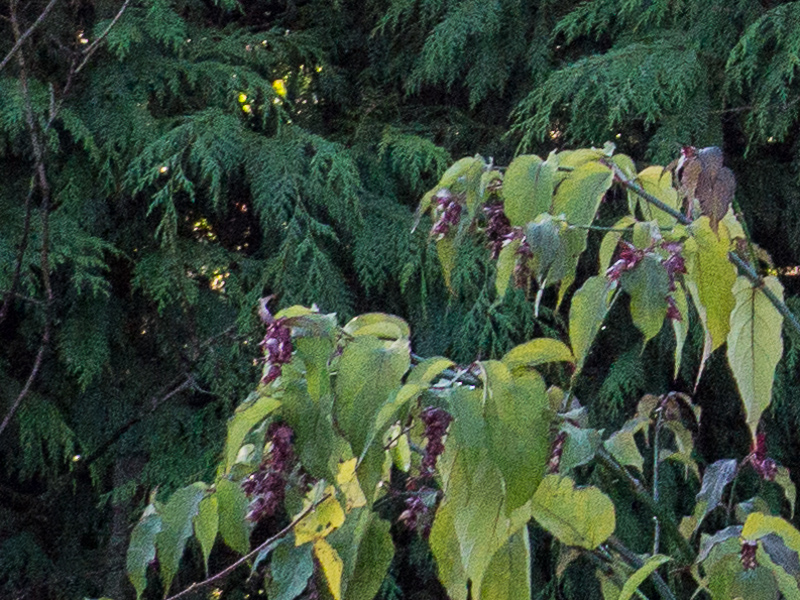
and the processed versions (pushing the Shadows slider to +100)
Camera A:
Camera B:
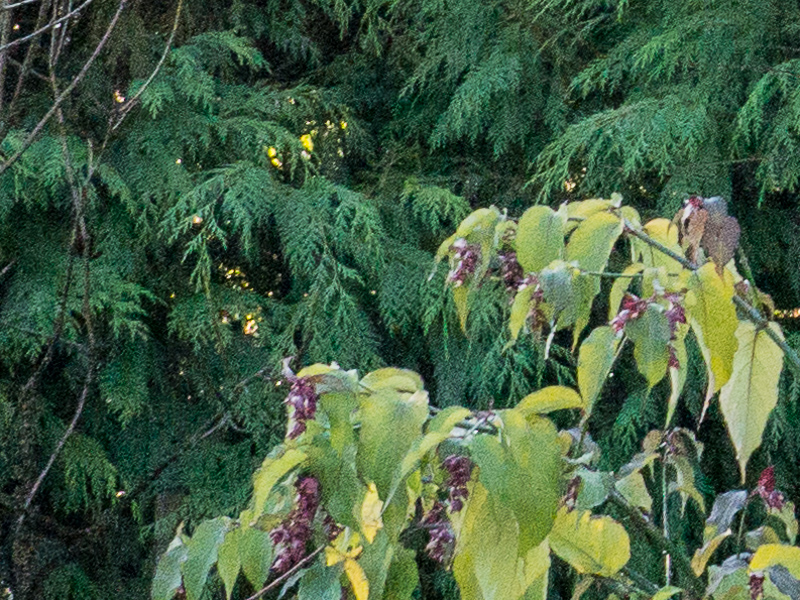
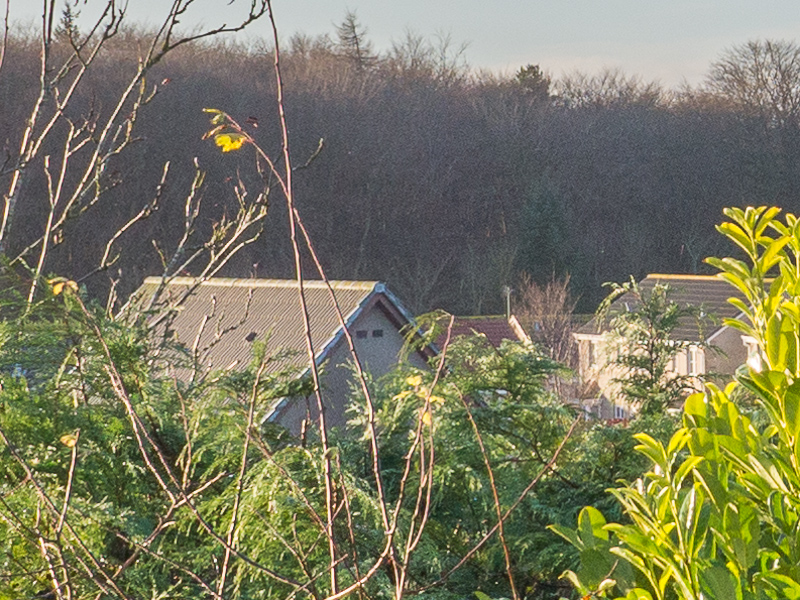
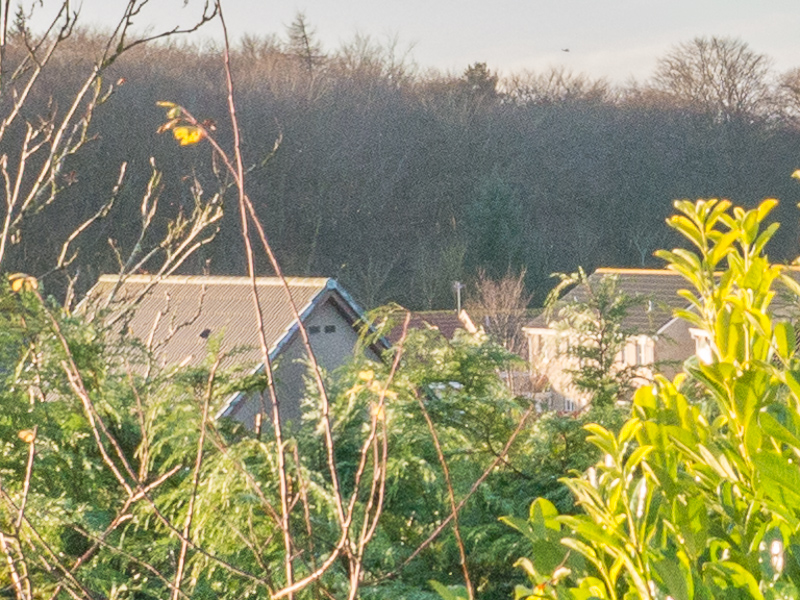
Other than the colour cast differences to do with the white balance, they are pretty much of a muchness. This isn't EXTREME shadow pushing, but I'm happy enough to give them equality for practical purposes.
Firstly, let me say I don't have a GH3 - I am living life vicariously at the moment
My thanks go to Davidwa from Lumix Lifestyle forums for providing me some raw images to play with to test the dynamic range of the two cameras. I asked him to take pictures of some areas that were both bright and close to or actually overexposed and dark and close to black and I got some images of his garden together with the sky. A set of raw files appeared and I've had a play with them.Why did I want these? Well, I am interested in the GH3 if it is a better camera than the G5 (which I already have) but don't want to spend a shedload if there is only a little in it (I have a computer habit to feed too!) So... on with the show.
All images have been imported to Lightroom 4.3RC, and the only processing applied as described and then written to a JPEG. Default screen sharpening has been used and the full images have been resized. The crops are 1:1 - that is, the crops are smaller than 800 pixels, so they have not been resized. I have obfuscated the cameras by calling them Camera A and Camera B. I think the EXIF is still intact, so anyone who wants to cheat can look before the answer is revealed. The cameras both have the excellent 12-35 on the front of them too. Firstly, lets have a look at the scenes (all the images are at ISO200 although David did send me 3 scenes at ISO 200, 800 and 3200 for comparison):
Camera A:
Camera B:
To me, straight out of the camera and processed by ACR, camera A has chosen a better white balance (it is about 400k cooler with a slightly better tint looking at the raw) and it has exposed the scene about 1/3 of a stop less (using 1/200th rather than 1/160th). This means that the very slight blowout (we'll look at that later) to the left edge of the image, is not blown out on camera A, but is slightly blown on camera B. +1 for camera A.
Now, let's look at the shadow area in the bottom left corner. Here is the original capture from A and B
Camera A:
Camera B:
and the processed versions (pushing the Shadows slider to +100)
Camera A:
Camera B:
Other than the colour cast differences to do with the white balance, they are pretty much of a muchness. This isn't EXTREME shadow pushing, but I'm happy enough to give them equality for practical purposes.
Last edited: