

- Messages
- 79
- Name
- Lee Harrison
- Edit My Images
- Yes
I've recently been playing around with HDR in photoshop and I've not been achieving the HDR effect, I've tried use 3 pictures with the HRD merge all of different exposures and I've tried merging 5 pictures of different exposures, but once the picture is merged together, it basically look like the original correctly exposed one... is there something that I'm doing wrong to get a better effect???
Original...
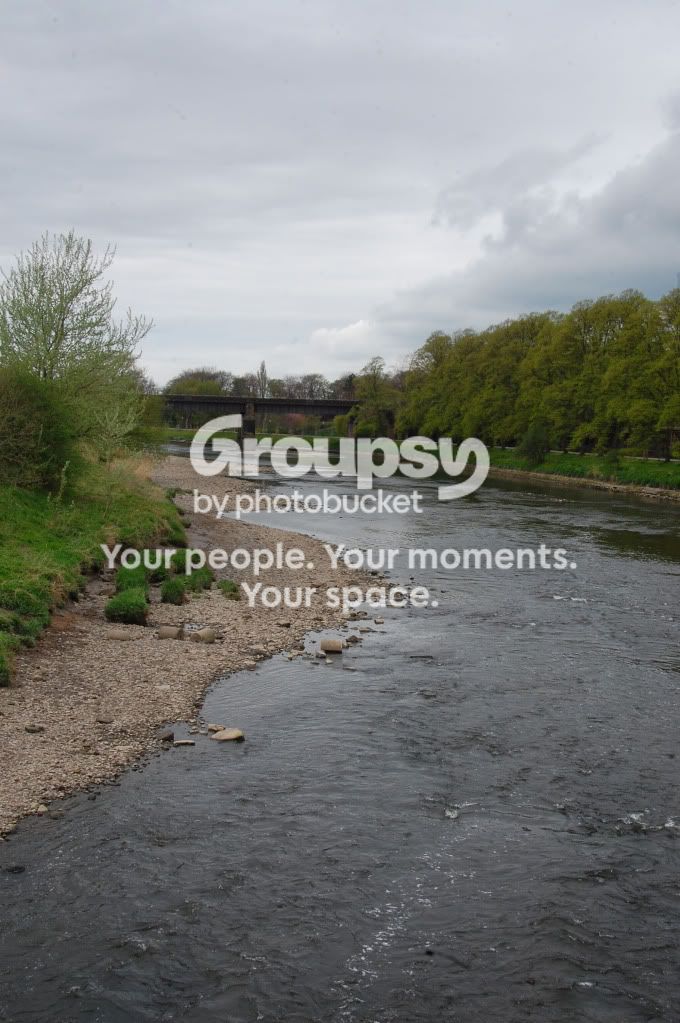
HRD (3 pictures +/- 2 stops)...
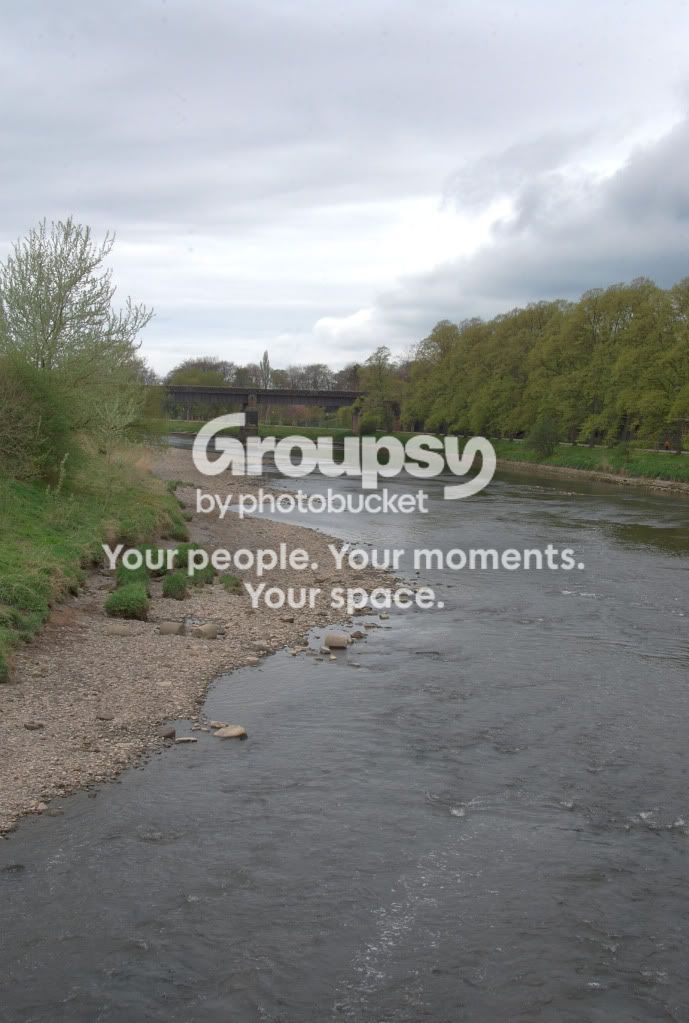
I have tried playing around with the 3 picture pre and post HDR but just can't seem to get it...
Ok, I know this probably isnt the best picture to create a HDR image with but I still think that the Merged HDR should be better than that???
I have watched a few tutorial on how to create HDR effects by using 1 image and just creating new layer and editing highlights/shadows and they came out ok but I'd like to the able to do it properly and I think it give a mopre natural HDR effect...
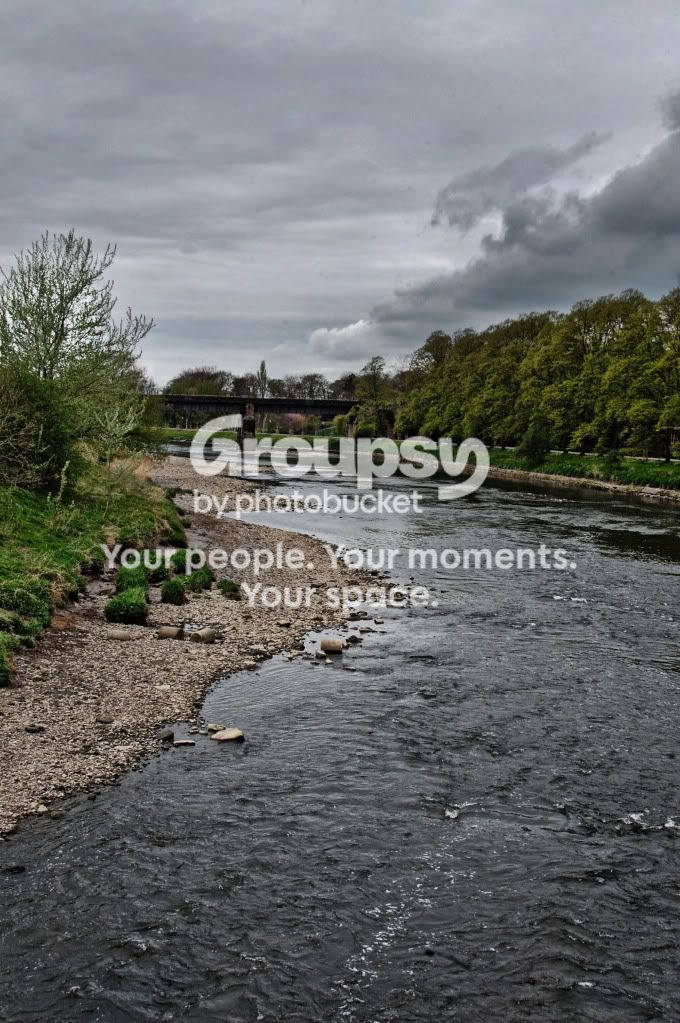
False HDR from tutorial...
Any advice welcome...
Thanks Lee Harrison
Original...
HRD (3 pictures +/- 2 stops)...
I have tried playing around with the 3 picture pre and post HDR but just can't seem to get it...
Ok, I know this probably isnt the best picture to create a HDR image with but I still think that the Merged HDR should be better than that???
I have watched a few tutorial on how to create HDR effects by using 1 image and just creating new layer and editing highlights/shadows and they came out ok but I'd like to the able to do it properly and I think it give a mopre natural HDR effect...
False HDR from tutorial...
Any advice welcome...
Thanks Lee Harrison


