- Messages
- 182
- Name
- Carl
- Edit My Images
- Yes
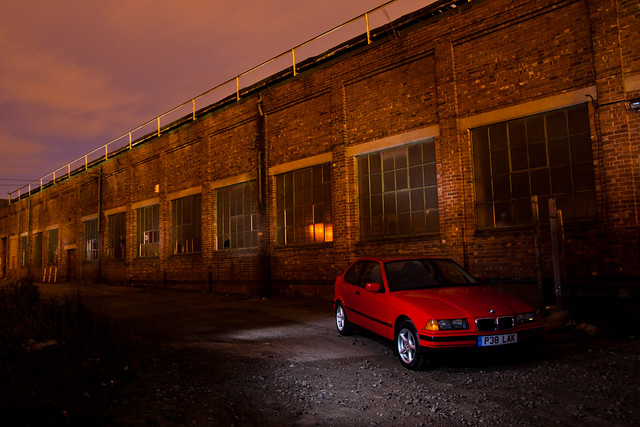
Basically i'm having trouble decicing what to do before I upload the batch of photos I got tonight.
I have edited the RAW files in Lightroom and a few tweaks in CS5 too, but once I uploaded them to Facebook they appeared much darker, whereas Internet Explorer shows them in their true form
My main issue is that I want the perfectly exposed images to be seen online by my friends and family, not the crappy dark images as they completely ruin the look and feel of the photos. :/
Any advice on how I can solve this problem, other than forcing everyone to view them through IE!
I have edited the RAW files in Lightroom and a few tweaks in CS5 too, but once I uploaded them to Facebook they appeared much darker, whereas Internet Explorer shows them in their true form
My main issue is that I want the perfectly exposed images to be seen online by my friends and family, not the crappy dark images as they completely ruin the look and feel of the photos. :/
Any advice on how I can solve this problem, other than forcing everyone to view them through IE!
Last edited: