iPad CF Card Reader from MIC Store

Messages
1,903
Name
Brian
Edit My Images
No
Hi. I posted on here recently about a CF card reader for the iPad, available from the M.I.C. Store, a Hong Kong based outfit. I thought I would follow up with my experience of getting one of these, as I imagine others here might be interested.

I couldn't source one of these in the UK, even via ebay. I ordered direct from M.I.C., using Paypal. The item is priced on their site at $29.90. Postage to the UK brought it up to $36.50 - which worked out at £23.37.

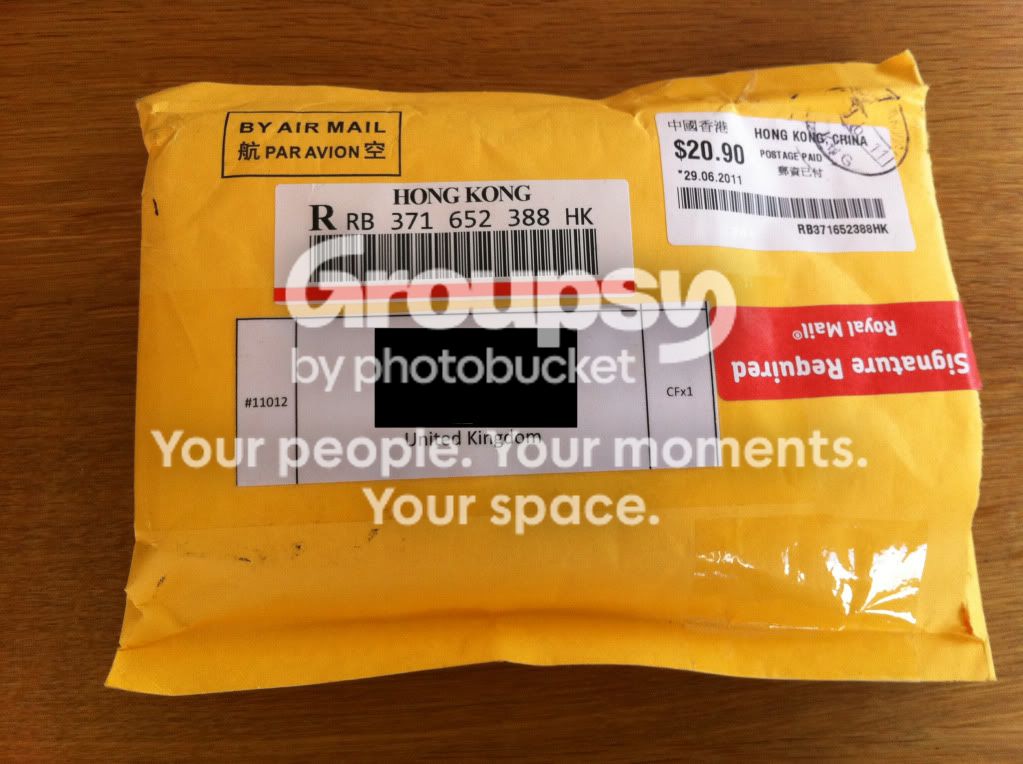
It took between 7-14 days to arrive (can't be sure exactly how long as I was away for a week). It arrived well packaged and labelled.
IMG_0448a.jpg


IMG_0450-1.jpg


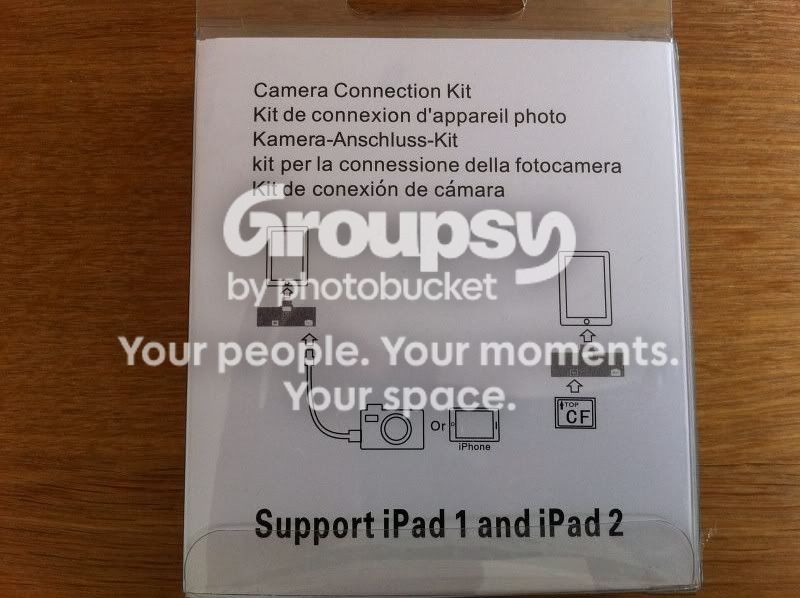
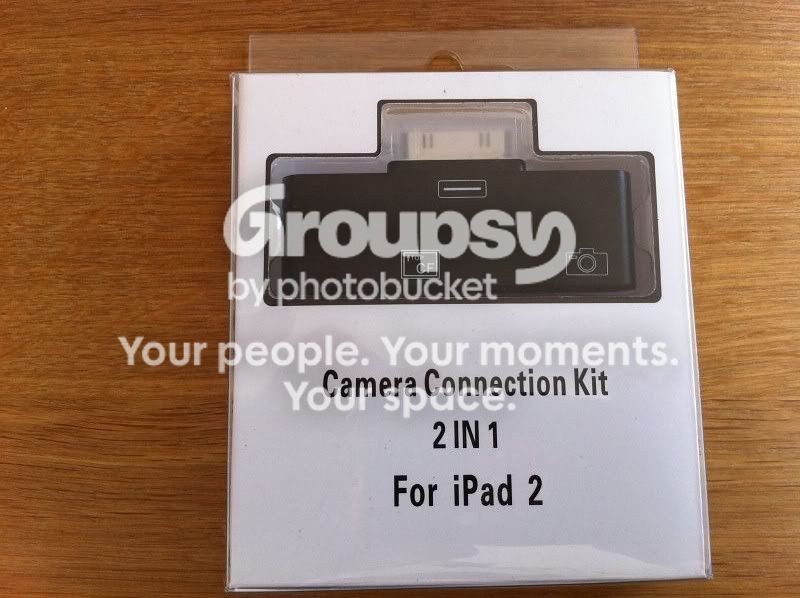
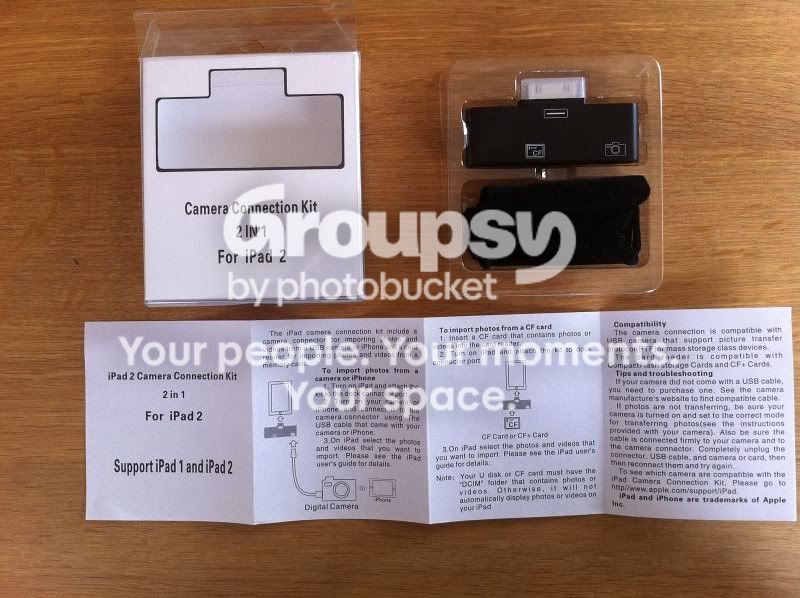
It comes in a clear hard plastic package, with a description of its contents.
IMG_0451.jpg


IMG_0452.jpg


Inside the packaging is the CF reader, a little velour carrying pouch to help protect it in the bottom of the camera bag, and a little instruction leaflet. The reader is supplied with a protective cover over the terminals. In addition to the CF slot, there is a USB port for connecting other card readers etc.
IMG_0453.jpg


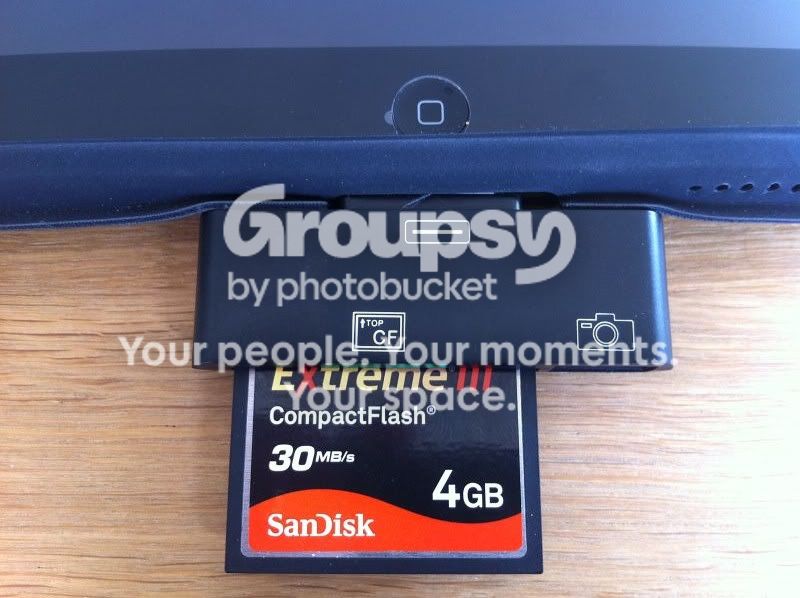
It's basically 'plug'n'play' with the iPad recognising the reader almost immediately and offering the option to import from the thumbnail view pf the photos. I imagine this works in an identical fashion to the official Apple Camera Connection Kit, but I've never tried one of these.
IMG_0459.jpg


I was pleased that the reader fitted easily to the iPad with the (official Apple) cover in place.

The reader works with both iPad and iPad 2.

So there you go, not exactly a professional review but just my own experience of acquiring and using one of these - the sort of info I was looking for and couldn't find a couple of weeks ago, I hope it might help someone else.
 
Thanks for the heads up I've been looking on the net for something like this.

I have the SD Apple one but most of my cards are CF
 
This is fantastic :thumbs:

Could you possibly do a follow-up and tell us how fast it downloads the whole 4GB of pictures; and how do you go about re-transferring the images to your laptop?

Another question just sprung to mind; as this can take a camera plugged into it too, can you possibly connect a USB hard drive instead? And would this mean that you can send your pictures from your CF card to the USB hard drive?
 
Top Man. Thanks, that is very useful info. I love TP
 
Could you possibly do a follow-up and tell us how fast it downloads the whole 4GB of pictures; and how do you go about re-transferring the images to your laptop?

I've only used it once so far - on an almost full 4GB card, that had a mixture of jpeg and RAW files. It allowed me to view the images as they were still being imported, so I had no sense of how long it took.

As for the laptop, I already have a little Lexar USB CF reader for that. This new reader will allow me to view unedited photos on the iPad immediately, when I don't have my PC or laptop handy, that's why I bought it.

Another question just sprung to mind; as this can take a camera plugged into it too, can you possibly connect a USB hard drive instead? And would this mean that you can send your pictures from your CF card to the USB hard drive?

I tried plugging in an externally powered USB drive - one that already contained jpegs - the light came on in the drive, indicating that it recognised a valid connection, but nothing appeared on the iPad. Also tried connecting my iPhone via this USB slot, no joy there either.

Worth noting that my iPad isn't jailbroken - might be able to do a lot more with this if it was.

I know from my previous post that there are other TP'ers out there with this little reader - maybe they can help with some of these queries.
 
Brian,

Thank you for taking the time for the feedback :thumbs:

This makes me think once again about the possibility of getting an iPad for when I'm out in the fields; just have to see how would I be able to connect a USB drive :)
 
OOOPS !!!!

Just noticed I put a :(, it should have been a :) or :thumbs:

I originaly bought the Apple camera kit but when they dropped the USB current I couldn't use my CF adaptor anymore :bang: so more money was spent on the MIC device

The MIC adaptor works well and seems to be as quick as the Apple, I've not retested speeds yet but from what I remember it takes about 15 minutes to upload a 4Gb card to the iPad.

To transfer the shots from the iPad to a PC (not got a clue about a mac) you connect the iPad to the PC then browse to the DCIM folder, then the fun begins....

Thanks to Apple being ****wits, they generate randomly named folders for the images, you have to check dates / times of the photos within the folders to figure out what they are. You then just copy them to the PC.


If anybody has anymore questions, please ask


Brian
 
I have a question for you Brian,

If you are shooting raw images onto your cf card, then pop it into this device connected to your ipad, does it then actually upload and store the raw files on the ipad so that when you connect it to your pc later on, what you pull off the ipad are actually raw files? (stupid question perhaps but i have never got a definitive answer for this)

mem card (raw files) -------> Ipad ------> PC (raw files) ?
 
My have to get one of those, now ive got the S5 that uses CF & Apple taking away the oomph to drive a card reader.
 
I have a question for you Brian,

If you are shooting raw images onto your cf card, then pop it into this device connected to your ipad, does it then actually upload and store the raw files on the ipad so that when you connect it to your pc later on, what you pull off the ipad are actually raw files? (stupid question perhaps but i have never got a definitive answer for this)

mem card (raw files) -------> Ipad ------> PC (raw files) ?


It copies the full RAW files to the iPAD so you can copy them to a PC back at base :thumbs:

It only lets you preview the shots at iPad resolution, you can't zoom in to check sharpness. At least thats the case with the built in App, not tried with filterstorm yet.


//quick edit//

Not got a clue what happens if you shoot RAW+Jpeg :shrug:
 
I've imported Raw+JPG and both files are present on the iPad once transferred.
 
I've imported Raw+JPG and both files are present on the iPad once transferred.

Yes but you only see one of each image, presumably the jpeg version, when viewing with the default Photo viewer.
 
Interestingly mine will 'see' the images on the D3's slot 1 card but reports corruption on the card in slot 2 (which displays perfectly using a card reader and PC) - both cards are Duracell 8GB and purchased together :shrug:
 
Interestingly mine will 'see' the images on the D3's slot 1 card but reports corruption on the card in slot 2 (which displays perfectly using a card reader and PC) - both cards are Duracell 8GB and purchased together :shrug:

Is that connecting the camera by USB ?, if so I wouldn't be surprised to find that IOS can't handle two memory devices at the same time :shrug:
 
Ios 5 will bring a slightly useful feature...

You can create albums on the ipad...

At least you can quickly organise them if you want to show someone a quick preview. However when you plug your ipad into your pc, then you'll just see a list of images again.

I may get one of these though, would have been very useful on holiday, when I just had the ipad with me.
 
Back
Top