

You are using an out of date browser. It may not display this or other websites correctly.
You should upgrade or use an alternative browser.
You should upgrade or use an alternative browser.
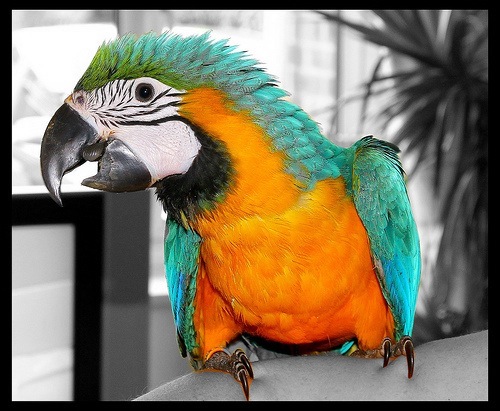
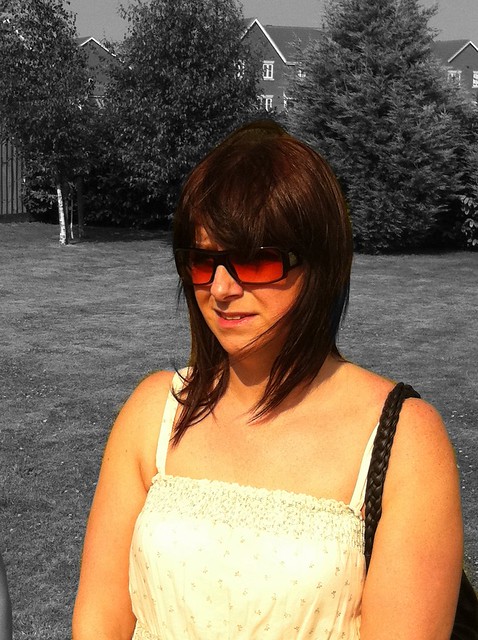
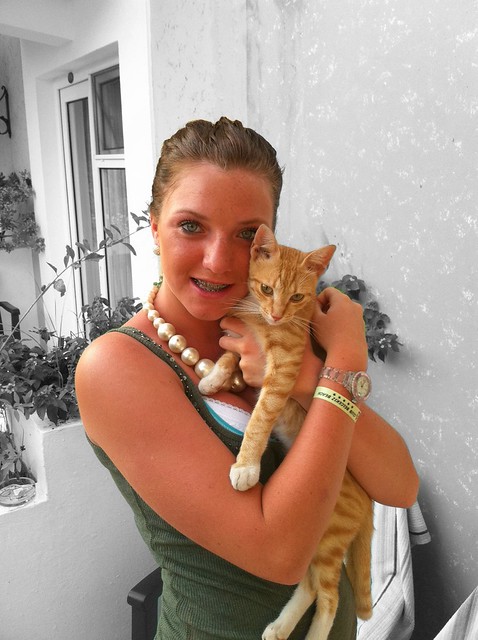
iPhone App Color Splash
- Thread starter p1tse
- Start date




- Messages
- 1,344
- Name
- Terry
- Edit My Images
- Yes
that's pretty cool
were pics taken on your iphone?
does the app just change it to black and white and you drag your finger over areas you want colour? any other feature?
the first one was not taken on my iphone but the other two were also that macaw image is only 106kb
yes the app makes the picture b&w and you then run your finger over the area you want to colour
you can redo the grey area again and zoom in to get a nice fine line
you can also reverse it after you have done the edit
its well worth the 1-19p though
also if you get a hard to see image you can change the colouring part to a red so you can edit it much easier
here is a link to a tutorial http://www.youtube.com/watch?v=DlouXiL9hHc
Last edited: