Master my camera

Messages
679
Name
Ben
Edit My Images
Yes
Hi Guys,

Ive been using my D90 for around 2 years now, but its seems that all my photos appear flat and not quite as polished as everyone elses. I don't do any processing to my photos they are always straight out of the camera, but they never (to me) appear to be as good everyone elses.

I seem to especially struggle with Macro always seem to be blurry even witht he vr setting on the 105mm.

Any help/advise would be appreciated.

Thanks

Ben
 
He Ben,

Have you got any examples to look at fella? Might help to look at the exif details on some pics.

The fact that you're not doing any processing at all would probably have a lot to do with it I suspect (if you're comparing yours to others). I think you'd find that most people would do at least some PP, sharpening etc.. and there is no doubt at all that this enhances photos substantially in my eyes.
 
Hi Guys,

Ive been using my D90 for around 2 years now, but its seems that all my photos appear flat and not quite as polished as everyone elses. I don't do any processing to my photos they are always straight out of the camera, but they never (to me) appear to be as good everyone elses.

The simple fact Ben is that post processing is an essential part of photography and you're missing out a lot by not doing any. The sooner you make a start - the sooner you'll see a huge improvement in your images.
I seem to especially struggle with Macro always seem to be blurry even witht he vr setting on the 105mm.

Any help/advise would be appreciated.

Thanks

Ben
Macro is very demanding of basic technique as depth of field is so shallow at macro distances - often less than a millimetre or two, so accurate focusing is critical. Many people find they can take macro shots hand held, while others find they do better using a monopod or tripod which aids careful focusing as well as avoiding camera shake.

Some example shots with camera settings would give more idea of where you may be going wrong.
 
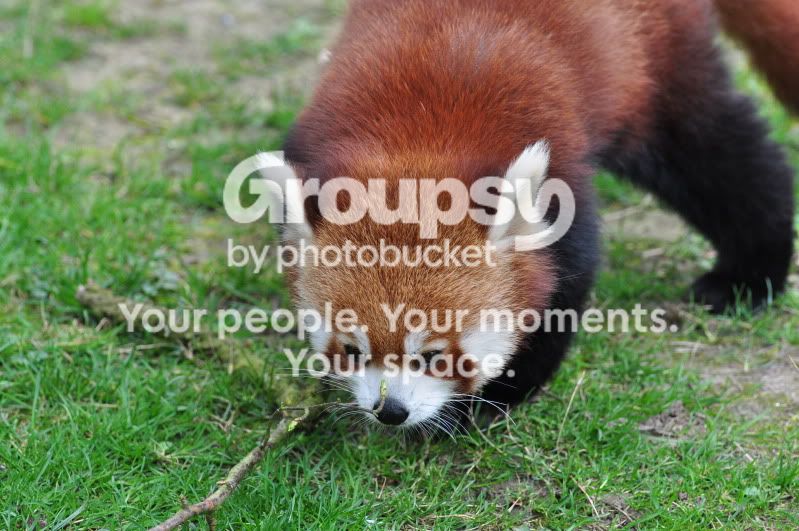
DSC_0322.jpg


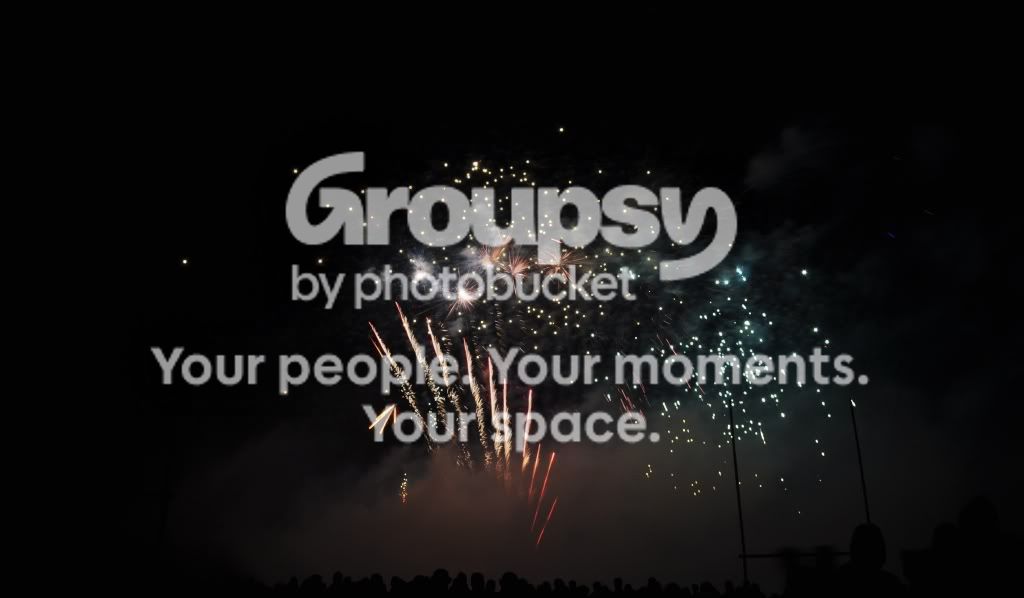
DSC_0406.jpg


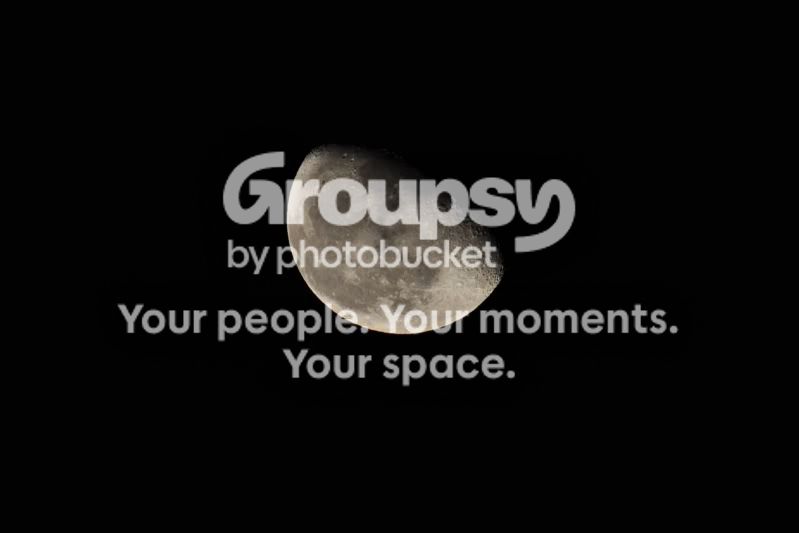
moon-1.jpg


crop1-1.jpg


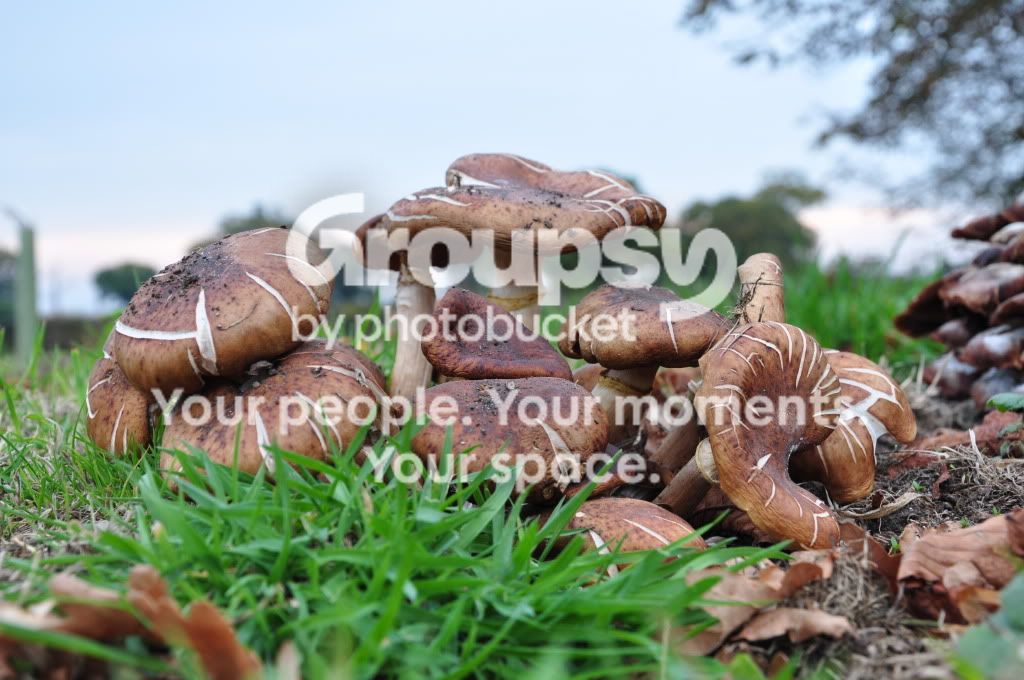
DSC_0346.jpg
 
Thanks for the help, where do i start when it come to editing/altering photos?

Any tips that i can use to improve my photography?

Thanks
 
You're welcome. :thumbs:

There's no need to start off getting too involved with editing - just look at basic adjustments like brightness, contrast, saturation and sharpness which will make a big difference and they're often the only adjustments needed anyway.

I don't think there's much wrong with your photography the shots are fine and just how I'd expect them to look without editing.

Best tip is keep clicking and whatever you do - enjoy it! :)
 
I think your pics are great :)

I have this issue with processing to.... I have started but it takes me a whole night to edit one pic, as I don't know what looks good yet :lol:
 
I think your pics are great :)

I have this issue with processing to.... I have started but it takes me a whole night to edit one pic, as I don't know what looks good yet :lol:

The only way is get in there and play around. Don't forget that every time you make any adjustment you don't like you can go up to 'Edit' and undo the last adjustment so you've nothing to lose by experimenting. In no time at all you get to know pretty well what adjustments to make just by looking at the image as you learn.
 
The only way is get in there and play around. Don't forget that every time you make any adjustment you don't like you can go up to 'Edit' and undo the last adjustment so you've nothing to lose by experimenting. In no time at all you get to know pretty well what adjustments to make just by looking at the image as you learn.

Yeah I have been playing around loads, but I keep forgetting to save it before I make a couple of changes and then realise I can only undo the last change when I don't like it. I end up with about a million slightly different copies of the image, then I confuse myself even more :lol:
 
Yeah I have been playing around loads, but I keep forgetting to save it before I make a couple of changes and then realise I can only undo the last change when I don't like it. I end up with about a million slightly different copies of the image, then I confuse myself even more :lol:

You can usually undo more than one change, in fact you can usually specify the number of undo steps you want - probably in preferences - depending which package you're using?
 
You can usually undo more than one change, in fact you can usually specify the number of undo steps you want - probably in preferences - depending which package you're using?

I have been using Iranview :D
 
I feel the same about my shots but had figured that a lot of what I could see was post-processing so I need to start focusing some more attention on that. I was given (a genuine) Photoshop Elements 9 so it's going on this weekend, I might as well start learning as many tricks as possible with the new one
 
If you want to have a try at editing, Ben have a Google for Photoscape, Irfanview, Paint.Net and GIMP.

All are free editors.

Dave
 
I end up with about a million slightly different copies of the image, then I confuse myself even more :lol:
I've done that too! I think that's all part of the process of learning about editing. Yes you can look at what others do and learn from tips they have found, but you also have to get a feel for what you like and what you want your images to look like. Trial and error is the best way of learning that and it gets faster and easier. (I'm still at the trial and error stage myself!)
 
I've done that too! I think that's all part of the process of learning about editing. Yes you can look at what others do and learn from tips they have found, but you also have to get a feel for what you like and what you want your images to look like. Trial and error is the best way of learning that and it gets faster and easier. (I'm still at the trial and error stage myself!)

Phew!! I'm less crazy than I thought :nuts:
 
Back
Top