


- Messages
- 68
- Name
- Andreas
- Edit My Images
- No
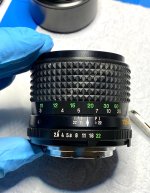
Recently I dedicated myself to the second Minolta MD Tele Rokkor 135/2.8 (II) from my collection of defective lenses.
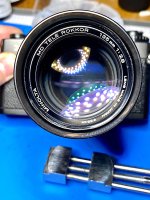
The rear lens surfaces of this example were also massively dirty.
Unfortunately, in this case I was unable to achieve satisfactory cleaning. The optical assembly retained a cloudy haze, which is unacceptable.
The front optical unit could also only be cleaned to a limited extent; a dirty lens remained out of reach.
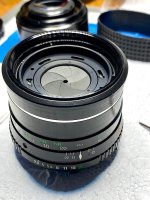
Therefore, I decided to turn two copies with defects into one flawless one.
Because I could only get the first telephoto lens with a slightly different aperture, which is at least a cosmetic flaw.
Tele #1 received the following parts exchanged from tele #2:
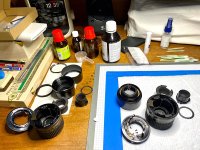
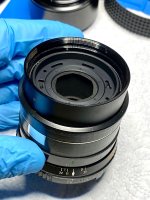
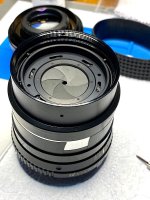
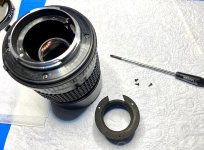
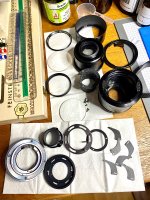
Arranging the dismantled parts.
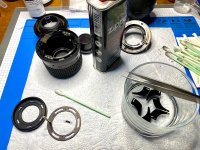
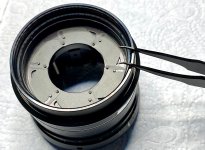
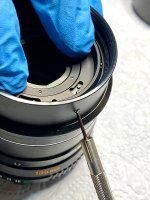
Cleaning the “new” aperture register with Zippo lighter fluid.
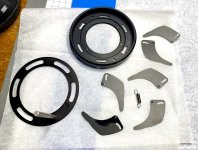
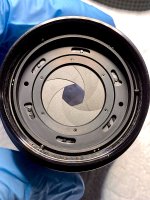
Everything is clean - the lighter fluid evaporates quickly on its own.
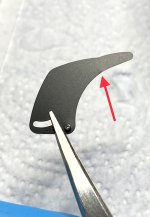
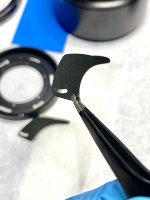
This also replaces this slightly dented aperture blade.

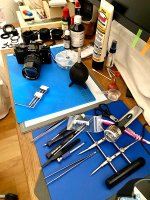
Things get lively at the desk.
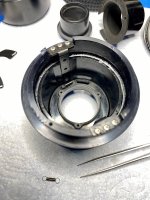
Replacing the spring for the aperture transfer lever.
The spring closes the preselected aperture when the camera is released.
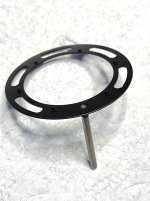
The donated transmission lever, firmly and straight riveted into the cover ring of the aperture register as it should be.
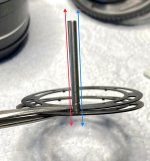
This lever was loose in tele #1.
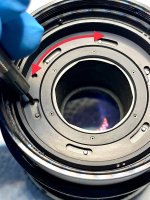
After soldering in, a minimal misalignment remained, which meant that the aperture opening when the tube was extended (close distance) deviated from the aperture opening at infinity.
Here both levers one behind the other for comparison.
The rear lens surfaces of this example were also massively dirty.
Unfortunately, in this case I was unable to achieve satisfactory cleaning. The optical assembly retained a cloudy haze, which is unacceptable.
The front optical unit could also only be cleaned to a limited extent; a dirty lens remained out of reach.
Therefore, I decided to turn two copies with defects into one flawless one.
Because I could only get the first telephoto lens with a slightly different aperture, which is at least a cosmetic flaw.
Tele #1 received the following parts exchanged from tele #2:
- aperture register
- complete aperture mechanism on the bayonet ring
- extendable lens hood (without scratches)
Arranging the dismantled parts.
Cleaning the “new” aperture register with Zippo lighter fluid.
Everything is clean - the lighter fluid evaporates quickly on its own.
This also replaces this slightly dented aperture blade.
Things get lively at the desk.
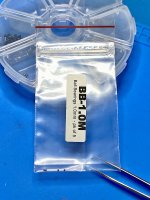
Replacing the spring for the aperture transfer lever.
The spring closes the preselected aperture when the camera is released.
The donated transmission lever, firmly and straight riveted into the cover ring of the aperture register as it should be.
This lever was loose in tele #1.
After soldering in, a minimal misalignment remained, which meant that the aperture opening when the tube was extended (close distance) deviated from the aperture opening at infinity.
Here both levers one behind the other for comparison.
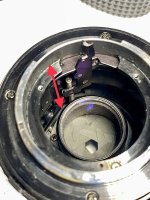



 A word of caution