

Panorama help

Messages
1,301
Edit My Images
Yes
Hi, I've just finished stitching a 14 shot pano taken in bad light and in some haste before the last ferry home.
Did I make a wrong setting choice in PS for the curvature of the earth to seem so bad?!?


Branno1 by James and Harrie, on Flickr
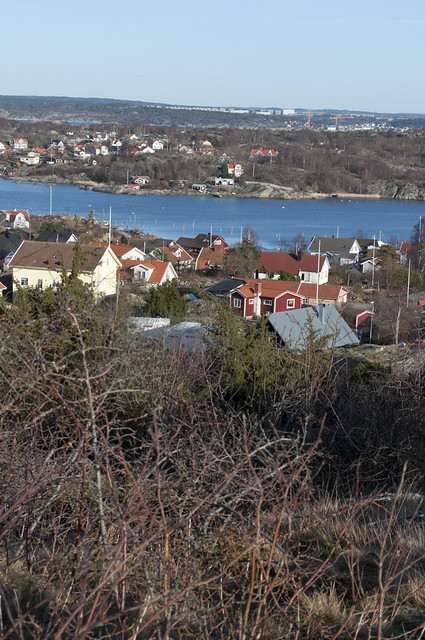
 
I think it could be caused by barrel distortion in each image, and then as PS tries to create it, it becomes even worse.

Apparently the horizon is meant to be in the dead centre of the frame of each image to give the straightest outcome. Do you have any of the original images we can see?
 
I think Lightroom has a distortion correction segment which should sort it if I remember right.
 
Hi, I've just finished stitching a 14 shot pano taken in bad light and in some haste before the last ferry home.
Did I make a wrong setting choice in PS for the curvature of the earth to seem so bad?!?


I'd leave it like that, I like it.
 
Last edited:
Wow, thanks! Was very rushed as I said, but stitched it anyway just for the experience. It was maybe just less than 180 degrees which made things difficult with the sky as was late afternoon
 
The reason your horizon is curved is because the camera was pointing downwards when you shot the images. (The centre of the panorama is below the horizon.) Some panorama software packages allow you to correct for this by defining the "reference point", which is the point in the scene which is straight ahead at eye level when you shoot the images, but I don't use PhotoShop for panoramas so I don't know whether you have that facility.
 
Try dropping the same images into MS ICE, it's the best panorama stitcher I've used and it's free.
 
Back
Top