
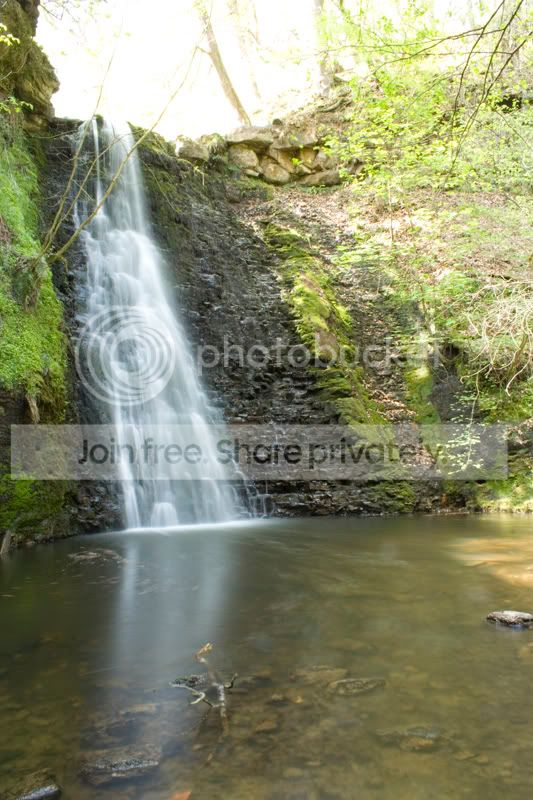
I took these pictures the other week at a water fall. The first is a longer exposure to capture the flow of the water;
And the second is a shorter exposure to get the sky and the foliage to the right correctly exposed;

The question is how do I get the two together. I have tried pasting the images over one another and then using the eraser tool with a flow of aroun 7% to slowy rub away the over exposed sky in the first image.
This looks ok but its not perfect. How would you do it?
Thanks in advance
And the second is a shorter exposure to get the sky and the foliage to the right correctly exposed;
The question is how do I get the two together. I have tried pasting the images over one another and then using the eraser tool with a flow of aroun 7% to slowy rub away the over exposed sky in the first image.
This looks ok but its not perfect. How would you do it?
Thanks in advance


