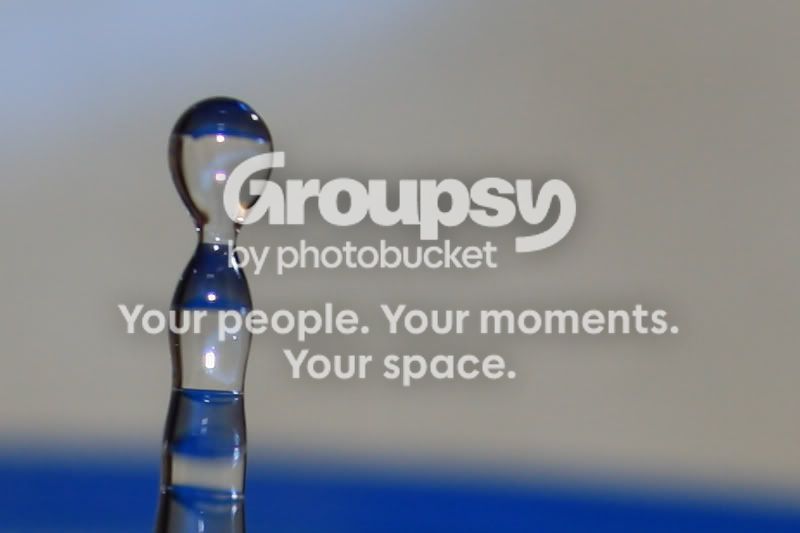
I've seen the term 100% crop used quite often but I'm unsure what it actually means, is it as simple as a crop of the original photo blown up to the same size as the original?
100% means there has been no resizing either shrinking or enlarging on the image. Crop means it's not the whole image. So a 100% crop is part of the whole image without any scaling done on it.
OK, this is the way I understand it, but I could be 100% off ().
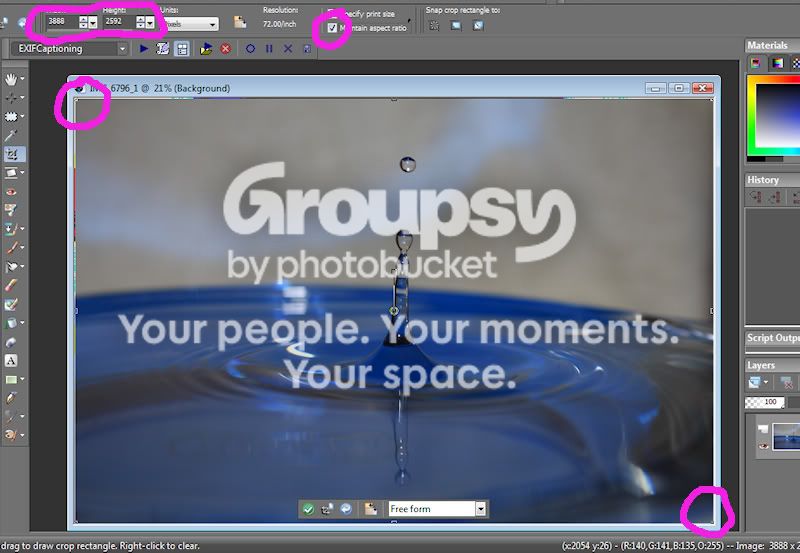
Open and uncropped image, then click on your crop tool. Stretch is corner to corner so the entire image is selected. Then click on 'Maintain aspect ratio'.
1. Type in 800 for the width and the height will automatically adjust provided the 'Maintain aspect ratio' box is still checked (sometimes mine is sly and unchecks itself ). This should give you a selection (as a above) which, when double clicked, should give you a 100% crop like that below.
That's my take on what a forum sized 100% crop is
I will likely be very embarrassed when someone more knowledgeable comes along and tells you what it really means
This site uses cookies to help personalise content, tailor your experience and to keep you logged in if you register.
By continuing to use this site, you are consenting to our use of cookies.




 ).
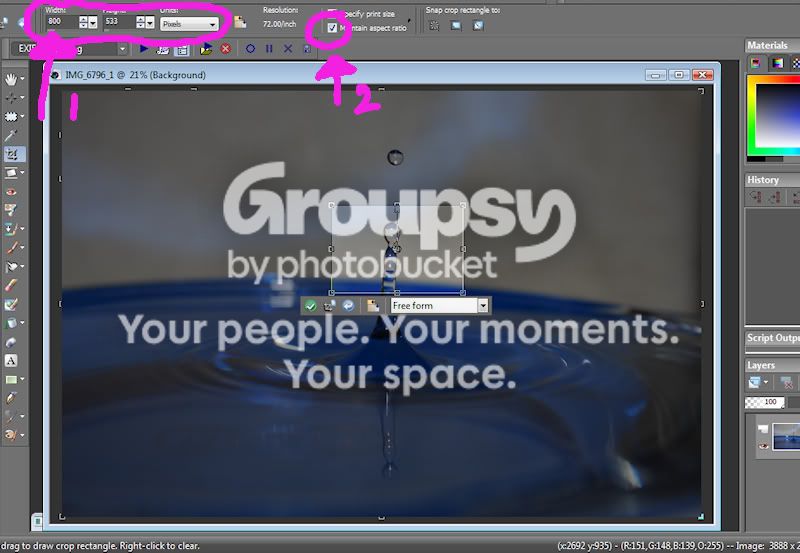
 ). This should give you a selection (as a above) which, when double clicked, should give you a 100% crop like that below.