Real world experiment with the same photo above.
In Photoshop, I overlaid the Flickr Original size on top of the file I'd uploaded to Flickr, then set the blending mode to
Difference. When this is done, where there are differences between the layers, they show up as lighter pixels, where there is none, the result is black.
If there were any changes applied by Flickr it ought to be apparent.
There was none visible, the resulting image was pure black.
I then duplicated the Lightroom export file into a new layer in Photoshop and applied USM of 100%, radius 1.0 px and Threshold 0. Setting the blending mode to Difference again, there was an apparent difference between the two.
To make any difference more apparent, I then brightened the 128 level up to 255 with a Curves Adjustment layer.
N.B. I've downsized the resulting files by 50% for posting here.
Diff with sharpened original at 128 -> 255
The change is readily apparent from the original to the sharpened version.
Diff with Flickr file at 128 -> 255
As you can see, there's still no visible difference between the original and Flickr versions.
To make the scrutiny even tougher, I applied the maximum amplification the Difference image - mapping Level 4 to 255 with the Curves Adjustment layer.
Diff with sharpened original at 004 -> 255
FWIW, I repeated the sharpening version with a much lower level of sharpening (50/0.25/0) and the result was pretty similar to the one I've posted here.
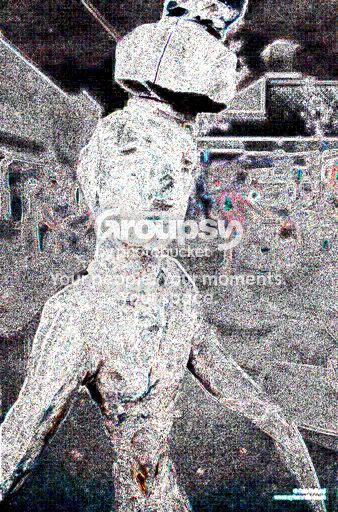
Diff with Flickr file at 004 -> 255
Now, while there is a difference visible between the original and the file from Flickr, it is
much smaller and does not match that which results from sharpening, but JPEG compression (note the blockiness in 8x8 cells used by the JPEG compression algorithm).
Moreover, I'd suggest that, if we have to go to these extremes to make them known, they would be imperceptible in the real world.