ChromaKey: First attempts! Amazingly easy. Image heavy!

Messages
7,179
Name
Edward Bray
Edit My Images
Yes
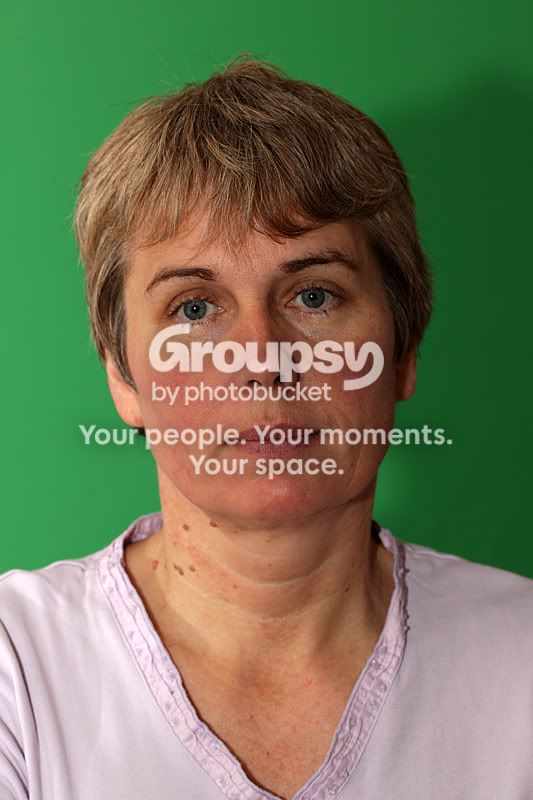
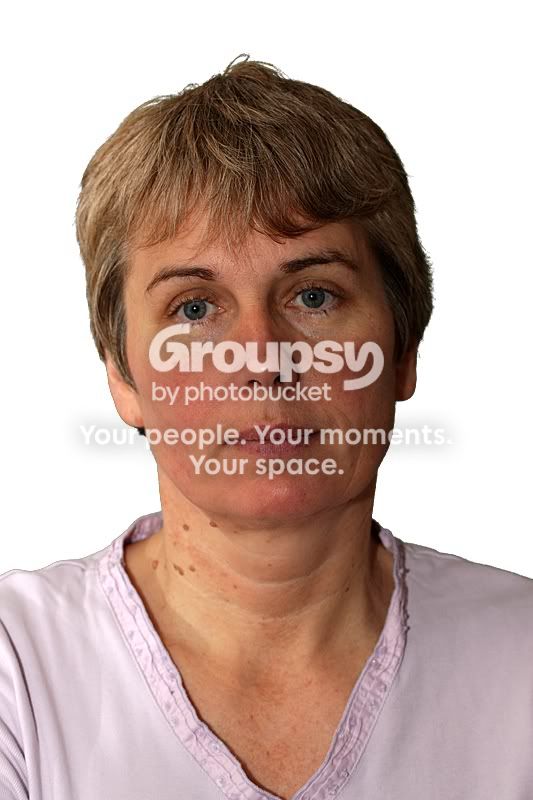
Bought a chromakey background from Philthejuggler over the weekend, it arrived this morning so had a quick play. Took 2 shots of my wife, one with ETTL flash bounced off the ceiling and one bounced off the wall.

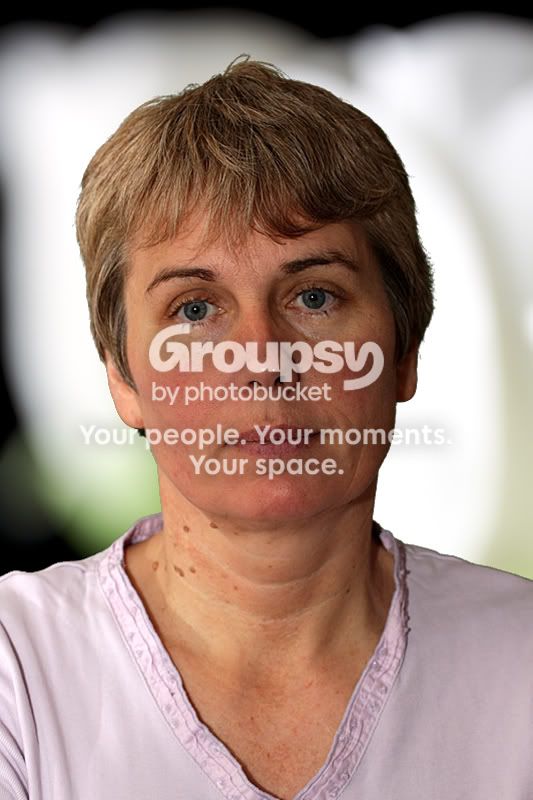
Images were loaded into the free picture editing program Paint.net with a chromakey plugin added. Using the plugin took seconds and the results are very surprising. I would expect to get even better results with a bit of practise and better lighting on the background!

First attampt can be seen in Phil's for sale thread, that was the flash bounced off the ceiling.

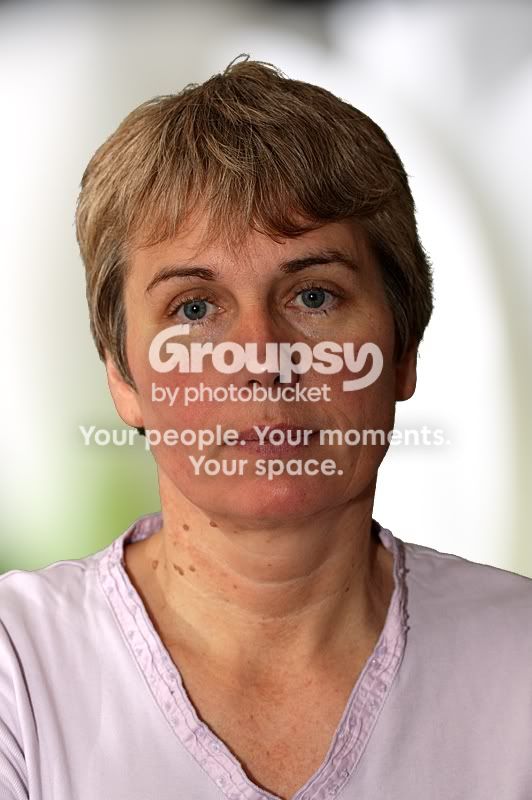
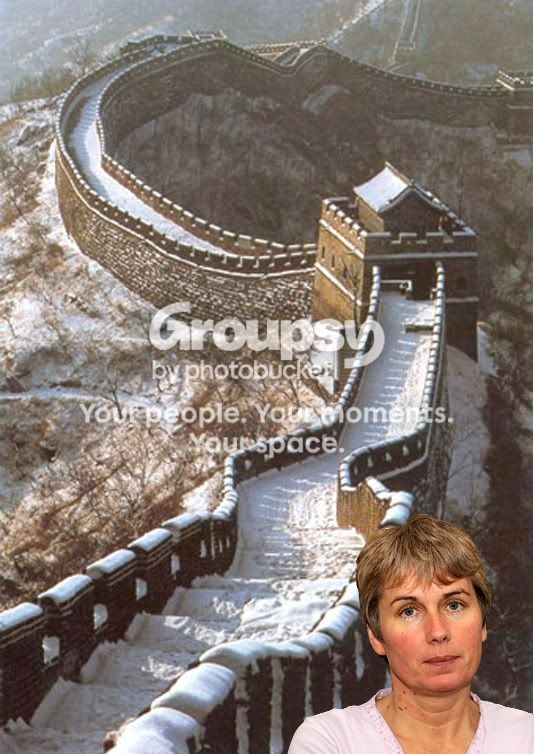
The second image was the shot bounced off the wall, this gave a little more modelling but required a better selection of a background which had similar lighting.

Background Image
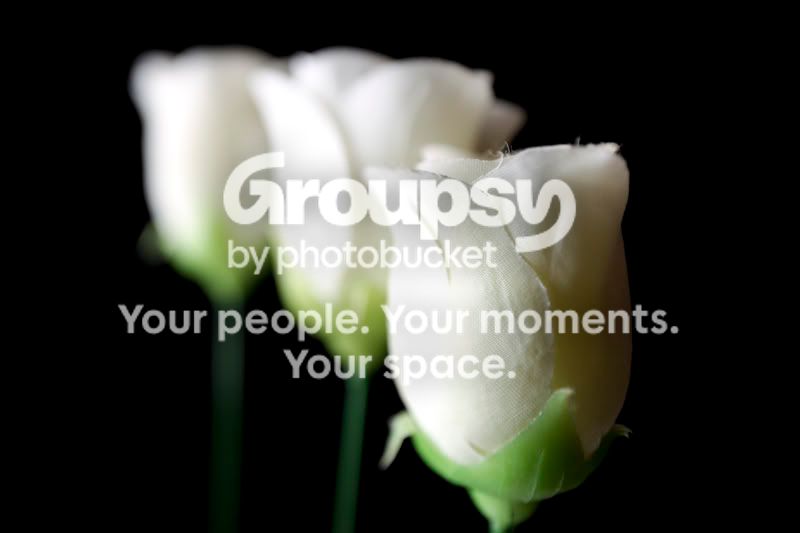
chromatest7.jpg


Chromakey Image

Chromatest.jpg


Cropped Background 1st attempt

chromatest3.jpg


Combined image first attempt

Chromatest9.jpg


Cropped Background second attempt

chromatest5.jpg


Combined image second attempt
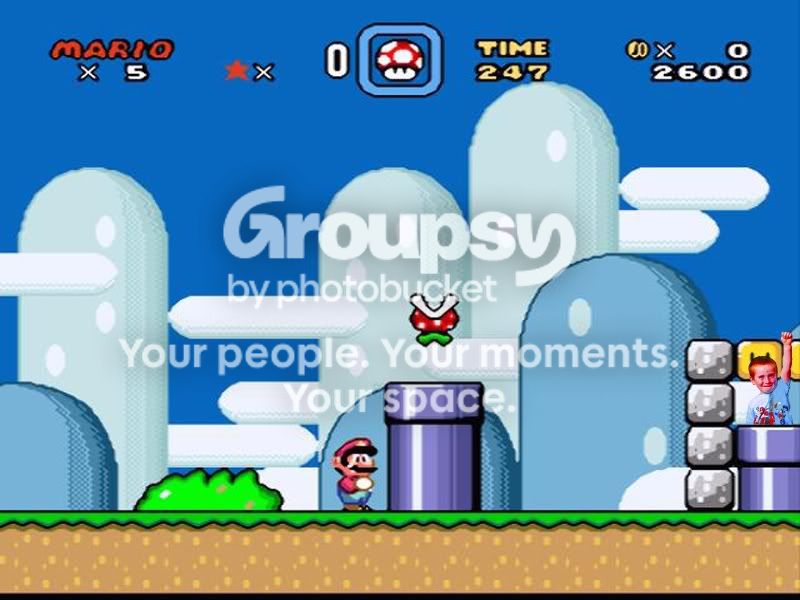
chromatest6.jpg
 
I would expect to get even better results with more seperation from the Background and a more even light on the background. But just to show, this was a chromakey, pasted directly onto a white canvas!

chromatest8.jpg
 
That's pretty cool actually. I could imagine me and the kids having some real fun with this... I always wanted to go to the great wall of China, haha
 
What did you use to remove the chromakey background. I was thinking of buying a green and blue chromakey background for hair etc.
 
That's pretty cool actually. I could imagine me and the kids having some real fun with this... I always wanted to go to the great wall of China, haha

Been there, done that :lol:

Image of Great Wall courtesy of the Chinese Govt.

gwc.jpg
 
It is very easy, we use photokey pro 3 in the studio, some amazing stuff can be done with it.
 
That's pretty damed good Ed - it's done a good job of retaining the fine/ stray hair detail which is always the most difficult thing when changing backgrounds . I'm impressed - how much? :suspect:
 
That's pretty damed good Ed - it's done a good job of retaining the fine/ stray hair detail which is always the most difficult thing when changing backgrounds . I'm impressed - how much? :suspect:

Software (paint.net) was free including the plugin, the chromkey collapsible backgrounds can be had for as little as £40 or less on ebay.

I am so impressed with both the ease of use and quality of the results straight out of the software with literally a couple of minutes workflow in total that I am now looking to get one with a train to enable full length images to be shot.

I genuinely think that with more even lighting on the background and better lighting on the subject which matches the lighting of the chosen background some quite spectacular montages could be made!

Who says the camera never lies?
 
Been there, done that :lol:

Image of Great Wall courtesy of the Chinese Govt.

gwc.jpg

when i got there i went for an ice cream....i looked for the walls sign
there bloody was one!!! and they were selling magnums
 
We have been shooting chroma key for the last 6 years. Full length will mean a lot more work. As you need to match studio lighting to background you use. If not it will look like one of those naff movies from the 70's.

With all portraiture never try to light the bg. just light your subject... The subject will cut better.

There are many chroma sofware out there now . most are for fun and events. If you want it to the stabdard of Movie work you need to spend $600 on software called Timestone.

If its just for fun then you will be fine.

Just wish I copuld link images to show some examples.

so go here and you will see my attempts at it.

http://community.imaginefx.com/fxpose/daryls_portfolio/default.aspx


I used chroma key along with 3DSMax and Bryce6 also Daz3d.
 
So what is a good piece of software the chromakey for the mac ?
 
Blimey, just done a search and downloaded Chromakey PRIMATTE plug-in for Photoshop for the Mac! How good is that :)
 
Ed, I was umming and arring over buying that Chromakey background but was too late :( Oh well you've shown us how good they are though. Who needs dozens of backgrounds now :)
 
Ed, I was umming and arring over buying that Chromakey background but was too late :( Oh well you've shown us how good they are though. Who needs dozens of backgrounds now :)

Still has 2 available, this is the cheapest! Item number 200500331646
 
Still has 2 available, this is the cheapest! Item number 200500331646

Did you not buy it off here?

There was someone selling one that was green on one side and blue on the other..... maybe I shouldn't have mentioned it someone else will grab it.
 
Yes, I bought a green/blue collapsible from the forum, I also bought one of those cheap ones I pointed to, thought it would be good for either a train or for draping over items to create a layered look.

I have another idea for it too, but will keep that a secret for a few days!
 
I assume you can also do this in photoshop, is there a tutorial anywhere?
 
I assume you can also do this in photoshop, is there a tutorial anywhere?

To do this properly you really need a plug-in that removes the chromakey background replacing it with TRANSPARENT. You can do this with colour selection tools but they are not so sophisticated and the proper tools will be FAR better. I am using one for the Mac there are others for the PC, some are free some are not but the instructions for each one are specific to that one.
 
This is the software we use :

http://www.timestone.com.au/Pages/FrameDocs/Frame_News.html


Green screenwizard is ok. Good for events and fun stuff.

Photokey did not cut the mustard.

http://www.digitalanarchy.com/primatte/main.html This is a very goodone.

Plug ins are ok but you will do a fare bit of post work.

With the more pricey ones they will set the filters to your set up and batch process as well.

You must have your lighting spot on too or you will look like a fake back ground. And you will have probs keying the image.

Express digital do the best full on systen for event togs.
 
If it's for the PC why not just download the Paint.net program and plugin that I linked to just for the chromakey, everything else can be done using PS?

Works great, is free.
 
With the chromakey it could allow you to change your background. Would be interesting to see if this could be done whilst still looking right. You could have a nice folder full of decent high res backgrounds and just replace them :) I think I would prefer to actually have the right backgrounds but might be worth an experiment.
 
Back
Top