

You are using an out of date browser. It may not display this or other websites correctly.
You should upgrade or use an alternative browser.
You should upgrade or use an alternative browser.
ChromaKey: First attempts! Amazingly easy. Image heavy!
- Thread starter EdBray
- Start date


OP

- Messages
- 7,179
- Name
- Edward Bray
- Edit My Images
- Yes
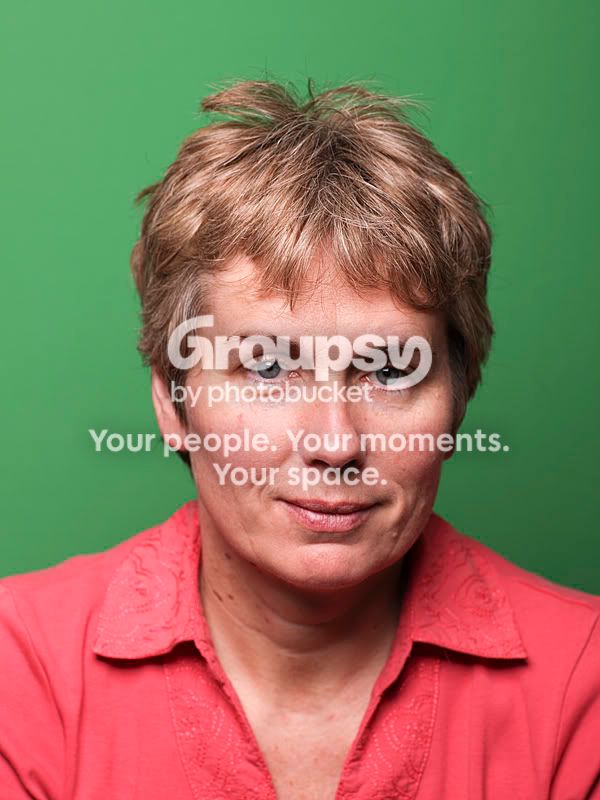
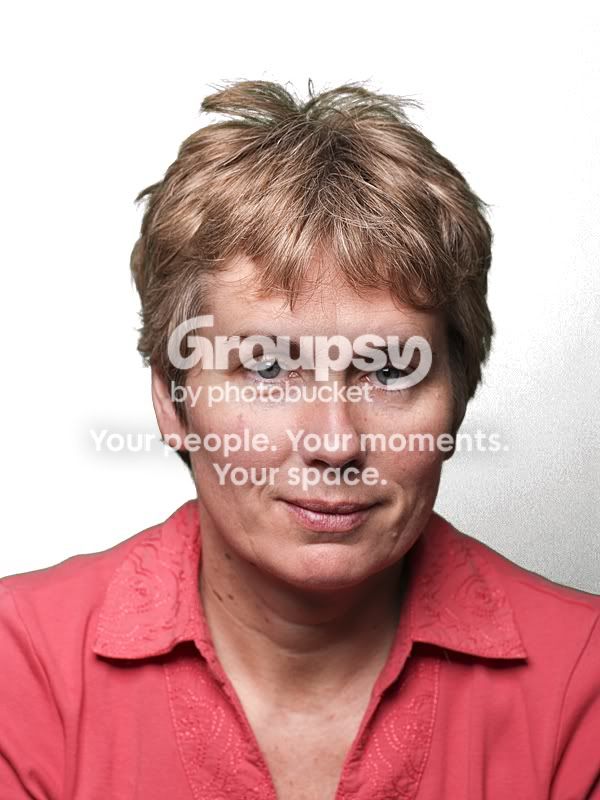
Had another go this afternoon, talked my wife into mussing up her hair to enable me to see how well the Chromakey could handle strands of hair.
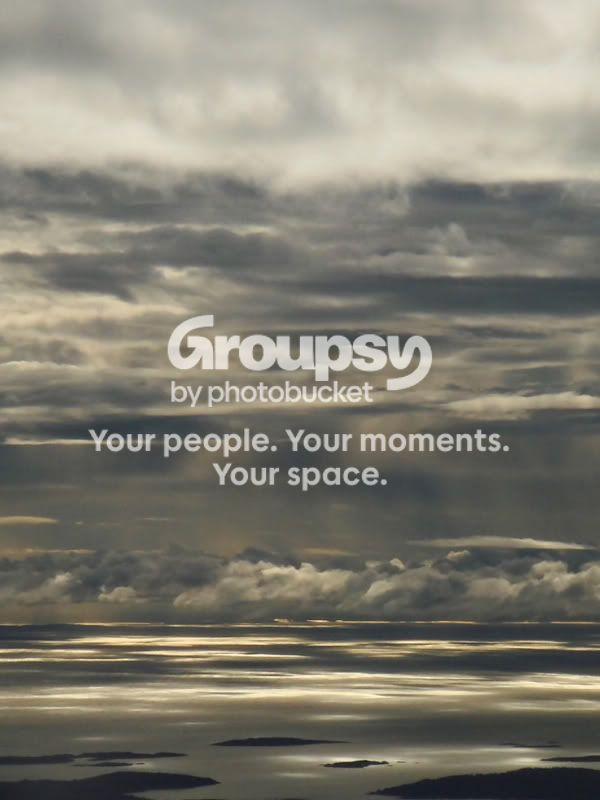
If you are looking for some excellent backgrounds you can get a free account here!
These are a couple.
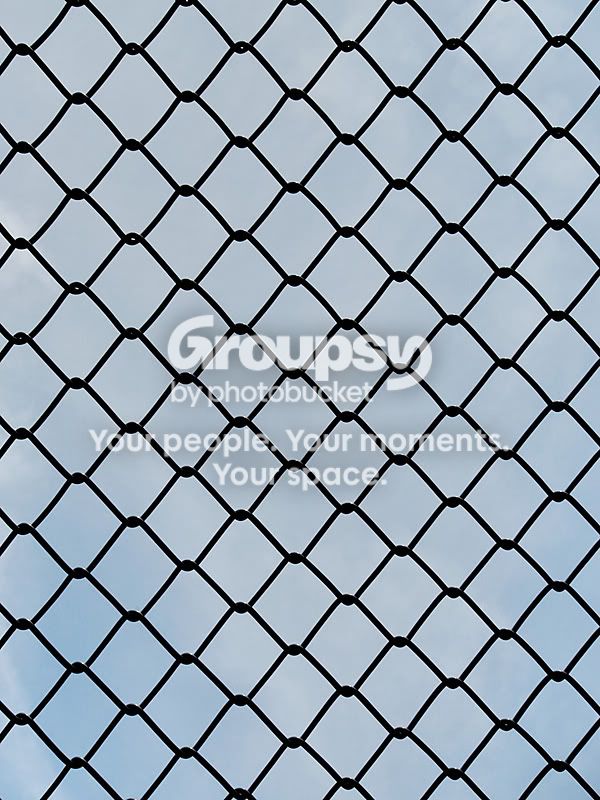
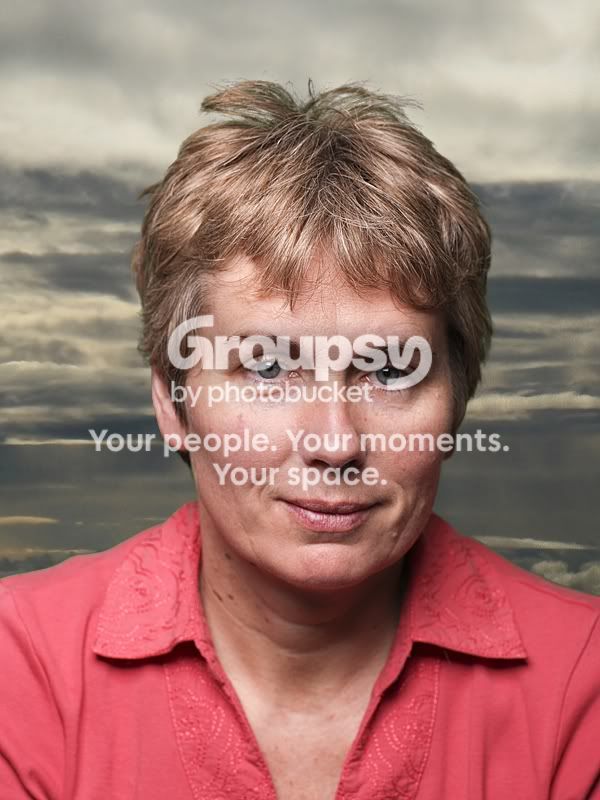
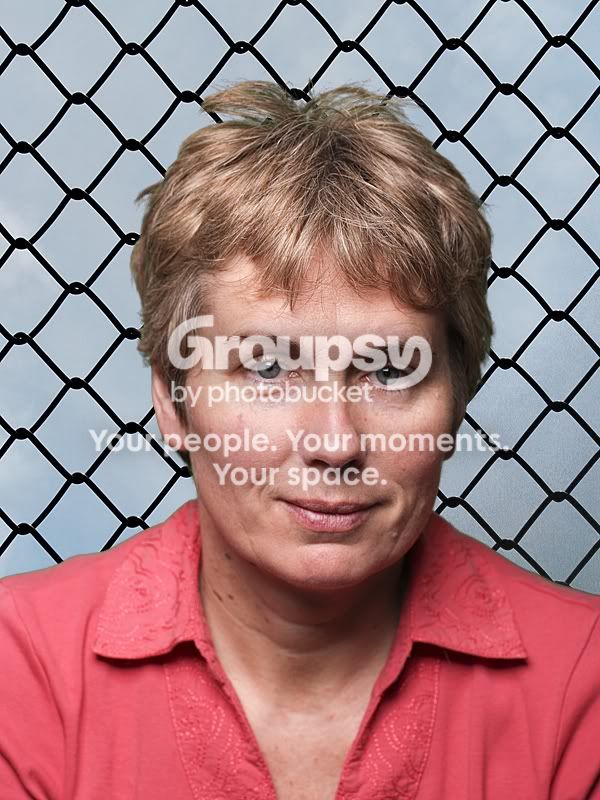
If you are looking for some excellent backgrounds you can get a free account here!
These are a couple.

- Messages
- 5,732
- Name
- Daryl
- Edit My Images
- No
Ed? if you look over her should on the image you cleared the greenscreen you can see noise/shadow from the bg.
It has come out on your added bgs as well.
Did you only use one light? Try a key light and a fill. But only light the subject. The back ground will be more even and will key a lot easier.
Thats why you can not have shadows or creases and marks of any kind on the bg.
This would not be good enough for my work as you can see the hair pixelate. The Timestone software keys right into the hair like it was a single strand and fuzz.pixelation to it.
It has come out on your added bgs as well.
Did you only use one light? Try a key light and a fill. But only light the subject. The back ground will be more even and will key a lot easier.
Thats why you can not have shadows or creases and marks of any kind on the bg.
This would not be good enough for my work as you can see the hair pixelate. The Timestone software keys right into the hair like it was a single strand and fuzz.pixelation to it.

cowasaki
TPer Emeritus
- Messages
- 19,708
- Name
- Darren
- Edit My Images
- Yes
Ed,
The only one of those that looks real is the wire fence background but there is still a little green in her hair. Are there sliders to adjust the settings on your software? It would have to be very good to have got rid of it all though.
The only one of those that looks real is the wire fence background but there is still a little green in her hair. Are there sliders to adjust the settings on your software? It would have to be very good to have got rid of it all though.

- Messages
- 7,245
- Name
- Christine
- Edit My Images
- Yes
Hi Ed
Hope you don't mind, out of curosity I had a go in CS5 at extracting - I think it gives a comparable result to the chroma key software? I did not spend a lot of time on the fence as it made my eyes go too fuzzy

If your wife does not approve I will delete.
Hope you don't mind, out of curosity I had a go in CS5 at extracting - I think it gives a comparable result to the chroma key software? I did not spend a lot of time on the fence as it made my eyes go too fuzzy
If your wife does not approve I will delete.
OP
- Messages
- 7,179
- Name
- Edward Bray
- Edit My Images
- Yes
Ed? if you look over her should on the image you cleared the greenscreen you can see noise/shadow from the bg.
Yes, I noticed that at the time.
It has come out on your added bgs as well.
Likewise
Did you only use one light? Try a key light and a fill. But only light the subject. The back ground will be more even and will key a lot easier.
Yes, trying something different in a minute!
Thats why you can not have shadows or creases and marks of any kind on the bg.
Doesn't show on the 8x6 prints I made!
This would not be good enough for my work as you can see the hair pixelate. The Timestone software keys right into the hair like it was a single strand and fuzz.pixelation to it.
That may be as I used a smaller 800 x 600 pixel image before chromakey-ing
I will try it again on the full sized jpg.
Ed,
The only one of those that looks real is the wire fence background but there is still a little green in her hair. Are there sliders to adjust the settings on your software? It would have to be very good to have got rid of it all though.
Yes there are sliders and a little adjustment makes a big difference!
Retry below from full sized image
How far is the subject from the bg when you shoot?
Only a couple of feet, will try it again with a bit more seperation!
Hi Ed
Hope you don't mind, out of curosity I had a go in CS5 at extracting - I think it gives a comparable result to the chroma key software? I did not spend a lot of time on the fence as it made my eyes go too fuzzy
If your wife does not approve I will delete.
Not sure about the fence, it looks like there is a haze around it. Like the idea though, wonder if I can get a fence for the bedroom

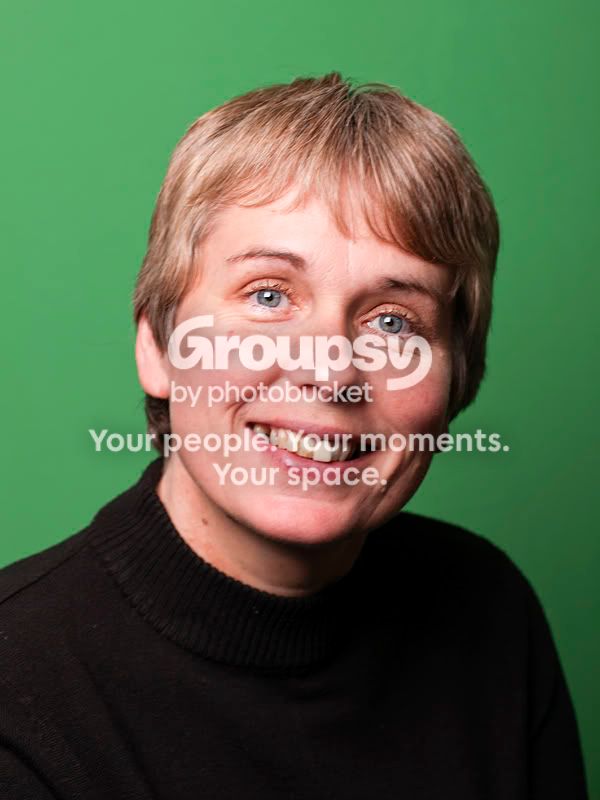
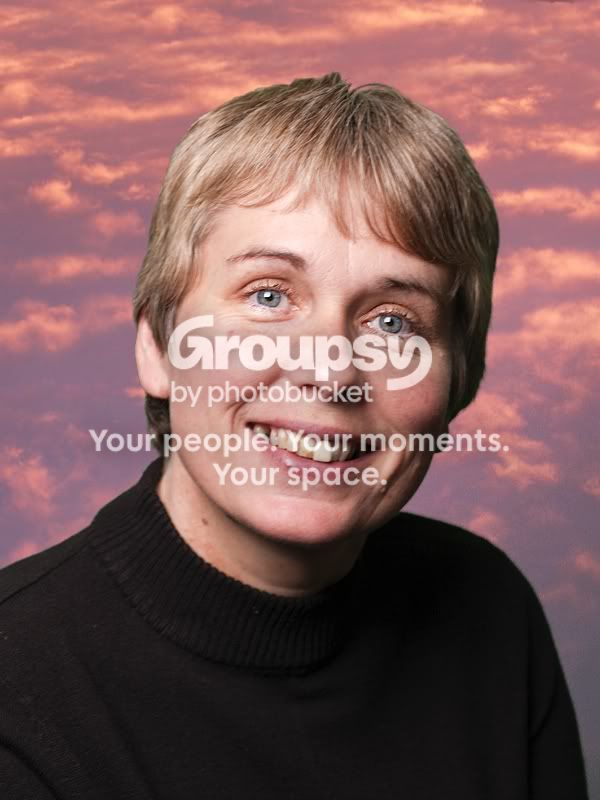
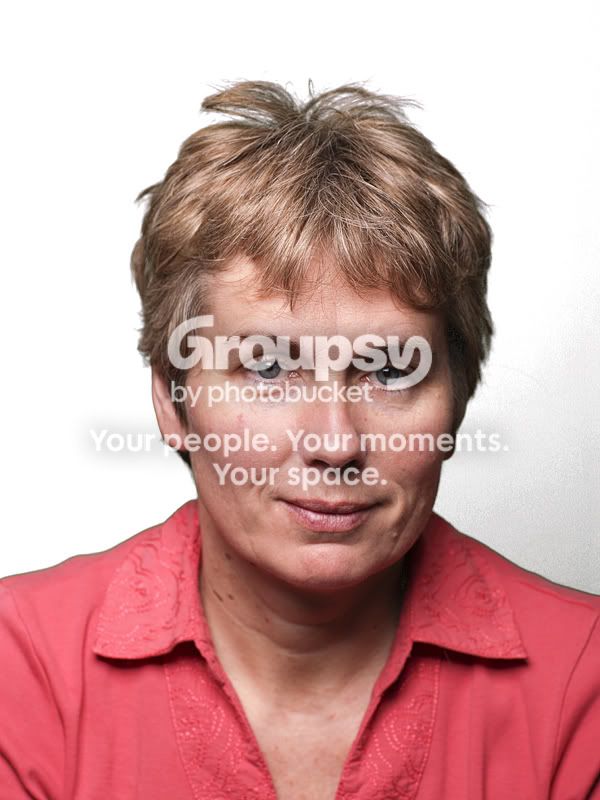
Here is the next attempt. Worked on the full sized jpg zoomed in to the hair before adjusting the chromakey sliders. Then saved and reopened in CS5 to resize and save for the web.
Seems much better to me. I will try some different shots next!
OP
- Messages
- 7,179
- Name
- Edward Bray
- Edit My Images
- Yes
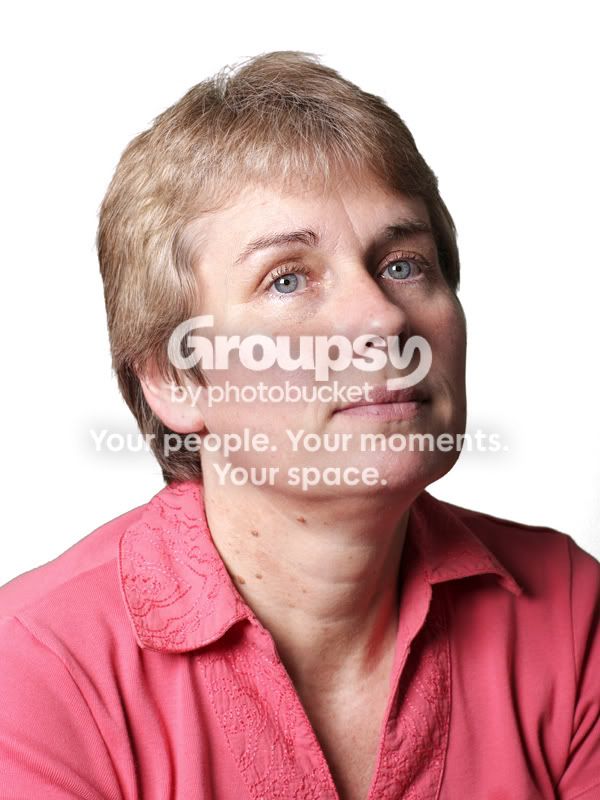
Okay, next attempt,
Subject 4ft from background.
Background lit with seperate softbox from overhead middle giving even light across it.
Subject lit with softbox from slightly above and right.
Chromakey done on full image before opening in CS5 and saving for the net!
Seems much better to me!
Subject 4ft from background.
Background lit with seperate softbox from overhead middle giving even light across it.
Subject lit with softbox from slightly above and right.
Chromakey done on full image before opening in CS5 and saving for the net!
Seems much better to me!

- Messages
- 408
- Name
- Emma
- Edit My Images
- Yes
With all portraiture never try to light the bg. just light your subject... The subject will cut better.
Have to say I've only done chromakeying for video, never photographs and the opposite woul be true, in my experience. The background is essential to light, but it needs to be even lighting and it needs to have seperate lighting from the subject, with a decent amount of separation. Otherwise there is bleed onto the subject and you end up losing the edges.
It has to be a specific green or blue. These colours are easy to cut.
It can actually be any shade of blue or green, or indeed other colours. The benefit of blue and green however, is that you dont usually get these colours in skin tones so when you key it out, it doesnt take out half the face as well (as it would with oranges or yellows). Most chromakeying software samples a shade of whatever you choose with the colour picker and allows you to specify a range to remove.
You must have the bg even coverage for the software to cut. And there must be no dings or creases in the bg. These will come out in the cutting.
It's not essential that everything is smooth, but it makes things so much easier if it is.
- Messages
- 5,732
- Name
- Daryl
- Edit My Images
- No
So many have tried to light in a studio. use brollies you get burn/Hotspots.
Light boxes? yep will give even coveridge but will side light your subject.
Best to use 2 lights at 45' degres and a hair light. this will cut any cyan effect or blue to blondes and other hair line.
Emma, we dont shoot video on a staged set with lots of studio lights. We do use three.
2 key lights at F11 and F8. the hail light is usually at F8 set slightly behind screen.
Lighting the subject took away any shadows or drop off. Creases and marks are important as we have to process nearly 300 to 600 portraits aday for schools. We use a software that batch processes and any light graduation will do what it has on Eds portrait and leave noise and any creases or marks will give extra work. correct lighting and distance will save lots of extra post work. Even when the filters are set it still takes 25 secs to key and when you have a few hundred it all adds up.
This only our 5th year and my 6th using chromakey with C.G.I work as well but hey. Trial and error try everything you can that suits the way you shoot and work.
Light boxes? yep will give even coveridge but will side light your subject.
Best to use 2 lights at 45' degres and a hair light. this will cut any cyan effect or blue to blondes and other hair line.
Emma, we dont shoot video on a staged set with lots of studio lights. We do use three.
2 key lights at F11 and F8. the hail light is usually at F8 set slightly behind screen.
Lighting the subject took away any shadows or drop off. Creases and marks are important as we have to process nearly 300 to 600 portraits aday for schools. We use a software that batch processes and any light graduation will do what it has on Eds portrait and leave noise and any creases or marks will give extra work. correct lighting and distance will save lots of extra post work. Even when the filters are set it still takes 25 secs to key and when you have a few hundred it all adds up.
This only our 5th year and my 6th using chromakey with C.G.I work as well but hey. Trial and error try everything you can that suits the way you shoot and work.
If you plan on using an outdoor scene as a background, is it best to shoot your scene with a lit model, Remove model and shoot scene with lighting in place and record lighting used for use on green screen later?
Im thinking of offering something where someone can have their photo taken at some landmarks from a studio but i dont want them to look like cut and paste jobs.
If i re-create the lighting in a studio and set the software to scale the subject etc as required (havent played with any software yet, but seen Express Digital in action) would it look more realistic?
#Edit cant see any images in work due to filtering dont know what these results look like!
Im thinking of offering something where someone can have their photo taken at some landmarks from a studio but i dont want them to look like cut and paste jobs.
If i re-create the lighting in a studio and set the software to scale the subject etc as required (havent played with any software yet, but seen Express Digital in action) would it look more realistic?
#Edit cant see any images in work due to filtering dont know what these results look like!
cowasaki
TPer Emeritus
- Messages
- 19,708
- Name
- Darren
- Edit My Images
- Yes
Definitely getting better at this now although my daughter wasn't too impressed.
I'm sure she wasn't


- Messages
- 13,582
- Name
- Dean
- Edit My Images
- No
I try to get enthusiastic about this, but it all looks naff to me.
cowasaki
TPer Emeritus
- Messages
- 19,708
- Name
- Darren
- Edit My Images
- Yes
Interesting as I've just bought Lastolite chromakey green roll for £35. That's 2.75m wide by 11m long
11m !! That seems a tad excessive and about 3 times more than I would need

- Messages
- 7,245
- Name
- Christine
- Edit My Images
- Yes
Sorry guys - all I'm seeing here are what look like crap cutouts.
Not sure I see the point :shrug:
Seems like a lot of faff for something that you can get mrclipping to do. In fact, Ed, was it you that recently tried Mr Clipping? How was it?
I try to get enthusiastic about this, but it all looks naff to me.
Have you read the whole thread? Ed is trying out some new software, I can see the improvements he is making the more he practices, and it often helps to get others opinions on your work as it can be difficult to actually "see" it when you keep looking at the same picture for a while. Maybe you can do better ?
I have never heard of MrClipping - maybe you would like to demonstrate it ?
Have you read the whole thread? Ed is trying out some new software, I can see the improvements he is making the more he practices, and it often helps to get others opinions on your work as it can be difficult to actually "see" it when you keep looking at the same picture for a while. Maybe you can do better ?
I have never heard of MrClipping - maybe you would like to demonstrate it ?
I have indeed read the whole thread, and I'm fully aware that sharing things on a forum is a useful exercise - no need to be so defensive just because I don't see the point! Can I do better? Well I'm hardly likely to try when I can't see the point in it am I?
mrclipping.com is an online service for getting cutouts done. You upload a picture to the site and in a matter of hours you get a file sent back with your clipping path. Cost is between 2 and 7 euros depending on complexity. I haven't used it myself, but was chatting to a very top end tog friend of mine and he uses it all the time (and he has chromakey stuff in his studio but he mainly uses that for video afaik).
One of Daryl's shots earlier in the thread is good but the others I've seen in this thread are no better than a fairly basic cutout that anyone could do, hence me questionning the whole thing. It requires investment, setup, and PP work so to me it seems like a waste of time judging by the results I've seen in this thread.
Not criticising anyone, just an observation to form part of the discussion.

- Messages
- 21,339
- Edit My Images
- Yes
11m !! That seems a tad excessive and about 3 times more than I would need
It's a paper roll. Whilst buying a new white one I thought I'd add a chromeakey & royal blue one and save on the postage. I've got the chain drive system for the rolls, plus a black roll so I'll have to alternate the blue/green ones.
cowasaki
TPer Emeritus
- Messages
- 19,708
- Name
- Darren
- Edit My Images
- Yes
It's a paper roll. Whilst buying a new white one I thought I'd add a chromeakey & royal blue one and save on the postage. I've got the chain drive system for the rolls, plus a black roll so I'll have to alternate the blue/green ones.
Oh ok, I think that that kind of setup would be ideal for me actually. It is amazing how in frequently you need to change the paper. Speaking to ..MD.. he has been using the same bit of paper for a year!. You just do not see the imperfections on the image.
- Messages
- 13,582
- Name
- Dean
- Edit My Images
- No
Have you read the whole thread? Ed is trying out some new software, I can see the improvements he is making the more he practices, and it often helps to get others opinions on your work as it can be difficult to actually "see" it when you keep looking at the same picture for a while. Maybe you can do better ?
I have never heard of MrClipping - maybe you would like to demonstrate it ?
I'm not disrespecting Ed's work at all. I'm just saying chromakey always look fake to me. Even The great stuff Daryl has posted still looks a bit fake. I can understand why people use it, but I just find it a bit cheesy.