


Gary.D
Hoodie
- Messages
- 2,499
- Name
- Gary Derbridge
- Edit My Images
- Yes
Ok guys.
I have shot some pictures in RAW today.
I chose to mess around with one I didnt like and tried to make an HDR.
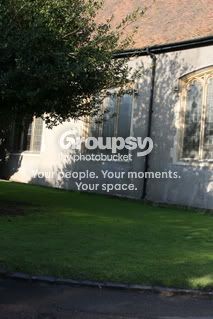
So I opened it in Digital Photo Professional and it look like this:
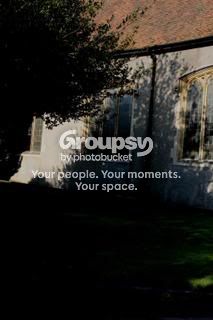
I then changed the brightness to -50 and got this:
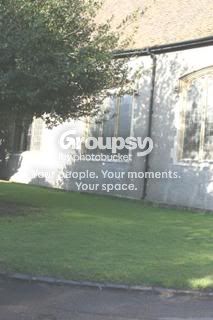
And then lastly I changed the original pictures brightness to +50 which looked like this:
Is this the correct way of getting my 3 different shots to create a HDR?
If not how should I go about it?
Thank you very much
Gary
I have shot some pictures in RAW today.
I chose to mess around with one I didnt like and tried to make an HDR.
So I opened it in Digital Photo Professional and it look like this:
I then changed the brightness to -50 and got this:
And then lastly I changed the original pictures brightness to +50 which looked like this:
Is this the correct way of getting my 3 different shots to create a HDR?
If not how should I go about it?
Thank you very much
Gary


