

You are using an out of date browser. It may not display this or other websites correctly.
You should upgrade or use an alternative browser.
You should upgrade or use an alternative browser.
Improving image colour
- Thread starter Markvs
- Start date
- Messages
- 284
- Name
- Steve
- Edit My Images
- Yes
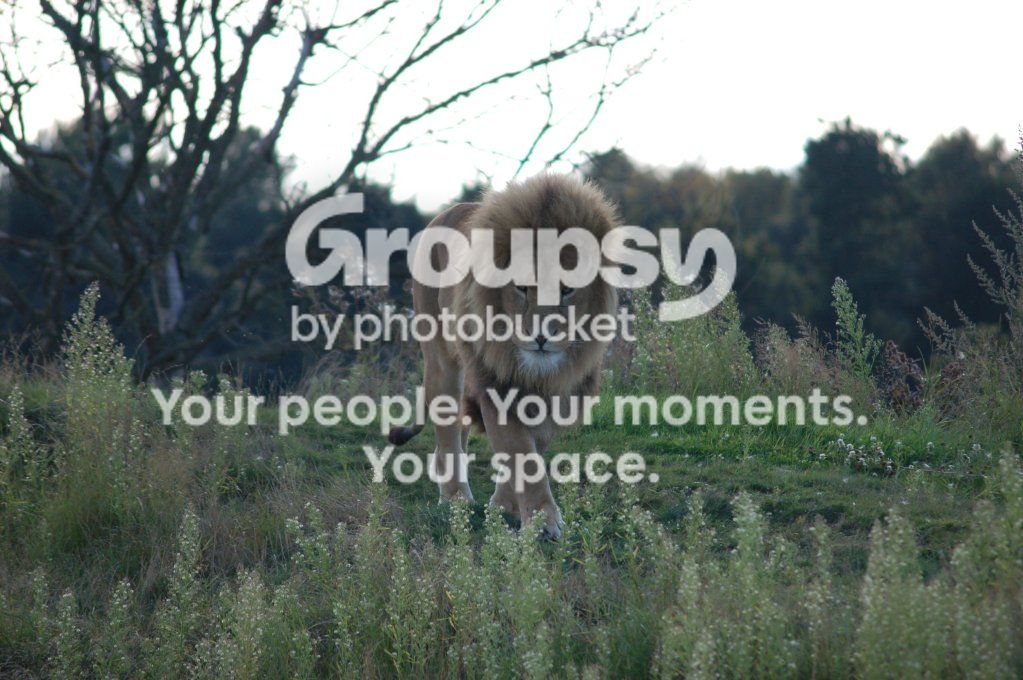
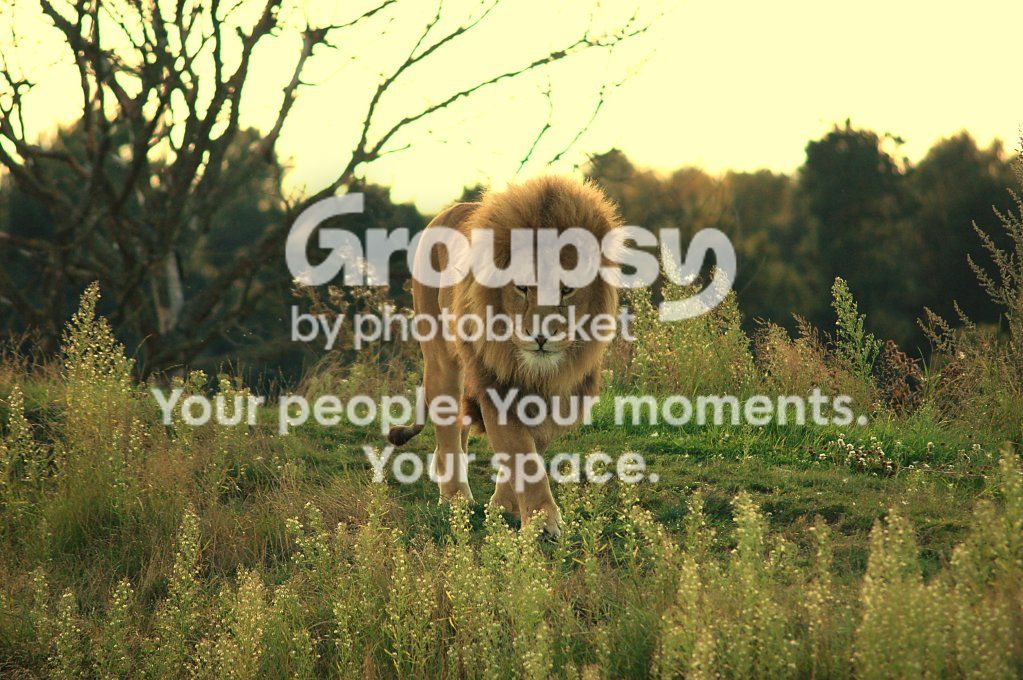
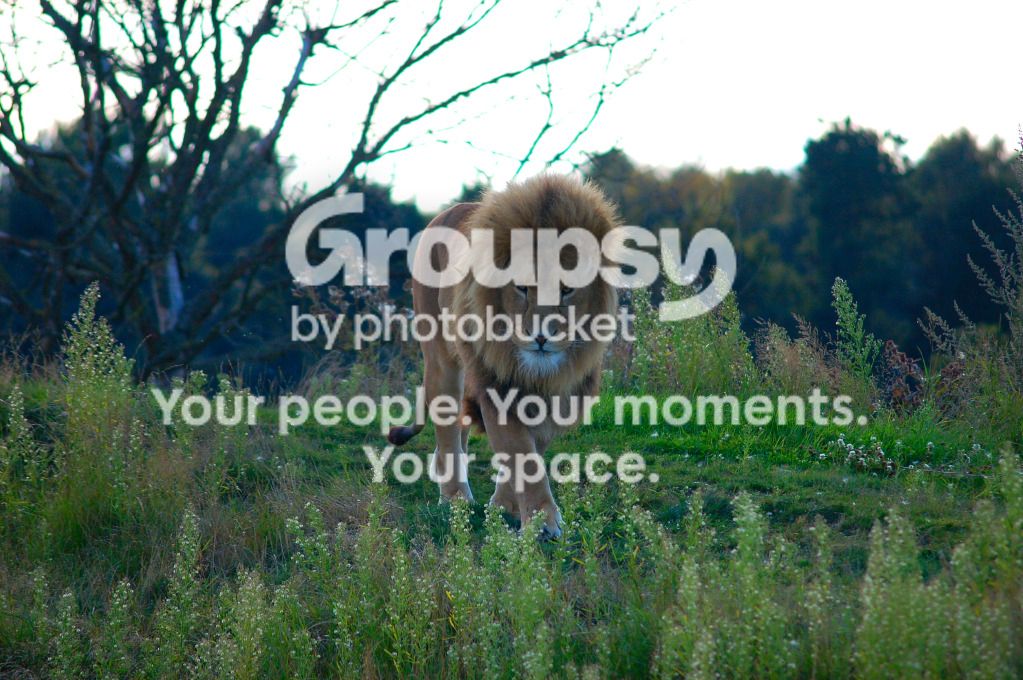
I think your initial white balance is a little off, and then you've rather over-compensated with your edits.
Shooting into the shade with a bright sky behind hasn't helped but a few quick adjustments in Lightroom produced this:
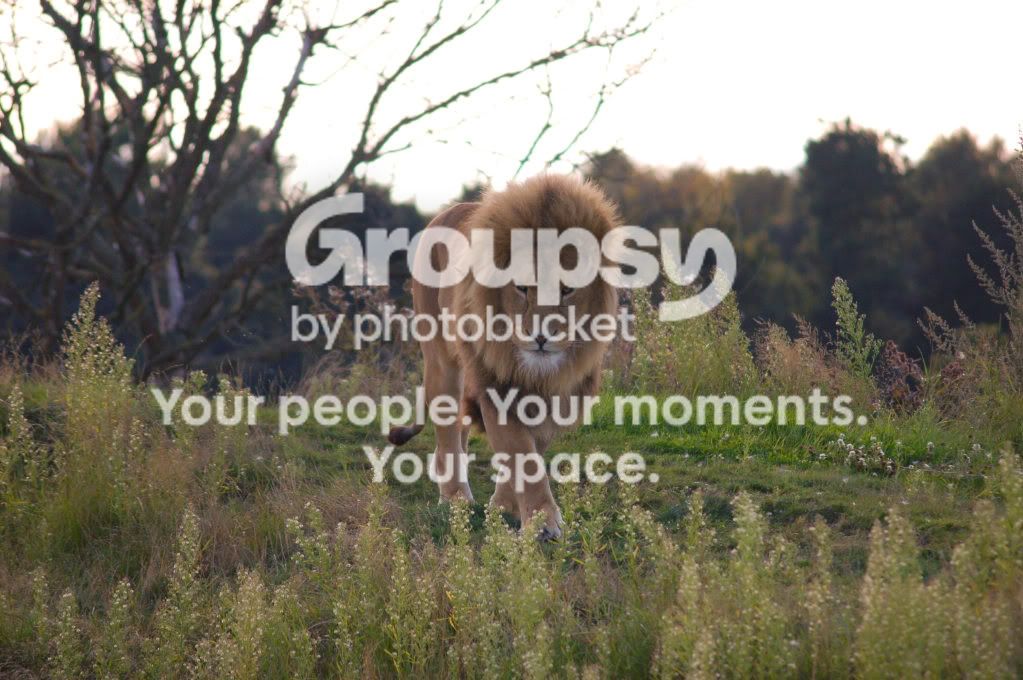
There probably are some camera settings which you could change, but there's little wrong with the original shot in my opinion.
Shooting into the shade with a bright sky behind hasn't helped but a few quick adjustments in Lightroom produced this:
There probably are some camera settings which you could change, but there's little wrong with the original shot in my opinion.

TCR4x4
Wishes he had a couple more Inches
- Messages
- 8,852
- Name
- Tom
- Edit My Images
- Yes
The edits are awful, to be blunt lol.
All the original needs is a touch of contrast added and maybe the highlights lowered a little.
If shooting in JPG, you can adjust the picture styles to suit, or if shooting RAW, then use Lightroom and you can adjust to your hearts content, although dont go overboard as it just looks unnatural.
SteelMagnets edit is pretty much on the money, I might have added a little more clarity slider, as I like my images to be a bit grittier, but its down to personal taste
All the original needs is a touch of contrast added and maybe the highlights lowered a little.
If shooting in JPG, you can adjust the picture styles to suit, or if shooting RAW, then use Lightroom and you can adjust to your hearts content, although dont go overboard as it just looks unnatural.
SteelMagnets edit is pretty much on the money, I might have added a little more clarity slider, as I like my images to be a bit grittier, but its down to personal taste


- Messages
- 6,290
- Name
- scott
- Edit My Images
- Yes
this was just done via levels.
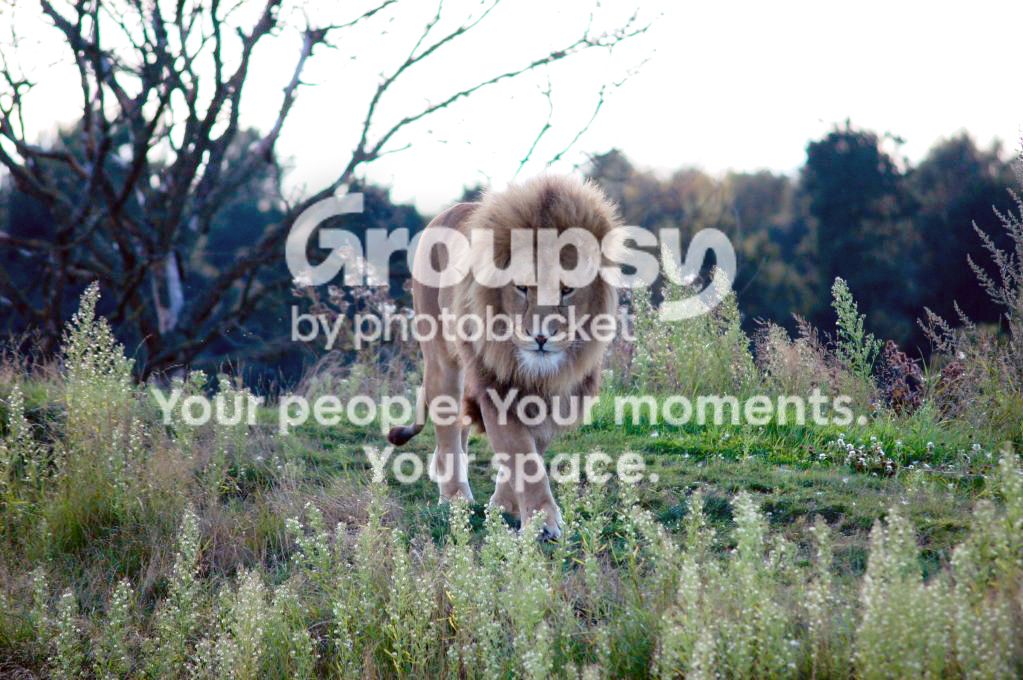
You can change the white balance in NX2 if you have the raw (NEF) file.
Or you could try this with the jpeg (in NX2):
- Camera & Lens Corrections section - set Axial Color Aberration to 100.
- Adjust menu/Color/Color Balance - red +5, green -5, blue -23.
- Place a Color Control Point on the lion's fur - saturation slider to 36.
- Adjust menu/Focus/Unsharp Mask - intensity 33 (ish), radius 5, threshold 0.


OP

- Messages
- 70
- Name
- Mark
- Edit My Images
- Yes
I did this one with FastStone image viewer (free download) just out of curiosity really. My monitor isn't calibrated so it could be rubbish (I added a bit of sharpening too).
Downloaded and that is a really nice bit of free software thanks for the advice
thanks for the advice
I like the Lightroom edit so going to look for a version of that
NX2 is easier for NEFs.