Just Icons in WinExp! Why?

On the Huh

Little Ball of Fur
Messages
4,405
Name
Zulfi
Edit My Images
Yes
Since having Vista installed :( I haven't had the choice of thumbnails in my folders. How can I get this? Help will be appreciated.
This is what I get:
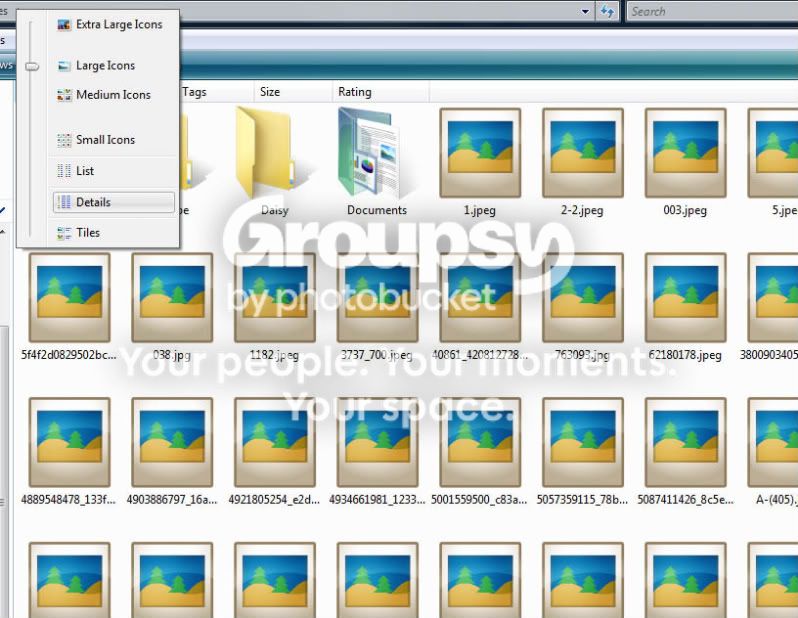
icons.jpg
 
always show icons, never thumbnails" option ticked?
Thanks Neil, however the above option can't be found anywhere. :shrug: :(
 
Thanks Neil, however the above option can't be found anywhere. :shrug: :(

In that window showing no thumbnails go to tools, then folder options, then click on the View tab and the top option in the scrolling box should say the "Always show icons...." option. Make sure that is un-checked and click apply.
 
In that window showing no thumbnails go to tools, then folder options, then click on the View tab and the top option in the scrolling box should say the "Always show icons...." option. Make sure that is un-checked and click apply.

what he said.. but after apply select "apply to all folders" then you wont have to do it for each folder you want thumbnails.
 
YAY!!! Thanks Tom and Neil :thumbs:
 
no worries..

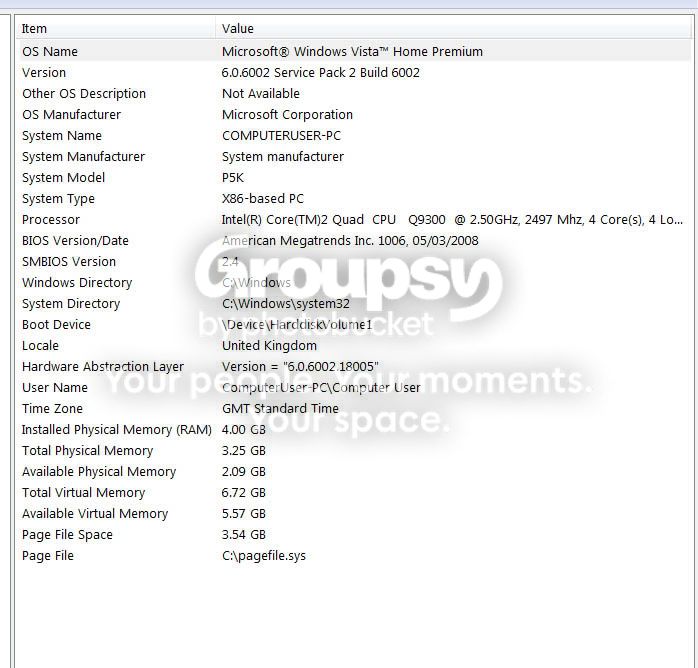
is it quite a low spec machine by any chance? i think that option gets turned on when windows wants to improve performance..

Couple of years old now. Was good when I first had it built.
SYSinfo.jpg
 
Back
Top