

You are using an out of date browser. It may not display this or other websites correctly.
You should upgrade or use an alternative browser.
You should upgrade or use an alternative browser.
need help
- Thread starter k4stn
- Start date


- Messages
- 81
- Name
- Matt
- Edit My Images
- Yes
Putting the edited picture back in the thread is done in exactly the same way as you would with your own.
Personally I use flickr for my photo's but am uncomfortable with putting other peoples work there so I have a photobucket account too and use that instead if I edit someone else's photo. I title the picture in Photobucket 'not my photo' to make sure its clear I'm not trying to pass someone else's work off as my own!
Personally I use flickr for my photo's but am uncomfortable with putting other peoples work there so I have a photobucket account too and use that instead if I edit someone else's photo. I title the picture in Photobucket 'not my photo' to make sure its clear I'm not trying to pass someone else's work off as my own!
- Messages
- 81
- Name
- Matt
- Edit My Images
- Yes
Yes, I only use photobucket to keep other people's photos out of my flickr account. I don't want to be seen to be taking credit for thier work!
I have seen a few people say that photobucket can effect image quality but I've not used it enough to see that myself.
I have seen a few people say that photobucket can effect image quality but I've not used it enough to see that myself.

On the Huh
Little Ball of Fur
- Messages
- 4,405
- Name
- Zulfi
- Edit My Images
- Yes
Found that photobucket does bleach the picture a little, but still use it myself, mainly for the same reasons as Matt. I didn't think that it,s for public display though and have all sorts of images on there that are not mine! 


dinners
In Memoriam
- Messages
- 15,745
- Name
- Phil
- Edit My Images
- Yes
You can obviously save the 'posted size' pic which you wish to help with / edit - to your own PC then edit / host / re-post - or you can ask the original poster for the full size image which will obviously allow you to do a better job with.
When it comes to hosting your edit of their image - regardless of the host you use I would always keep the permissions away from any stream / gallery / set that joe public can view.
If 'tweaking' other people images (for help) is something you think you would like to do then you can always create a set specifically for this which would remain unseen.
I could be way off the mark with that advice but that's my take on it.
When it comes to hosting your edit of their image - regardless of the host you use I would always keep the permissions away from any stream / gallery / set that joe public can view.
If 'tweaking' other people images (for help) is something you think you would like to do then you can always create a set specifically for this which would remain unseen.
I could be way off the mark with that advice but that's my take on it.
Last edited:

- Messages
- 2,820
- Name
- Mark
- Edit My Images
- Yes
Yes, I only use photobucket to keep other people's photos out of my flickr account. I don't want to be seen to be taking credit for thier work!
Nothing wrong with that, but why not just mark the picture as private on Flickr so it doesn't appear in your photo stream, and rename it as you are doing now?
- Messages
- 81
- Name
- Matt
- Edit My Images
- Yes
Nothing wrong with that, but why not just mark the picture as private on Flickr so it doesn't appear in your photo stream, and rename it as you are doing now?
I always thought that making it private would prevent it from being visible to anyone not on the right lists which would then make it inaccessible to the forum thread where I wanted to re-post it. Thinking about it I may be wrong about that and direct linking would probably still work...
- Messages
- 2,820
- Name
- Mark
- Edit My Images
- Yes
Yes I went through that, but it works fine.
The only silly thing is this: Flickr insist that if you post a picture on a forum, it links back to the picture on Flickr, and their BB and HTML code does that automatically. But, if it's private the picture won't show up if someone clicks on the link! I've asked if I can edit the link to point to my photo stream instead, but they said no, which defeats their declared objective, which is to give people a chance to see who the picture came from!
Here's a private one, give it a try:
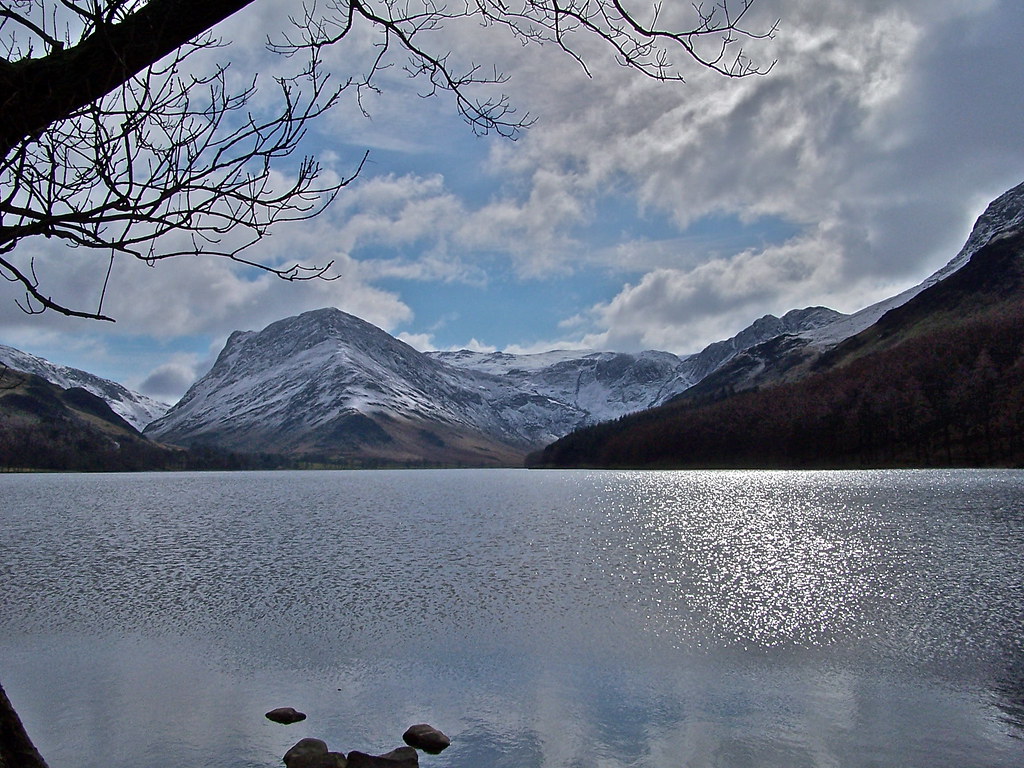
100_5265 by MarkBerry1963, on Flickr
The only silly thing is this: Flickr insist that if you post a picture on a forum, it links back to the picture on Flickr, and their BB and HTML code does that automatically. But, if it's private the picture won't show up if someone clicks on the link! I've asked if I can edit the link to point to my photo stream instead, but they said no, which defeats their declared objective, which is to give people a chance to see who the picture came from!
Here's a private one, give it a try:
100_5265 by MarkBerry1963, on Flickr