

You are using an out of date browser. It may not display this or other websites correctly.
You should upgrade or use an alternative browser.
You should upgrade or use an alternative browser.
new flickr site
- Thread starter Flamez
- Start date


- Messages
- 172
- Name
- Mike Beaton
- Edit My Images
- Yes
You mean displaying your pjhotos from flickr in TP?
if this is the case
I go to the photo page, then right-click the image & select the size I want (usually medium 640).
On the page that now loads up, right click the 'http://farm2.static.flickr.com/1314/4731252667_74d7e52969_z_d.jpgDownload the medium 640 size of this photo' link and select "Copy Shortcut".
Now you can simply ctrl+V or right-click->paste this link into the dialog when trying to add a phot to your post.
If it's not about that, clarify and I'll try to help?
M
if this is the case
I go to the photo page, then right-click the image & select the size I want (usually medium 640).
On the page that now loads up, right click the 'http://farm2.static.flickr.com/1314/4731252667_74d7e52969_z_d.jpgDownload the medium 640 size of this photo' link and select "Copy Shortcut".
Now you can simply ctrl+V or right-click->paste this link into the dialog when trying to add a phot to your post.
If it's not about that, clarify and I'll try to help?
M


- Messages
- 1,781
- Edit My Images
- No
You mean displaying your pjhotos from flickr in TP?
if this is the case
I go to the photo page, then right-click the image & select the size I want (usually medium 640).
On the page that now loads up, right click the 'http://farm2.static.flickr.com/1314/4731252667_74d7e52969_z_d.jpgDownload the medium 640 size of this photo' link and select "Copy Shortcut".
Now you can simply ctrl+V or right-click->paste this link into the dialog when trying to add a phot to your post.
If it's not about that, clarify and I'll try to help?
M
Almost.
You want the Actions menu (top left of the photo) then select display all sizes.
Then select the size you want and follow along as above.
This is from Flickr using that method.

The new format just makes it a little bit trickier to bypass the T&C's that say you should always link back to the Flickr page when sharing photo's outside of Flickr.
- Messages
- 172
- Name
- Mike Beaton
- Edit My Images
- Yes
Almost.
You want the Actions menu (top left of the photo) then select display all sizes.
"right-click -> choose size" gets you there just the same, I find it quicker than clicking and scrolling through the Actions menu.
I started doing it your way until I realised they give you jump-menus to different sizes from right click. Go Go Flickr.
Also, it's not difficult to add the link back to flickr, just make the image you post a hyperlink back to the photopage. They're pretty fair T's&C's imho. I don't always do it, mostly through lazyness, but if I'm starting a thread I will always link the images back to flickr.
Eg:
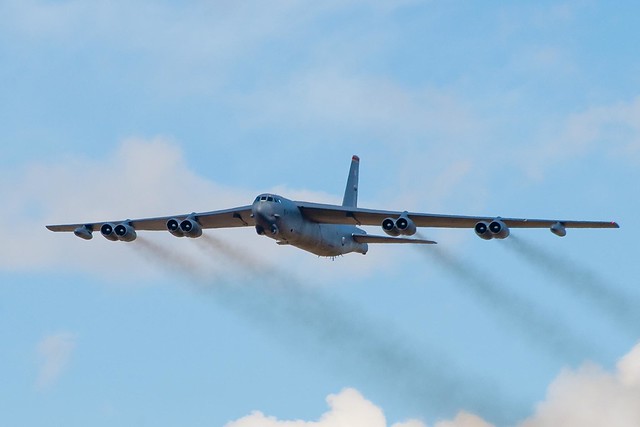
- Messages
- 1,781
- Edit My Images
- No
"right-click -> choose size" gets you there just the same, I find it quicker than clicking and scrolling through the Actions menu.
I don't get the option when I right click my own images, but do if I try on yours.
Maybe a permissions thing?
- Messages
- 172
- Name
- Mike Beaton
- Edit My Images
- Yes
I don't get the option when I right click my own images, but do if I try on yours.
Maybe a permissions thing?
Ahh, yes...
My apologies, you'll only get the right-click options if you've got all uploads set to 'all rights reserved'.
Any open licencing means that you can right-click->save as etc etc