

You are using an out of date browser. It may not display this or other websites correctly.
You should upgrade or use an alternative browser.
You should upgrade or use an alternative browser.
Post a screenshot of your desktop
- Thread starter jryans10
- Start date




- Messages
- 9,438
- Name
- Andy
- Edit My Images
- Yes
I'm pretty much the same (although I have multiple apps overlapped and open so I can get at them...).I hope this isn't too disappointing, but since I don't spend all day staring at the desktop and always use my apps full screen I see no point at all in cluttering it up with "stuff".
I have an Aero theme that cycles pictures from Hubble.....


S
stupar
Guest
Simple one for me (I don't do clutter)


- Messages
- 1,940
- Name
- Dini
- Edit My Images
- Yes


- Messages
- 4,450
- Name
- Steve
- Edit My Images
- Yes
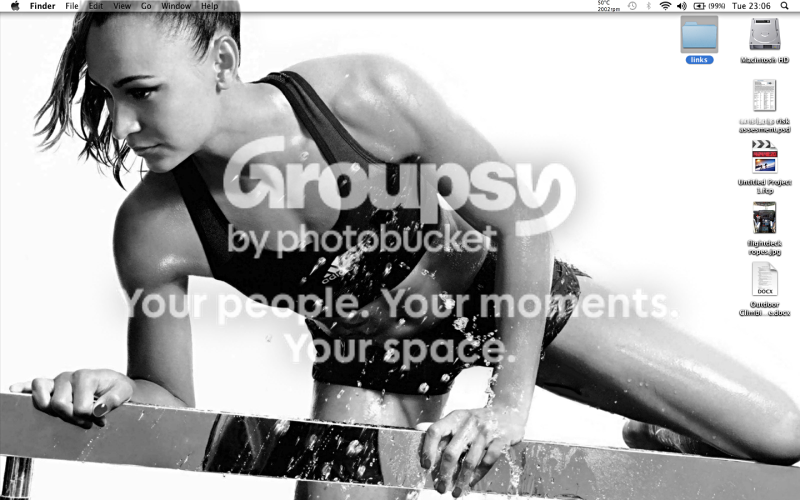
My desktop PC:






- Messages
- 5
- Name
- Nadia
- Edit My Images
- No

It hurts my eyes so good.

robhooley167
Sir, my fingers are stuck together
- Messages
- 4,164
- Name
- Rob
- Edit My Images
- Yes
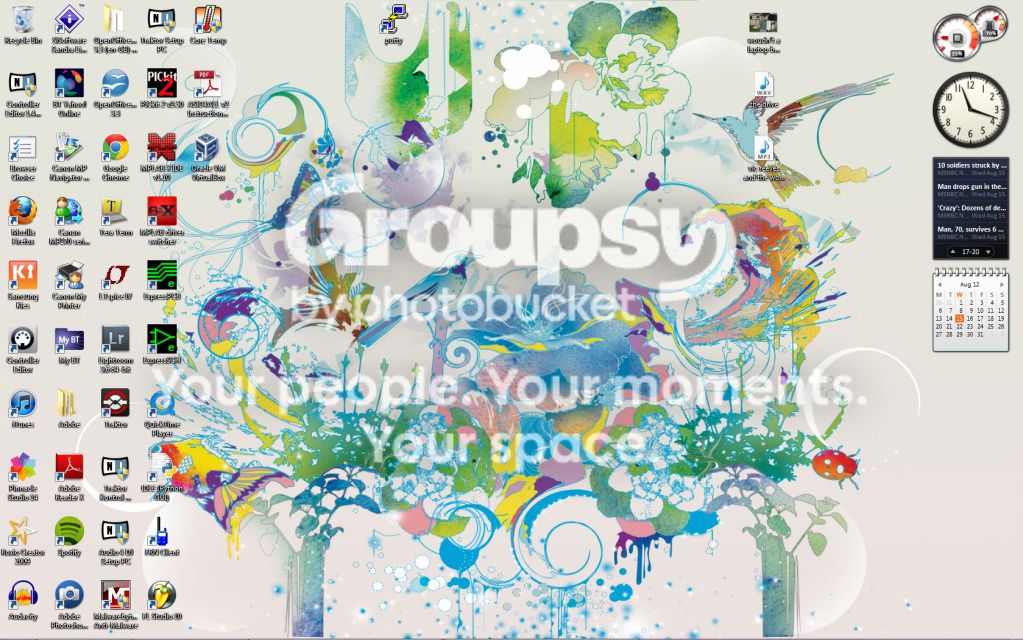
This is mine
The sidebar is courtesy of Rainmeter, need to get some more gubbins for it though

The sidebar is courtesy of Rainmeter, need to get some more gubbins for it though


AD_Capturs
Mummy, where do babies come from?
- Messages
- 4,571
- Name
- Anthony
- Edit My Images
- Yes
Rob 80386 said:here is mine, well used
Fruity loops and traktor I see... Mine has logic pro 9, ableton live 8 traktor pro 2 and is full of loads of vst's.

- Messages
- 2,650
- Edit My Images
- Yes
home

work

have "fences" on both, double click the desktop and the icons disapear (as home shot
Very strange monitor size you have there Neil, seems to be 3 times wider than it is tall.


- Messages
- 30,364
- Name
- Neil
- Edit My Images
- No
Ploddles said:Very strange monitor size you have there Neil, seems to be 3 times wider than it is tall.
Duel screens
Work one will be even worse by the end of the week when I have my new laptop set up as it can handle triple sceens
Last edited:

- Messages
- 3,226
- Name
- North York Moors
- Edit My Images
- Yes
Quite a shock seeing all those icons scattered about, I've always kept mine completely clear, you can have your desktop stuff pop up from the toolbar bottom right and this is far better as you don't have to close or minimise things to access something else.
With windows 7 you can also access desktop like a folder from libraries.
Most used stuff like browser and photoshop are on quick launch bottom left.
Toolbar is on autohide.
With windows 7 you can also access desktop like a folder from libraries.
Most used stuff like browser and photoshop are on quick launch bottom left.
Toolbar is on autohide.

- Messages
- 2,621
- Name
- Shane
- Edit My Images
- Yes
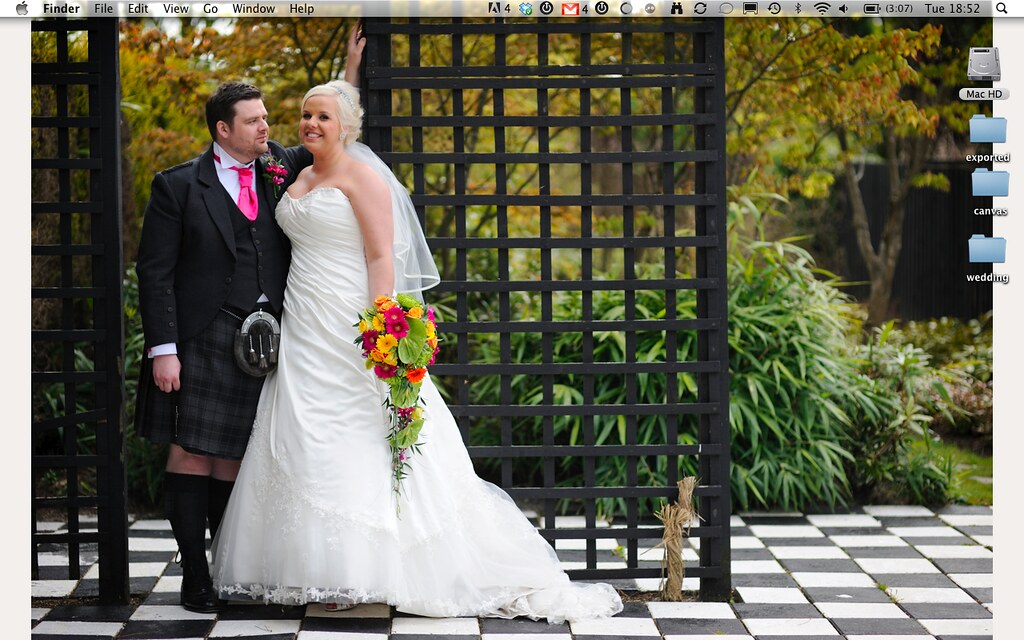
My very minimal MacBook Pro 13" desktop via a 20" Apple Alu Cinema Display. I've the same wallpaper on both.
Ta,
Shane.

Ta,
Shane.