


- Messages
- 2,770
- Name
- Al
- Edit My Images
- Yes
Hello all
When I started posting pictures on here not long ago I often ended up with the photos very small in the display, making it hard for anyone to give any decent feedback on them!
So, after blaming the computer, the internet, picassa, TP, bad luck, karma and anything else I could think of, I investigated further!
The answer if of course very simple (though if my examples below don't work this is going to be very embarrassing!).
I was linking to pages where the images were being shown very small. I've provided examples below which I hope will help! Both images below are the same image (so same size) that I uploaded to picassa web albums.
1. This should show up small as I took the image URL (right click > copy image URL)!
Taken from this page http://picasaweb.google.co.uk/alligator1975/SquirrelEscape#
2. Bigger
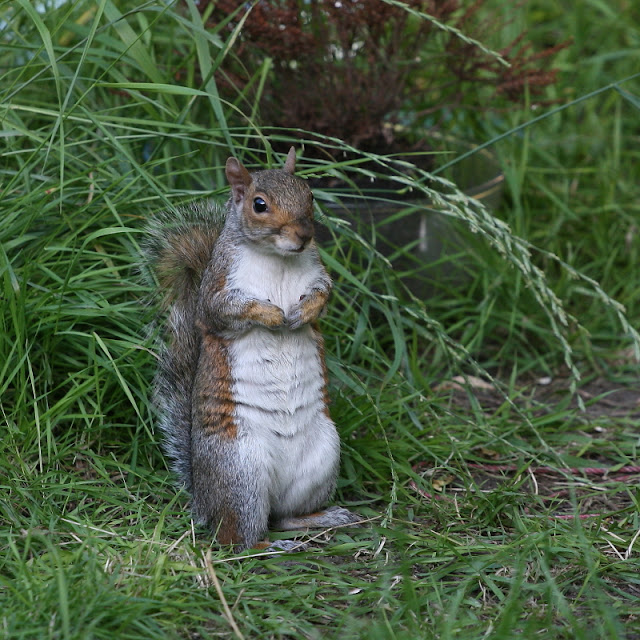
Clicked into image and took image URL from this page
http://picasaweb.google.co.uk/alligator1975/SquirrelEscape#5436018238109331186
Hopefully this will save you the humiliation I have endured!
There are guides in the tutorial sections that explain very well how to upload the images, and I read them but missed this bit!
Al
When I started posting pictures on here not long ago I often ended up with the photos very small in the display, making it hard for anyone to give any decent feedback on them!
So, after blaming the computer, the internet, picassa, TP, bad luck, karma and anything else I could think of, I investigated further!
The answer if of course very simple (though if my examples below don't work this is going to be very embarrassing!).
I was linking to pages where the images were being shown very small. I've provided examples below which I hope will help! Both images below are the same image (so same size) that I uploaded to picassa web albums.
1. This should show up small as I took the image URL (right click > copy image URL)!
Taken from this page http://picasaweb.google.co.uk/alligator1975/SquirrelEscape#
2. Bigger
Clicked into image and took image URL from this page
http://picasaweb.google.co.uk/alligator1975/SquirrelEscape#5436018238109331186
Hopefully this will save you the humiliation I have endured!
There are guides in the tutorial sections that explain very well how to upload the images, and I read them but missed this bit!
Al


