Question for wide angle users (Full frame)

Messages
3,238
Edit My Images
Yes
Howdy,

I am thinking of moving towards landscape, urban, rural and sea. However, when I see images shot on very wide glass such as the Nikon 14-24 the distortion puzzles me. I tried the Sigma 12-24 on the D3 last week and the images looked down right odd. However, I realise that you can sort them in CS and NX2 etc. So, can anyone show me some before and after images on here or is it a case of letting the 'bends' stand ?

Here is an example of what I mean....
UN_PT_8.jpg


Thanks,
 
All I did with these was correct the verticals in PS3. I try not to put people so close to the edges of the frame though!

I think with any mega ultra wide you will get distortion at the edges of frames, but the 12-24 is so wide at the 12mm end ot does take some getting used to, then you will love it!

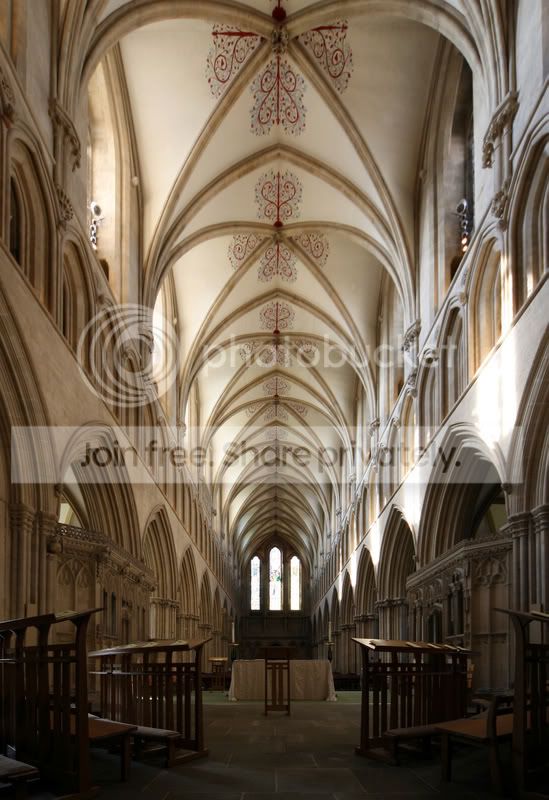
WellsNave.jpg


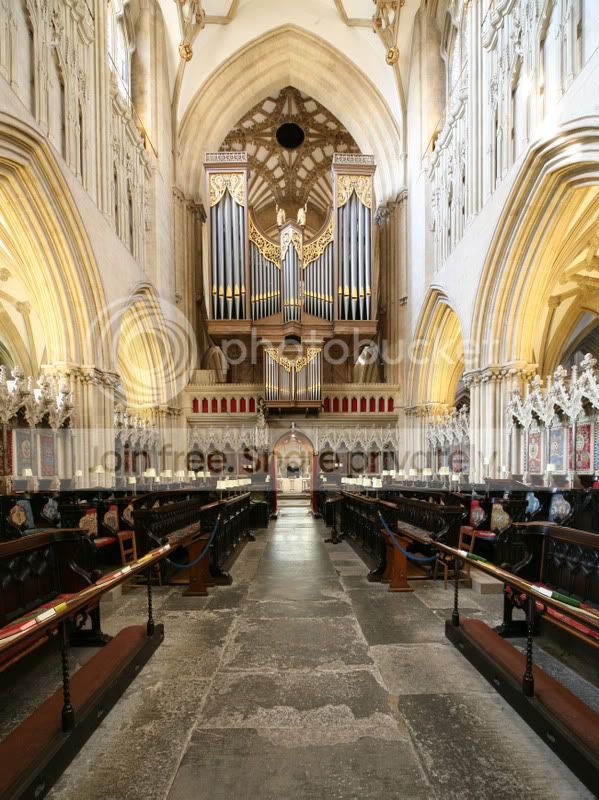
WellsChoir.jpg


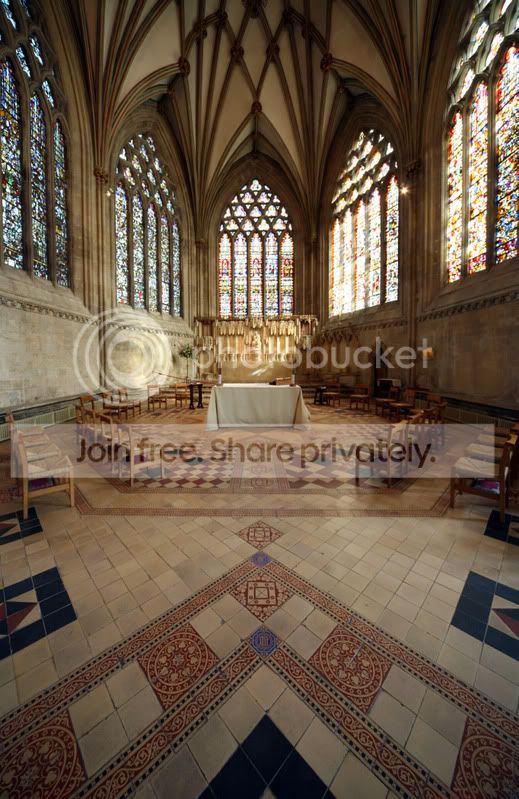
WellsAnteRoom.jpg


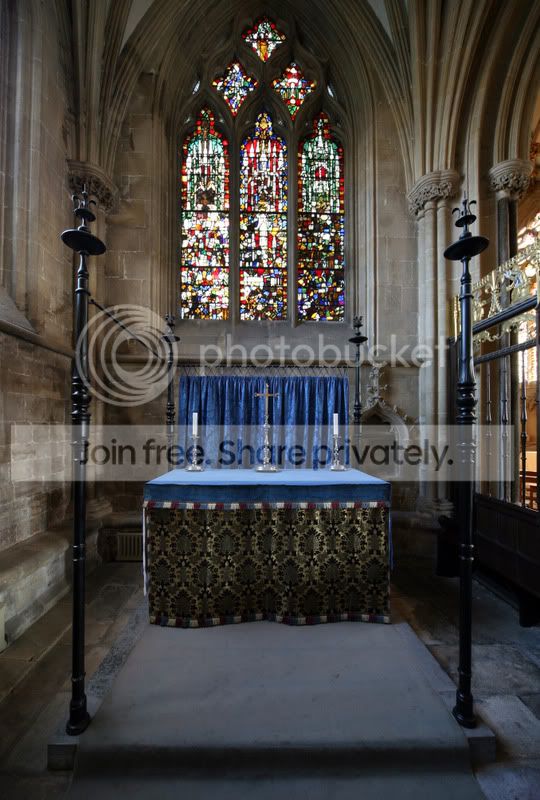
WellsSmallAlter.jpg


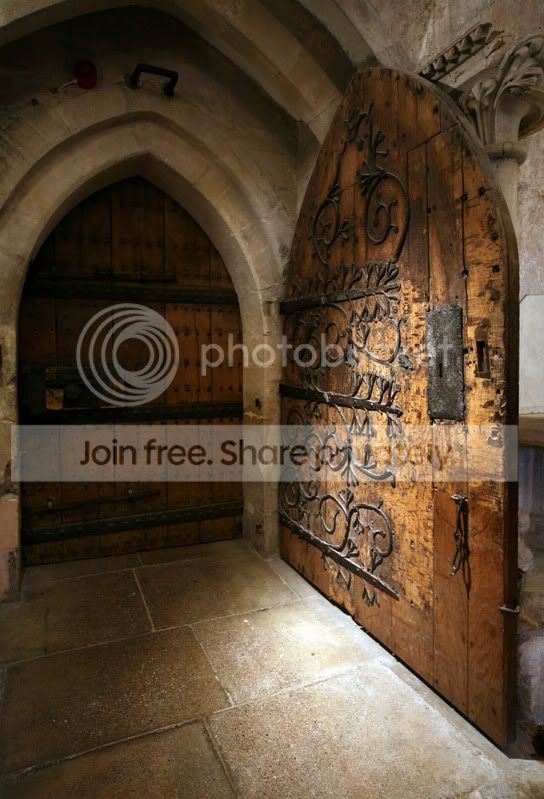
WellsDoor.jpg


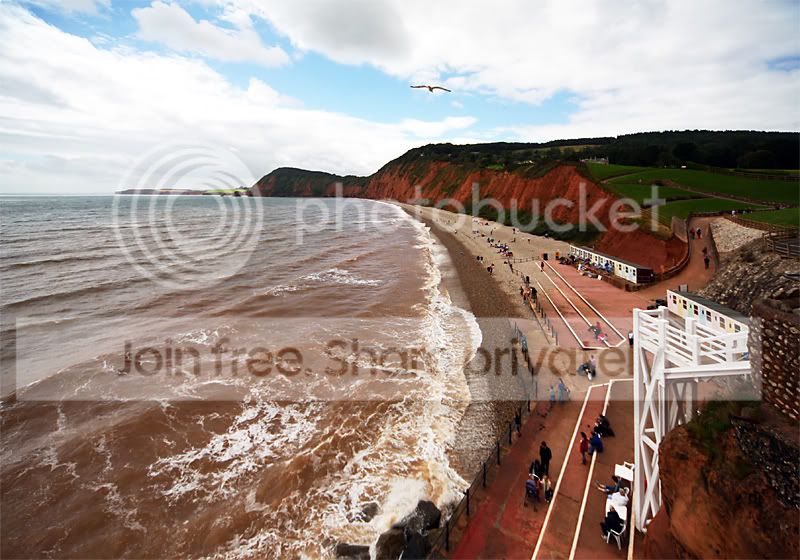
StormySidmouth.jpg


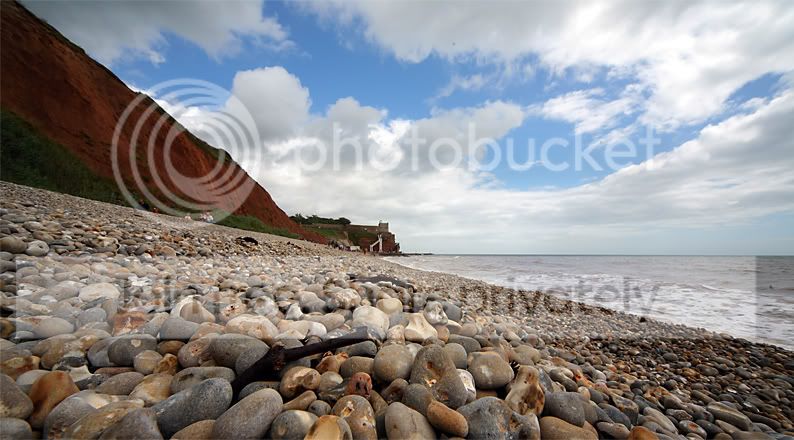
ShingleBeach1.jpg
 
The best method I've found for fixing UWA distortion is to use a 3D app. It's not exactly the most practical solution but it does give you some real control. Basically it involves using UV mapping coordinates and distorting them by the same amount as the lens did. Here's a quick and dirty go at your sample image Pete.

UN_PT_8edit.jpg


It's not perfect but with a bit more time it can be because you can keep refining the distortion and very specific points. This was done just using a 3x3 grid of points and shaping them into a rough sphere.

As I said, it's not really very practical but can be a life saver for some shots :thumbs:
 
Pete, have you tried the Nikon 17-35mm f/2.8? I picked one up a few weeks ago and it is a very piece of glass without the severe distortion you get when going really wide.

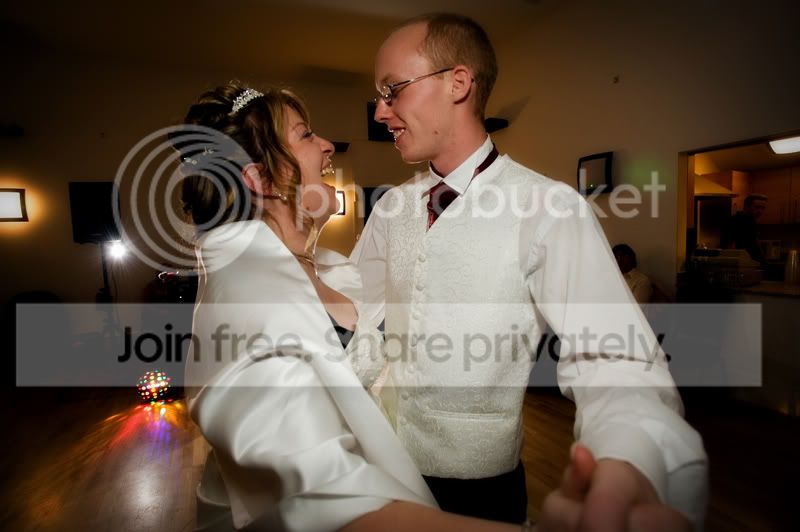
This was shot at 17mm on the D3:

Reception-119.jpg
 
Lovely architecture pics with properly sorted vertical verticals for once :) V nice.

Wide angle distortion is inevitable when shooting close up - you can either have stretched corners as you have here with a 'rectilinear' lens, or fish-eye style curves.

The only way out is to move back and either shoot with a less-wide lens, or enlarge the centre portion where the distortion is less evident. It's not a lens fault but you can usually get away with it if you keep objects of familiar size and shape, ie people!, away from the edges.

And watch out for converging verticals, ie buildings that look like they're falling over. Again not a lens fault at all, and this one can be easily corrected in post-processing, as Ed Bray has done so beautifully above.

Richard.
 
Perhaps you should be looking at a 35mm rangefinder Pete, or a Leica M8. ;)
 
Its interesting that in this digital age so many people seem to have an urge to go ultra wide,back in my film days 24mm was my standard for wide angle because everything else seemed just to wide so in non full frame digital we are in the 15mm area.

Guess who has a Sigma 15-30 on his shopping list
 
Its interesting that in this digital age so many people seem to have an urge to go ultra wide,back in my film days 24mm was my standard for wide angle because everything else seemed just to wide so in non full frame digital we are in the 15mm area.

I'm still happy with 24mm on my FF body for landscapes. I've got a rectilinear 14mm but it doesn't do it for me.

Bob
 
Back
Top