sharpness and snow/skiing (Sony A200 but not specific)

Messages
178
Name
Chris
Edit My Images
Yes
Hi guys, not sure how to start. Have been taking a few snap lately and the images dont seem terribley sharp on screen. I dont think it OOF, but is there any settings on the camera that i may have disturbed?? :shrug:
Im using kit lenses (SAL1870 and SAL70300) and when i see other peoples photos (mixture of cameras and lenses) this seem soooo sharp and detailed. :shake:
Is it simply a case where im expecting too much from basic lenses? :suspect:

Another query i have which is really really worrying me... Im going snowboarding in OZ in a week and really want to get the best photos possible. Can anyone help me with some good starting points? :woot: Again i will be using kit lenses.

Thanks for your time guys
 
this_thread_is_useless_without_pics.gif
 
Another query i have which is really really worrying me... Im going snowboarding in OZ in a week and really want to get the best photos possible. Can anyone help me with some good starting points? :woot: Again i will be using kit lenses.

Take a look at half way down the first page of this thread. Tim describes how he achieved perfect exposure on snowboarding shots that should be a good start point in getting some good images

http://www.talkphotography.co.uk/forums/showthread.php?t=115623
 
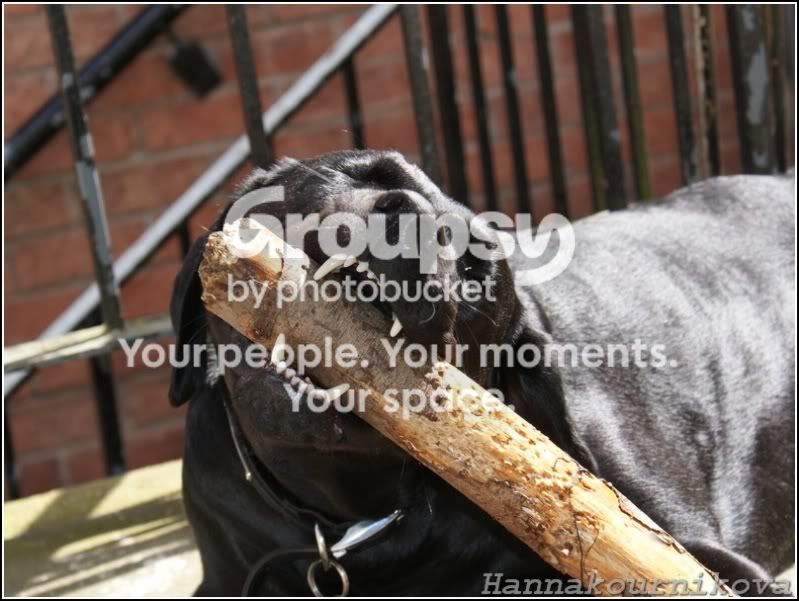
Your kit lens will definitely be able to perform better than that, I'm sure! What setting are you using at the moment - are you using the more manual modes, or the basic setting. For a moving animal like your lovely looking lab, I'm guessing you need to up the shutter speed, if the light will allow it, or use flash. The 2nd one is out of focus, the 1st doesn't look too bad, but may be worth a sharpen in photoshop or summat?? :D
 
Agreed the 2nd pic wasnt the best choice for trying to show i wasnt OOF :bang:
it just when i seem some picson here of guys shooting things and the detail is just breathtaking i wonder why my snaps arent as sharp, then i simply accept that its my equipment, when in fact your 100% right in saying that i can get better from my equipment, but i just struggle to see how to go about it.
 
I'd say you need to take over the settings from the camera a bit more.

1st one is shutter priority which is good for getting rid of movement blur but 1/160th is not fast enough to do the job. Try 1/500th or 1/1000th. Increase the iso a bit if need be. You might need servo focus mode if he is moving towards you as he could be out of focus by the time you compose and click. How is the autofocus points set up? does the camera choose which AF point to use or you?

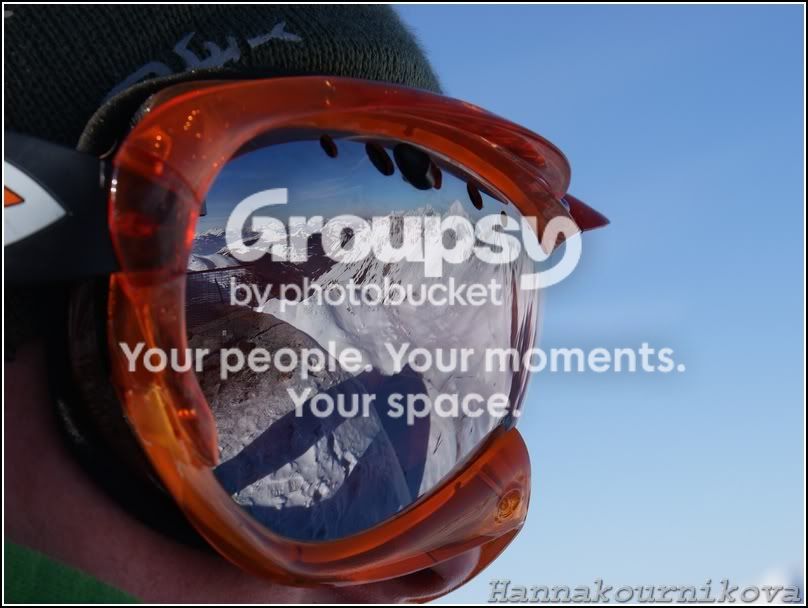
Second one is mainly soft because the camera has not focused on his eye and there is so much light behind it is causing flare. The 1/80th, 400iso and f5.6 chosen by program mode is not too bad if he is keeping still.

Think about the shutter speed you need for the action shot. You can use program mode if you want but be prepared to use the shift function (assuming it does that) to make it use a faster shutter when needed.
 
but i just struggle to see how to go about it.

Go out in the garden or park and experiment with different settings on the same shot. Start with getting something static nice and sharp then move on to things that don't stay still.

Be brave and try Manual. You don't need to use it all the time - i normally use Aperture priority.... but experimenting with different apertures and shutter speeds in manual mode (you need to look at the meter to check the settings will expose correctly) will soon show you what settings work best for different things.
 
Took this yesterday with Sony A300 and 18-70mm kit lens (and cheap +10 diopter off eBay)

Nearly full frame:
flg1.jpg


70% crop:
flg2.jpg


I would say that's sharp enough for a kit lens!

I did get some more dodgy pictures after just buying the camera, but after getting more experience of different types of focus, aperture and depth-of-field, etc. my pictures have been getting better.
 
Take a look at half way down the first page of this thread. Tim describes how he achieved perfect exposure on snowboarding shots that should be a good start point in getting some good images

http://www.talkphotography.co.uk/forums/showthread.php?t=115623

I think this is the specific post of interest....

http://www.talkphotography.co.uk/forums/showpost.php?p=1325956&postcount=17

I might add that I did not even use AF for the shots I took. I prefocused manually and fired the shutter as the subjects came into my "kill" zone. The reason for this was that the skiers/boarders were concealed as they approached from beneath the jump and I doubted that the AF would pick them up and track them quickly enough. Using f/8 gave me some DOF to play with and also hit the lens sweet spot for sharpness.

Here is a sequence of four shots, all snapped within a single second (no edits)....

20080125_161450_2679_LR.jpg


20080125_161450_2680_LR.jpg


20080125_161450_2681_LR.jpg


20080125_161450_2682_LR.jpg


Can't resist - another burst of four (no edits)....

20080125_155750_2598_LR.jpg


20080125_155750_2599_LR.jpg


20080125_155750_2600_LR.jpg


20080125_155750_2601_LR.jpg


Of course, plenty of people might well choose f/2.8 in order to isolate the subject from everything else, and I'm sure that would give a more dramatic look. There are many approaches to making a shot work. Probably the biggest single factor is to make the light work for you. As you will see, my subjects were in full sunshine and the sun was over my shoulder. That meant I had lots of light to work with, giving me the opportunity to stop down, keep ISO low and shutter speed up - all big pluses for sharpness.
 
Hi guys, not sure how to start. Have been taking a few snap lately and the images dont seem terribley sharp on screen. I dont think it OOF, but is there any settings on the camera that i may have disturbed?? :shrug:

just checked some pics i took earlier in the year and they seem a lot sharper...

Please show us some examples of these "not so sharp" pictures, ideally the whole unedited image, resized, together with a 100% crop of the subject. Alternatively please provide a link to some unedited full size examples.

Without (unedited) pictures and EXIF we are left with nothing to contribute except random guesses.
 
Please show us some examples of these "not so sharp" pictures, ideally the whole unedited image, resized, together with a 100% crop of the subject. Alternatively please provide a link to some unedited full size examples.

Without (unedited) pictures and EXIF we are left with nothing to contribute except random guesses.

Tim whats the best way for me to go about this?

Nigpd - im not sure what you mean about the snow colour. the thought of going full manual is still quite daunting....:shake:
 
Tim whats the best way for me to go about this?

Nigpd - im not sure what you mean about the snow colour. the thought of going full manual is still quite daunting....:shake:

The pictures you posted earlier seem to have all the EXIF intact, including Sony specific stuff, which would need someone with Sony software to interpret - I don't have Sony software. The thing is, we don't know whether you edited them in any way before posting, to sharpen them for example, or adjust colours, exposure, contrast etc..

So, pick any representative picture you have, and without any editing at all, simply resize it to 800x533 or so and post it here. Also, make an 800x533 pixel crop from the area of the subject/scene upon which you focused and post that crop as well.

Here is an example of one of my images, first as a full sized image, resized to 800x533, and then a 100% crop to similar dimensions.

20080803_141208_6391_LR.jpg


20080803_141208_6391_LR.jpg


By showing the whole scene as a resized image without edits we can judge whether the camera settings were the most appropriate for the subject/scene. The resized image is too small to reveal details to a sufficient level to judge sharpness properly. The 100% crop allows us to see just how sharp the image is, close up.

As for manual exposure, please read the thread/post linked to earlier. In conditions of constant lighting, manual exposure can make your photography much simpler and dramatically improve the repeatability of good results. You just need a moment to get things set up and then you can fire at will without worrying about exposures, concentrating instead on focusing, composition and timing.
 
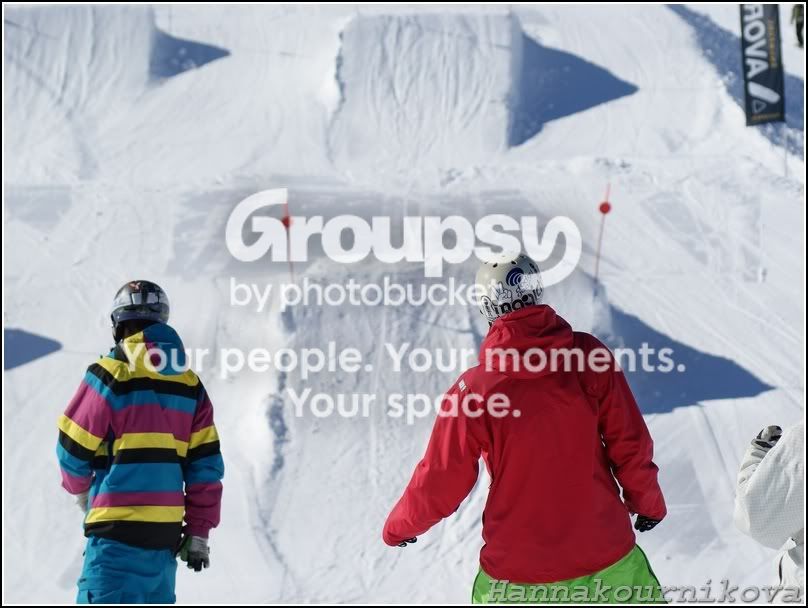
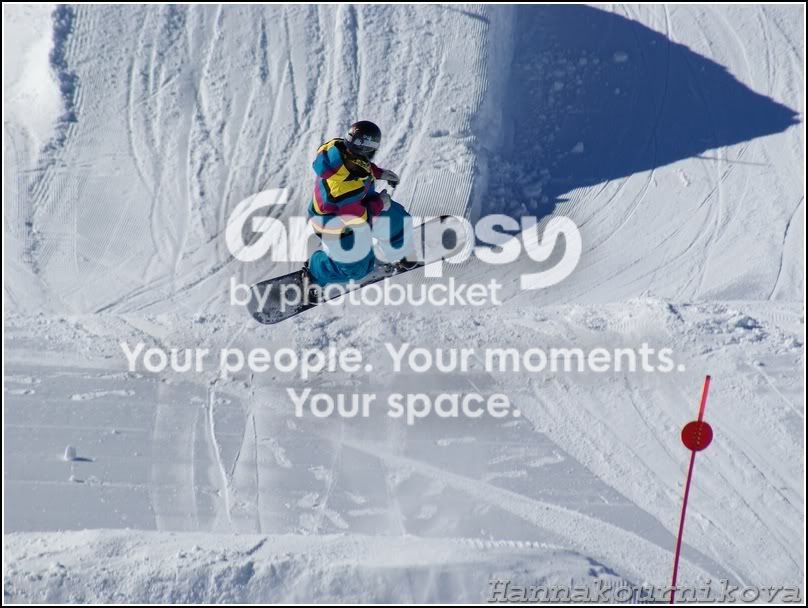
He he.. the guy in the stripey jacket is Billy and that's in the first Avoriaz park right? You know him? Quality, quality rider!!

D

Dan, i dont know the kid, but he and the guys he was riding with where fantastic to watch!!
Pictures where taken in the Burton Board Park, cant remeber if its Morzine/Avoriaz (but prob the same place)

Do you know him?

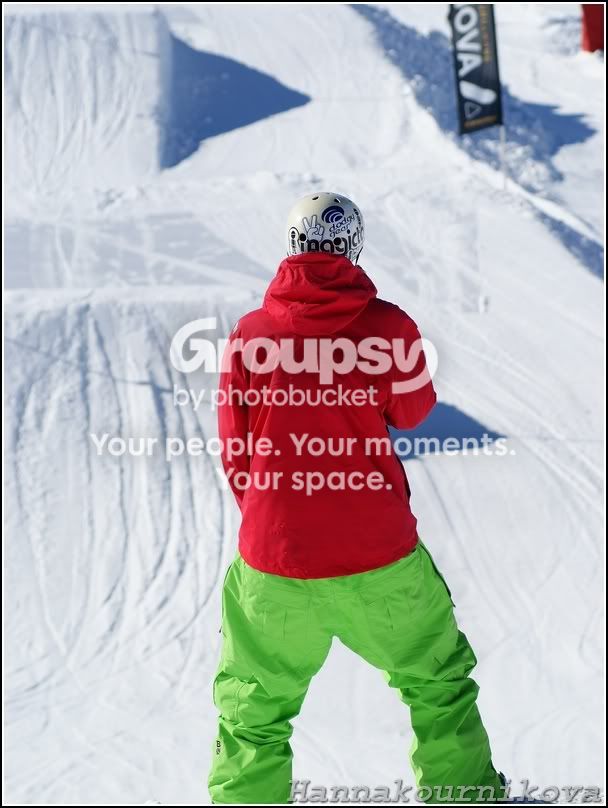
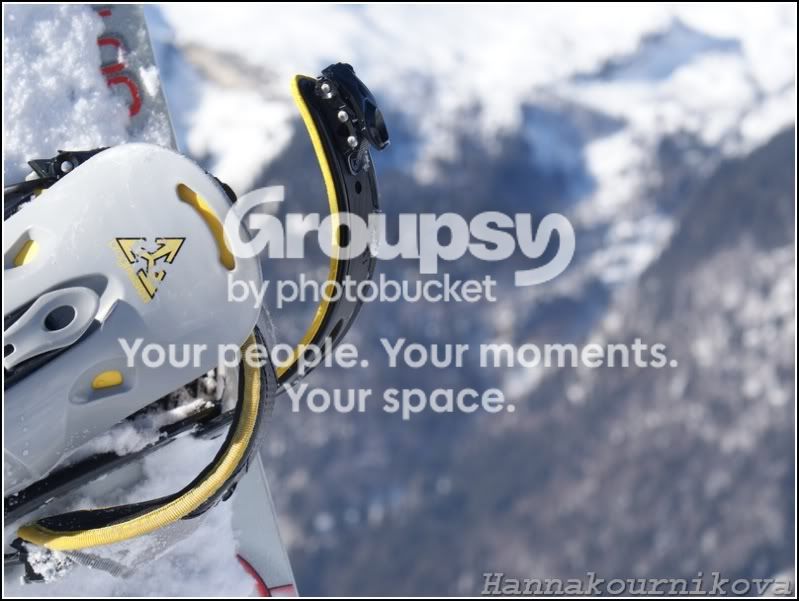
And here are some unedited pics of what you asked Tim (N.B. no editing but used a program called Fast Stone to crop/compress [800x600] and stick on name and boarder)

038.jpg

038crop.jpg
 
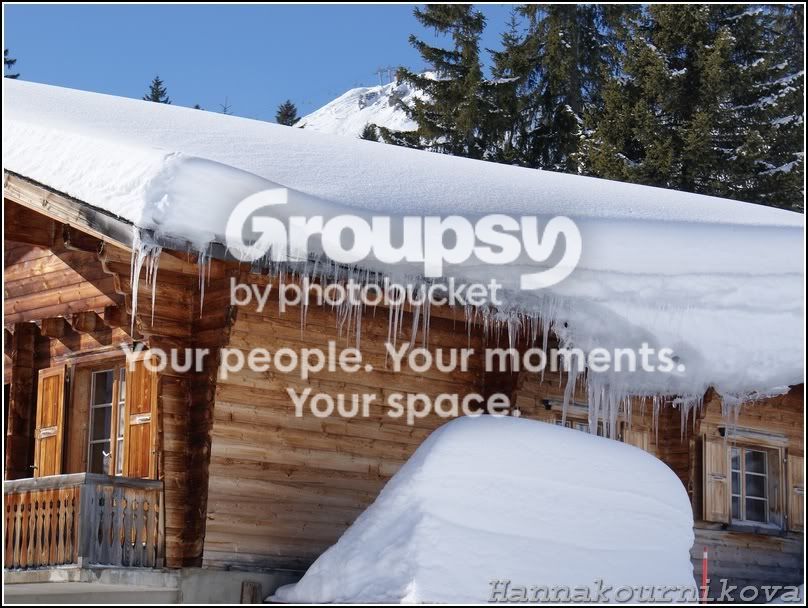
In the dog pics, the sharpness problem is subject movement and camera shake, and maybe slight misfocusing. You don't need Exif to see that. Combine that with your much sharper snow pics and it seems fairly safe to assume that it's too long a shutter speed that is the main culprit.

It might simply be a question of increasing the ISO to raise your shutter speeds generally, but perhaps a brush up on basic technique is also called for.
 
I completely overlooked the dog pictures. I think they were posted while I was still constructing my reply in post #10.

In the dog pictures your EXIF is....
- 70mm, 1/160, f/8, 200 ISO, flash on
- 60mm, 1/80, f/8, 200 ISO, flash off

The first dog picture looks fairly sharp at the mouth end but the DOF is far too thin to include the whole dog. The picture looks pretty close to what I might expect. Perhaps the shutter speed is a smidge slow and camera shake or shutter button jerk is a possibility, but it is far from bad.

The second dog picture is pretty hopeless, I'm afraid. It is overexposed, shutter speed is definitley too slow, your DOF is minimal and I'm not even sure where the focus point ended up - perhaps nearer the nose than the eyes.

Plug some suitable numbers into the DOF calculator here - http://www.dofmaster.com/dofjs.html - and you will be able to judge how much DOF you have for your settings and subject distance. I'd guess for that second shot you were about 60cm from the dog, which would give a DOF of under 3cm. If focus was on the tip of the dog's nose then half that would have been in front of the dog and the only thing in focus would be the nose (not the snout) itself. Combining minimal DOF with the potential for camera shake and subject blur = nothing sharp. Looking at the burnt out highlights on the top of the head and the nose it looks like the dog is backlit and basically you are shooting a black dog in shaded light. You need to think about where the light is coming from, and supply some of your own if need be, by using fill flash for example, and you also need to get that shutter speed up. More light would help for sure, bt you could also increase your ISO. 200 ISO is not the only game in town.

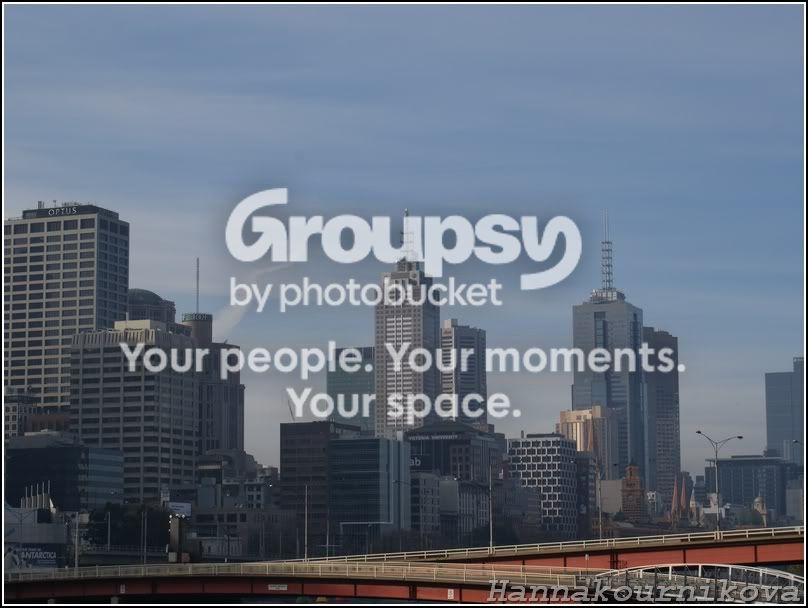
Looking at the cityscape, even in the whole picture it looks like the atmosphere is quite hazy. City = smog. Hot day = haze. Over water = moisture/humidity/mist. Combine those things when shooting from a bit of a distance and suddenly the atmosphere is not as clean and pure as you might wish. Certainly the picture looks a little soft but the bigger handicap comes from lack of contrast. The EXIF says you shot this at 06:34, which actually ought to rule out heat, I think, and also smog, but perhaps not morning mist. But was this really shot at 06:34 or is this a time zone thing, with the camera's time not having been altered? If a "dirty" atmosphere was the problem then there is not much you can do except pick a better time of day for cleaner air. Otherwise you can probably tweak things with some PP. I can't see anything here that looks obviously like a problem with the kit or the operation of the camera.

Here's a tweaked example of the cityscape. It's a little OTT but just to show what can be done. Results would be better with the original file to work with....

20090531_063428_038_LR.jpg


20090531_063428_LR.jpg


By the way, the perception of sharpness comes from areas of high contrast where edge boundaries meet. When you adjust sharpening amounts in your editing software it adjusts the degree of contrast where edges meet. In simple terms, if a photograph lacks contrast overall it will probably not look sharp. Your image definitely lacked contrast, perhaps due to atmosphere, or maybe a filter. If you have a UV filter fitted for protection then I recommend you consider removing it and only use a lens hood for protection unless you are in an environment of flying detritus/debris. A hood should be used at all times, always, no exceptions, except when using a CPL filter or ND Grad and needing to access the filter for adjustments.

EDIT : BTW, whenever you downsize an image, the last step before saving should be a final round of sharpening. This is important because the very act of downsizing the image squeezes the detail out of it and what might have been sharp edges beforehand can easily lose the contrast that gave them that sharp appearance. I use Lightroom for my editing and it has an option to apply output sharpening to a file when it is exported/converted from Lightroom. This small step can separate "good" from "wow". There is a sharpening tutorial here - http://photography-on-the.net/forum/showthread.php?t=466333. If you want your image to compete with the best on the web you do need to master the art of sharpening, along with many other things (lighting, composition, timing, exposure, creative DOF, creative motion control, good shooting technique and all the other PP tricks apart from sharpening). Relying on what the camera spurts out is not going to cut it. Shooting raw will give you more flexibility to perfect your images. Shooting JPEG does tend to limit your freedom to fine tune.

 
Back
Top