The Amazing Sony A1/A7/A9/APS-C & Anything else welcome Mega Thread!

Had a holiday at Dorset at the beginning of the month. Had the Monday out then I was ill for the rest of the week with a bad IBS attack. Managed some pics on the Monday though.

West Bay Jurassic coast.

West Bay Jurassic Coast Dorset by Swansea Jack, on Flickr

West Bay Jurassic Coast Dorset by Swansea Jack, on Flickr

Jurassic Coast Dorset. by Swansea Jack, on Flickr

These houses were filmed in the Broad Church TV series.

House from Broad Church TV Series by Swansea Jack, on Flickr

When we stopped for some lunch this couple turned up in this old Bentley and had lunch. They must have been freezing, as I was just using my Mobility Scooter.

Old Bentley Car by Swansea Jack, on Flickr
 
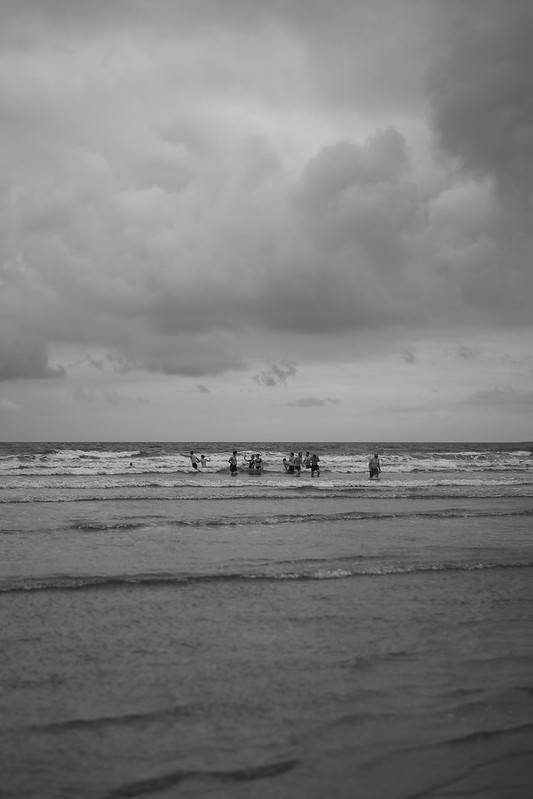
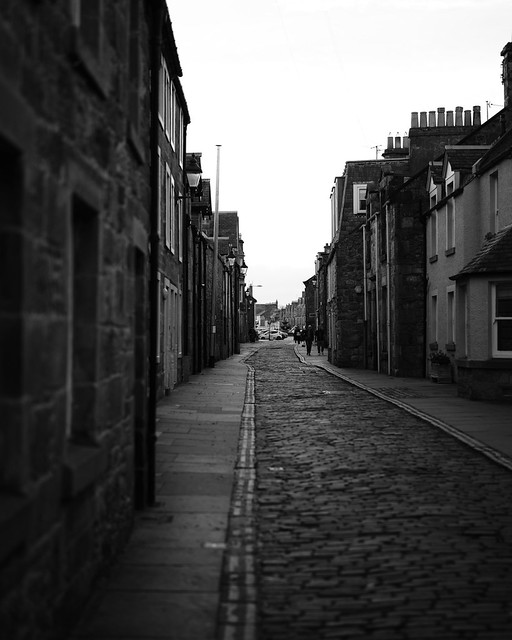
anyone been using the creative styles? I've been messing around with some b&w ones downloaded directly from the app, decided to spend nov only shooting b&w and using these so no editing apart from some straightening and crop to 4x5

A good set there Peter and nice to see a set in portrait orientation. It makes a change.
 
I know absolutely nothing about them. Care to explain?
Creative styles are your “looks”, think Fuji film presets but not necessarily film like. You have things like standard, vivid, neutral, FL (Film like although it’s a bit OTT on the brightness for me), B&W etc etc. You can tweak these for such settings as Saturation, contrast etc.

You also have picture profiles which they say are more for movie, however you can use this for stills as well. You have more control with these, being able to use logs, gamma etc etc.

Like you have the Fuji recipe community you do have a similar one for Sony Alpha, although it’s much smaller and it’s harder (imo) to get true film looks as you don’t have the same starting point as Fuji.
 
Creative styles are your “looks”, think Fuji film presets but not necessarily film like. You have things like standard, vivid, neutral, FL (Film like although it’s a bit OTT on the brightness for me), B&W etc etc. You can tweak these for such settings as Saturation, contrast etc.

You also have picture profiles which they say are more for movie, however you can use this for stills as well. You have more control with these, being able to use logs, gamma etc etc.

Like you have the Fuji recipe community you do have a similar one for Sony Alpha, although it’s much smaller and it’s harder (imo) to get true film looks as you don’t have the same starting point as Fuji.

Thanks, but there was an app mentioned, which seemed odd.
 
Thanks, but there was an app mentioned, which seemed odd.
That’s the community I was talking about, people post their recipes via an app and then you can apply them to your camera. I think it’s just called creative looks.

Edit: Actually I think it’s the creators app
 
Last edited:
That’s the community I was talking about, people post their recipes via an app and then you can apply them to your camera. I think it’s just called creative looks.

Edit: Actually I think it’s the creators app

Thanks, not for me then.
 
That’s the community I was talking about, people post their recipes via an app and then you can apply them to your camera. I think it’s just called creative looks.

Edit: Actually I think it’s the creators app
Exactly this, there are 6 built in as standard that are applied to any jpegs and are what’s displayed in the camera when viewing the images.
On the Sony creators app there’s a bundle of them that have been slightly tweaked by others that you can select and via the app swap out with one of the original 6 at the tap of a button.
Each is also full customisable by your self.
These black and white ones are the base b&w that I changed or they could be from a b&w one I downloaded, that was styled on deep shadow street photography( looks great but doesn’t tend its self as well to walk around, scenic shots as the shadows are just jet back at times)

The bonus is you get the full raw also if you shoot both raw and JPEG.
 
Last edited:
Back
Top