Lets get one thing sorted, and I too stand to be corrected here!
If you increase the exposure compensation and then manually set a correct exposure (ie zero on the display) in manual mode, you have still tricked the camera to thinking it's brighter and thus you expose to a false exposure. It's no different to the semi auto modes , it's just that you've set for a the exposure, ie zero, not the camera!
Now, as for the noise.
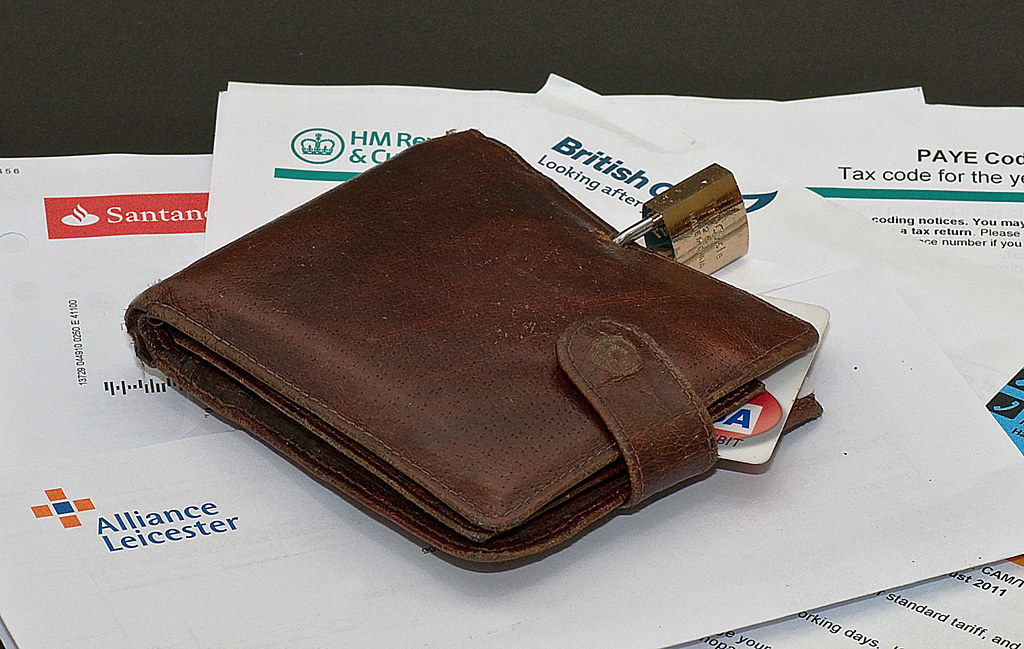
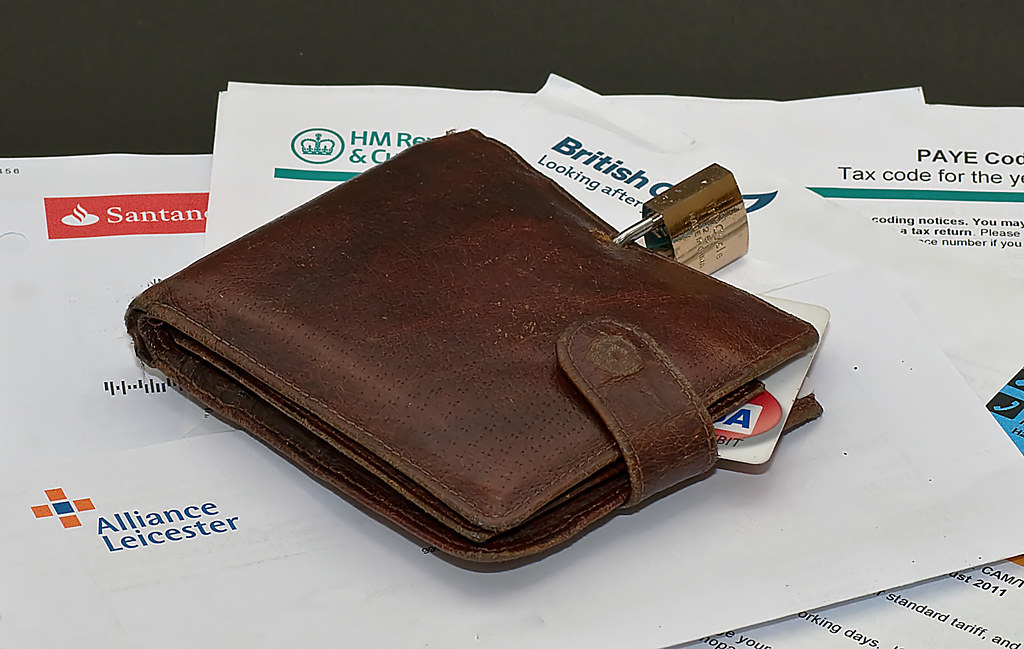
I've got both images open large and can see it on the padlock, or can I!
Is the padlock really that smooth and shiny?
Looking at the paper and the black BG it stands out more.
However, and I could be wrong here, is it because your shooting in RAW?
In Jpeg the camera will sharpen and adjust the image itself, but in RAW we have to do it. So is it not a result of incorrect processing of the RAW file?
What RAW programme do you use?
Gimp has a noise adjuster, but the Nikon View 2 doesn't so I generally have to de-noise mine in Gimp or PS.
I could be totally wrong on all counts here, so anyone with more experience please correct me! Then again, I could totally surprise myself and be bang on, in that case can I give out the pencils in class





 and of course you are right as in manual there is nothing to compensate for.


