Steve Smith
Joe
- Messages
- 9,277
- Edit My Images
- No
That's quite an extreme example. A better comparison would be by using a correctly exposed JPG.
Steve.
Steve.



This thread needs examples of photo's with the two different processing options, JPEG from camera and JPEG from a raw file to see if any one can tell the difference and which one looks better.
What's wrong with post 54 in this thread?That's quite an extreme example. A better comparison would be by using a correctly exposed JPG.
Steve.


What's wrong with post 54 in this thread?
If you demand an example which shows a perfectly exposed JPEG which has all the detail you'd want and doesn't need post processing to alter the way the tones/colours are mapped, then you have just posted a biased comparison
Raw gives you much more where there are extremes of dynamics, where you want a different balance/type of noise reduction at high ISOs, or simply where you want to alter the "look" of the image by doing extreme processing (e.g. HDR style processing).
The holy grail of "doing it all in camera as that shows your an artist" means you are constrained by the processing that the camera gives you

lighten up fella
you cant edit a raw file.. it will always be a raw file.. so the truth is a jpg will always look better than a raw file... i can keep saying it and you can keep seeing somehtign else
a tiff file that started life as a raw file..edited then converted will look better than a jpg ..yes

Thank you for that. Very interesting. So, from what I can gather, LR has a similar set of presets to DPP which gives a good starting point. Is that the same with sharpness and contrast as well?You will find that LR is a far more user friendly flow. It does do things differently to DPP though.
I did compare DPP & LR a couple of years ago. You can see the results here: http://photo.andysheen.co.uk/technical/lightroom-raw-vs-dpp-raw-processing/

Here's my favourite example -
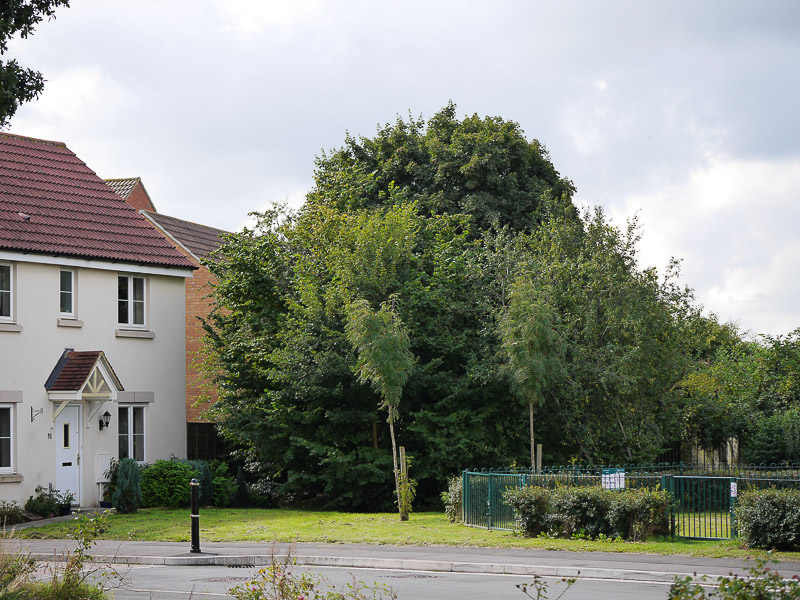
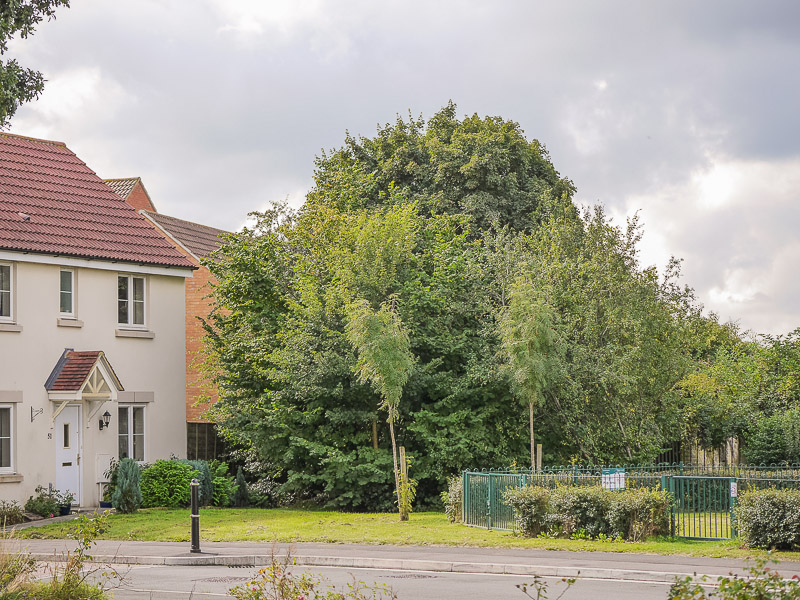
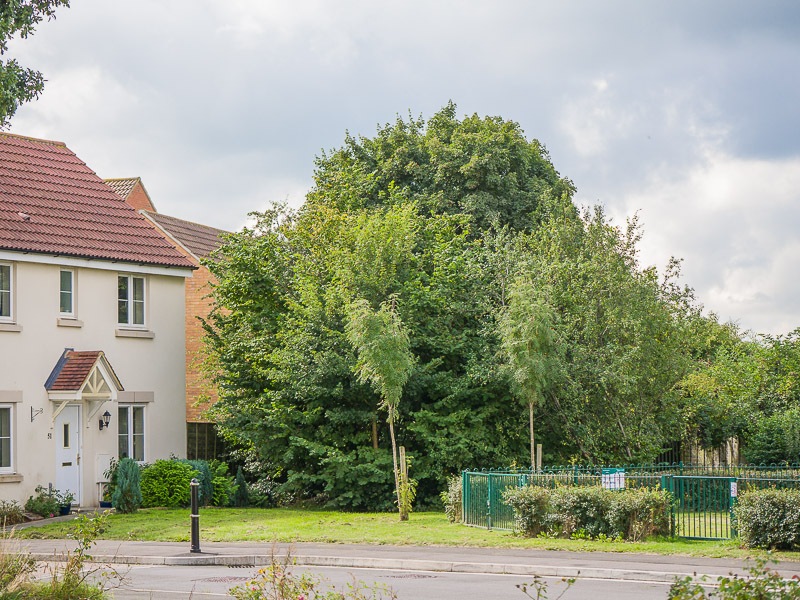
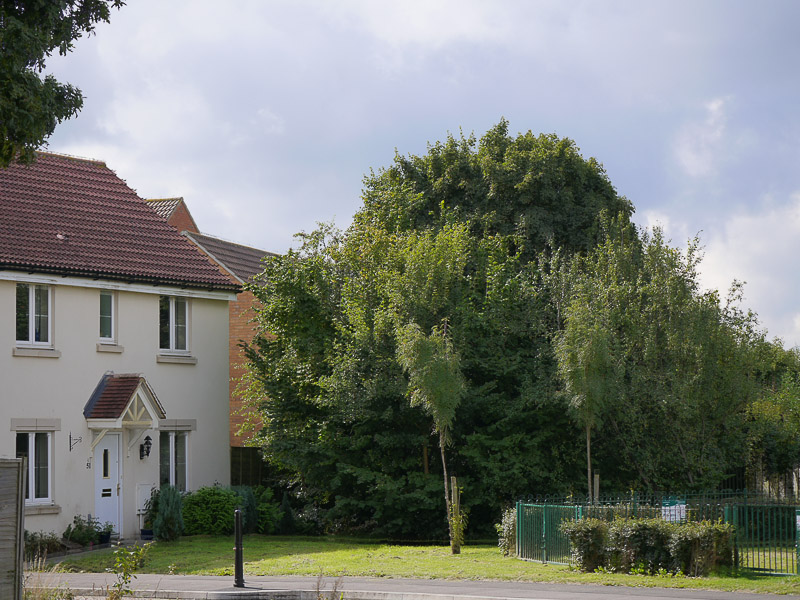
It may be a bit difficult to tell them apart. I shot raw+jpeg. The first image is the jpeg, the second is the raw data processed in LR4.

My point is, you don't need to have badly exposed examples, just ones with high dynamic range. The example I posted - if exposed correctly for the room - would have blown the wall outside. Your "well exposed" example shot just means a "bright JPEG with limited dynamic range". As I said, just a skewed example.No no, I'm not talking about badly exposed examples, where you go in and drop or up the shadows and such, I am talking about a perfectly well exposed image to begin with.
My point is, you don't need to have badly exposed examples, just ones with high dynamic range. The example I posted - if exposed correctly for the room - would have blown the wall outside. Your "well exposed" example shot just means a "bright JPEG with limited dynamic range". As I said, just a skewed example.

This thread needs examples of photo's with the two different processing options, JPEG from camera and JPEG from a raw file to see if any one can tell the difference and which one looks better.

....and somewhere on planet earth today, a photographer was actually taking photographs instead of talking about taking them
If all is ok maybe the JPEG will be just fine but the test comes when the shot may need adjustment so the real test would be to have a problem RAW+JPEG and see which is best after processing.

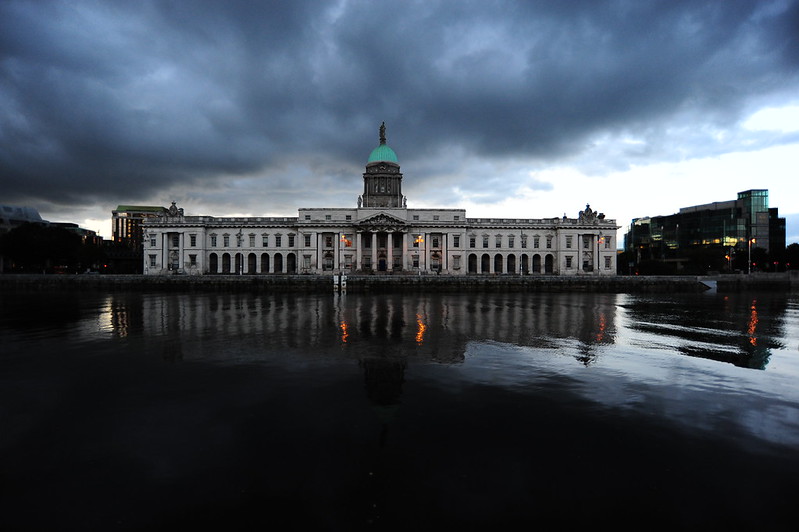
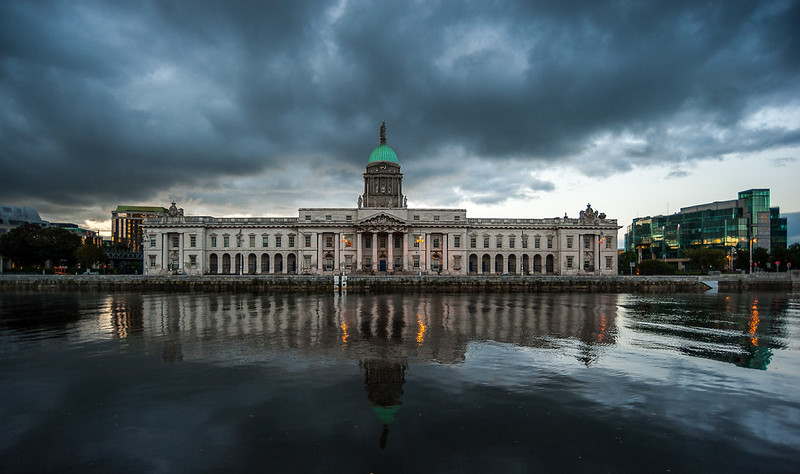

I'm lost with what you want here. You specifically exclude shots that will benefit from adjustment, and then want to see shots that are adjusted to be better than the OOC JPEG.But I don't think that's what this thread is about, I don't want to see shots that benefit from adjustment, that's easy.
I want to see shots at the same exposure but much better looking because it has been processed from the raw file by the user instead of the camera, well that's how I read the OP
To save the JPEG crowd having to say it.... The original image is way under exposed and you didn't use the right camera JPEG presetI was shooting in RAW+small fine jpeg and these are what I got:

My guess is that the way to do this in LR is to generate a custom camera profile to replicate the way the colours are processed.Several people in this discussion (and many others elsewhere) claim that no matter what they do they are unable to recreate look of film simulations in Fuji digital cameras. Fuji's Astia, Velvia and Provia used to be very popular brands in film days and they somehow managed to recreate that look in digital era by providing tailored custom tone curves.
I'm lost with what you want here. You specifically exclude shots that will benefit from adjustment, and then want to see shots that are adjusted to be better than the OOC JPEG.
That's what some would call having your cake and eating it...
Do people actually read threads before they post? I am not debating the convenience of JPEG, or how pretty it looks on a monitor.
If people don't know how to process RAW images or don't want to do so, or don't have the time to do so, or don't have the inclination to do so then don't use them. Simple as that. I am not advocating people should or shouldn't use them. There is no right or wrong in choosing to use JPEG or RAW as it is up to each individual's wants.
However let me repeat again. The quality of a JPEG image CANNOT be better than a properly processed RAW file. Period. If you somehow think it can be you are mistaken.
If comparing a processed RAW and a JPEG and the JPEG is better, you need to go back and process the RAW properly. And then maybe save it as a TIFF file.
It is like saying that an MP3 file is as good as the original WAV file. If you don't understand that analogy you have no right to post any responses (except funny ones).
Perhaps I have been pixel peeping too long, but in some of the stuff I do pixel peeping is extremely important.

That's quite an extreme example. A better comparison would be by using a correctly exposed JPG.
However let me repeat again. The quality of a JPEG image CANNOT be better than a properly processed RAW file. Period. If you somehow think it can be you are mistaken.
I mean from this underlined quote from page 1
I would now like to see the proof if you see what I mean
I'm lost because you want a perfect example of a JPEG that matches your criteria (not too high a DR, perfectly exposed) to be compared with a well processed RAW. And your measure of "great image" is when it looks like the in camera JPEG...How are you lost?
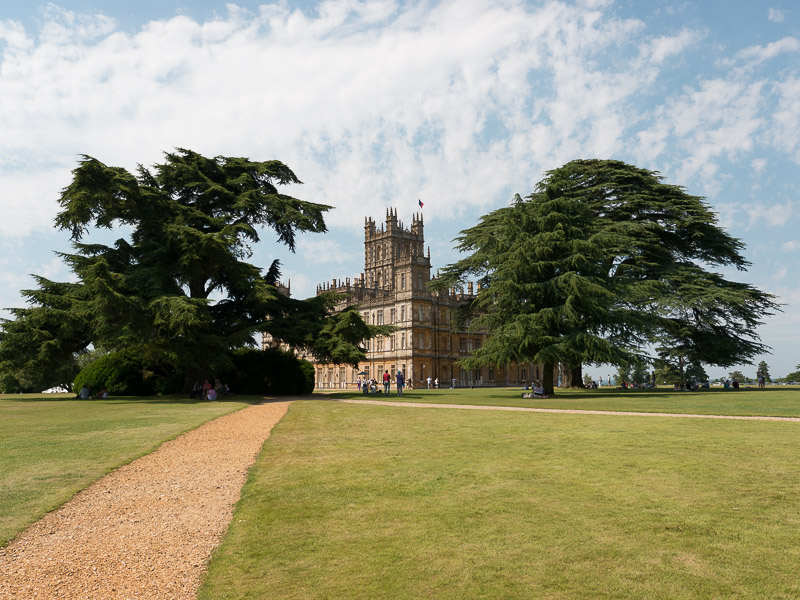
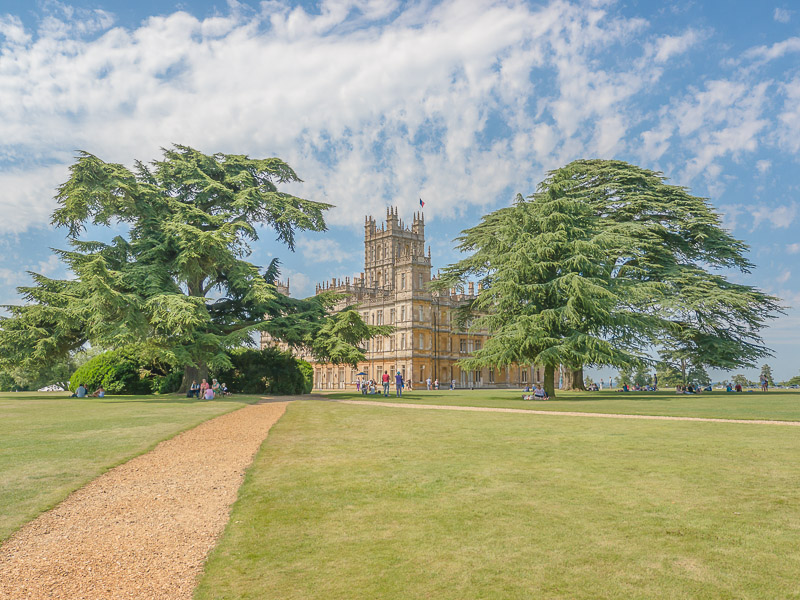
Here's another example (which you may not like, but that is not the point - I prefer the processed image):.
Ha! A slight rotate, 13 sliders moved in LR and a different camera profile applied and that's extensive post processing!Again, you are demonstrating advantages of extensive post-processing vs doing no or sloppy post-processing.
I disagree. In camera HDR with that kind of look (much reduced contrast and some colours pushed) would require a preset - which you would have to have known how to setup in advance. The image has been purposely processed away from HDR "look" (and has much more of a "Ladybird book illustration" feel to it - which you can't see on a compressed 800 pixel wide imageYou could also achieve that by using in-camera HDR mode or take three or more bracketed exposures to get similar (or even better) output and still use JPEG for that. This is how people normally shoot these kind of pictures.
)

I'm lost because you want a perfect example of a JPEG that matches your criteria (not too high a DR, perfectly exposed) to be compared with a well processed RAW. And your measure of "great image" is when it looks like the in camera JPEG...
TBH, in that particular case, there will probably be little in it and you will claim the moral high ground and say the OOC JPEG is better (BTW, I DON'T think the OOC JPEG is better in post 54 - and that's even without properly processing the raw). It's essentially a futile experiment.
Here's another example (which you may not like, but that is not the point - I prefer the processed image):
<snip>
If I had had JPEG only, I would not have been able to create the final image, and I didn't know I wanted it to turn out like that until I got back to the computer.


Why people care so much what others do is beyond me.

No one is saying you can't edit a JPEG. You are just much more constrained as to what you can do.Well here's an example of an OOC JPEG before and after processing:
This is a classic example of where you could have done much better with a raw file IMHO. The grey sky in the top left is blotchy in the processed image and I'm convinced you could get more detail out of the darker parts of the jacket and darker areas of the horse.Before
...
After
...
Admittedly this was a dull day (800 ISO) but it does at least show the ability of JPEGs to be processed to give good results.
This is a classic example of where you could have done much better with a raw file IMHO. The grey sky in the top left is blotchy in the processed image and I'm convinced you could get more detail out of the darker parts of the jacket and darker areas of the horse.
If your going to process then why shoot jpeg?
An edited raw is better that an in camera jpeg. FACT. If your happy with jpeg from your camera then fine. But accept you wont have the ability to change WB or recover highlights/lighter shadows as you can from raw.
I can't believe how long these discussions go on for. It seems simple. Shooting just jpeg or just raw are different. If you know how they differ you can form an opinion as how to what will work for you. The important bit is the understanding to make your own informed decision. Why people care so much what others do is beyond me. There is no right or wrong.
No one is saying you can't edit a JPEG. You are just much more constrained as to what you can do.
Even on a 12-bit raw file, you are at 1/4096th the fidelity once you go to an 8 bit JPEG. You have thrown that much data away and can't get it back. It is particularly noticeable in the dark areas (where there are less grey values allocated) and in highlights where the curve applied tends to lift highlight areas close to peak value.
.
No one is saying you can't edit a JPEG. You are just much more constrained as to what you can do.
I disagree TBH. And 2 will only work on a landscape shot over the sea (or fairly flat horizon).1. three bracketed JPEG exposures 1-1/2EV between each other and mild processing in HDR Efex
2. well exposed JPEG with hard grad filter
3. single shot RAW and heavy pushing shadows/highlights in post-processing
Surprisingly, JPEG is likely to beat the RAW in this case. I wanted to show that RAW and JPEG workflows are different. They both work well when you use them right and understand their limitations.